
Gears of War

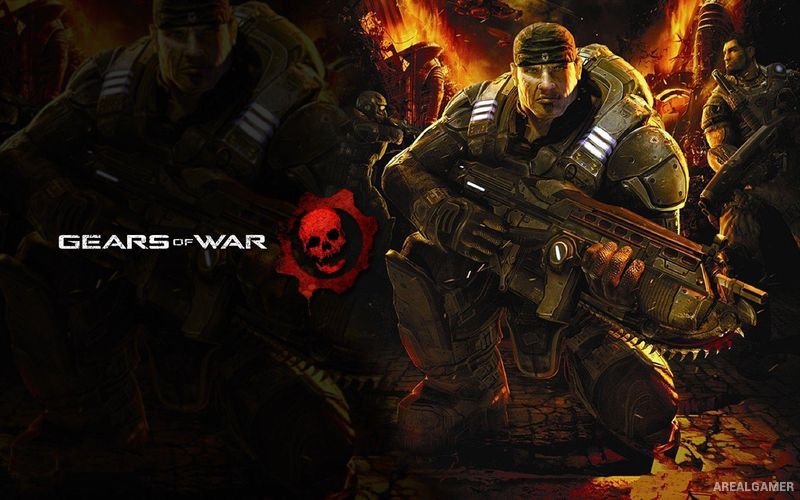
Gears of War – Free Download – PC Game
Game Info:
Size: 7.4 GB
Genre: Shooter
Release Date: November 6, 2007
Developer: Epic Games
Publisher: Microsoft Game Studios
About This Game:
Gears of War is a third-person action game set on the war-torn planet Sera, where humanity is fighting the subterranean Locust Horde. Former soldier Marcus Fenix is released from imprisonment and returned to active service as Delta Squad attempts a dangerous mission that could turn the war in humanity’s favor.
The game became known for combining heavy weapons with an aggressive cover system that keeps firefights focused on moving between protected positions.
How the Gameplay Works
Players sprint between walls, barriers, and other cover before leaning out to fire at enemies. Weapons include assault rifles, shotguns, sniper rifles, explosives, and the iconic Lancer fitted with a chainsaw bayonet.
The Active Reload system rewards correctly timed reload inputs with faster weapon recovery and potential combat advantages. The campaign includes squad-based encounters, larger creatures, defensive battles, and cooperative play.
Main Gameplay Features
Third-person cover-based combat
Story campaign featuring Delta Squad
Lancer chainsaw bayonet
Active Reload system
Multiple firearms and explosives
Locust enemy forces
Squad-based encounters
Large creature battles
Cooperative campaign
Competitive multiplayer
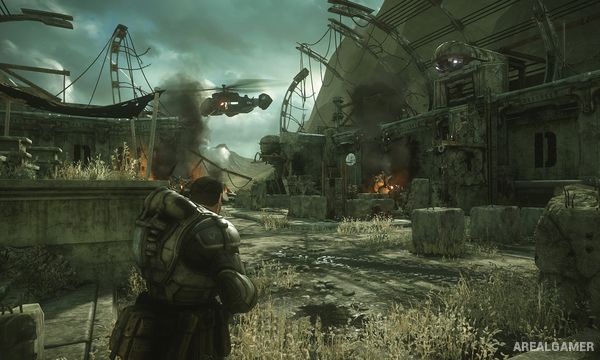
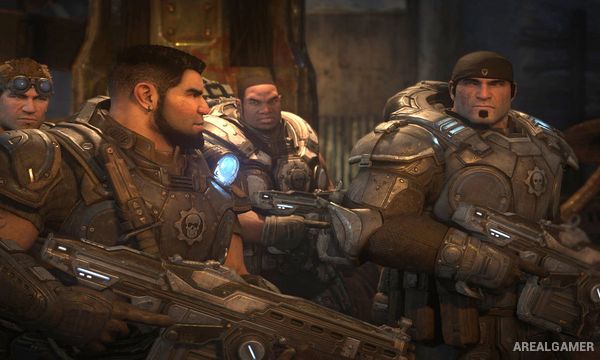
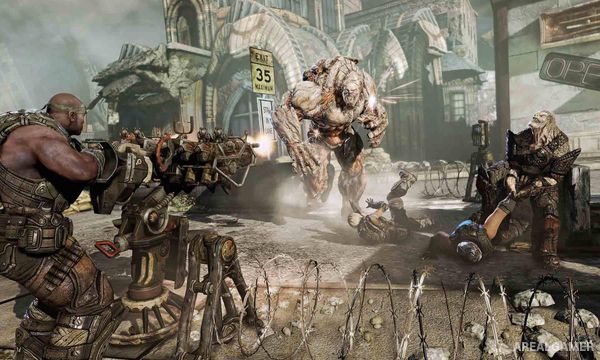
Screenshots:
Minimum System Requirements:
OS: Windows XP/Vista/7/8/10
CPU: 2.4 GHz
RAM: 1 GB
Video Card: NVIDIA Geforce 6600+ / ATI x700+
Space Required: 10 GB
DirectX: 9.0c
How to Install:
Extract the game using Winrar or 7zip.
Open “Gears of War” folder, double click on “Setup” and proceed install.
After installation complete, open “Crack” folder.
Copy all files and paste it where you “Installed the Game”.
Double click on “WarGame-G4WLive” icon to play the game. Enjoy!
Click the Below Button to Proceed to Download Page
File Password: arealgamer
Bro graphic settings glitch please play this game yourself
I download this game on apunkagme site and when I go to the graphics setting and change the resolution it cannot apply it is stuck please help bro please bro give me reply this game is ok on your site