
Halo 2 (2020)

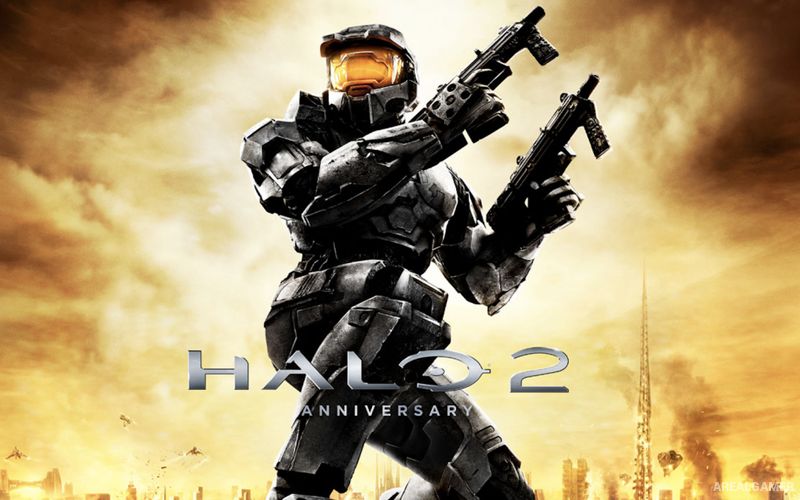
Halo 2 (2020) – Halo: The Master Chief Collection – Free Download – PC Game
Game Info:
Size: 35.7 GB
Genre: FPS, Action
Release Date: May 12, 2020
Developer: 343 Industries
Publisher: Xbox Game Studios
About This Game:
Halo 2: Anniversary expands the Human-Covenant conflict by telling parts of the story from both Master Chief’s and the Arbiter’s perspectives. Earth comes under Covenant attack while internal divisions begin appearing within the Covenant itself, creating a campaign that moves between human military operations and events inside the alien alliance.
The Anniversary presentation updates the campaign with enhanced visuals and cinematic scenes while keeping the structure and combat of Halo 2 intact. Its 2020 PC release also brings both campaign and multiplayer content into The Master Chief Collection.
How the Gameplay Works
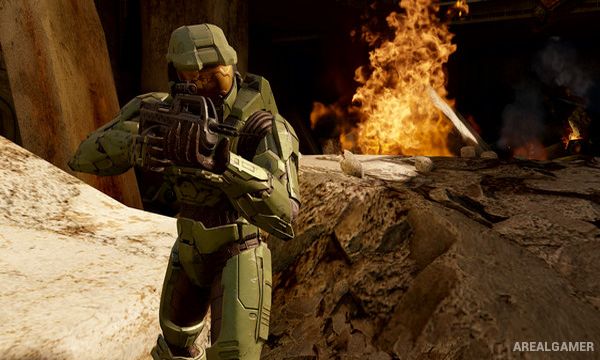
Players fight using human and Covenant weapons while rechargeable shields allow characters to recover after escaping enemy fire. Halo 2 introduces dual-wielding for compatible weapons, letting players combine two firearms at the cost of temporarily giving up grenades and certain other actions.
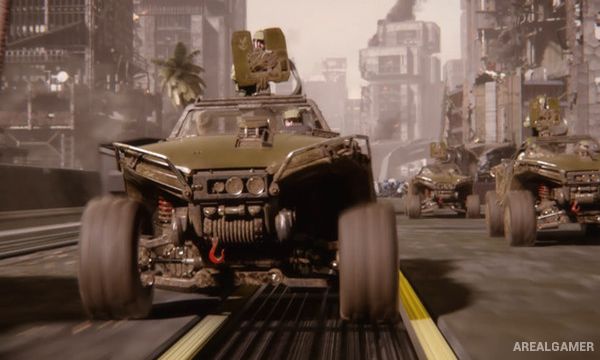
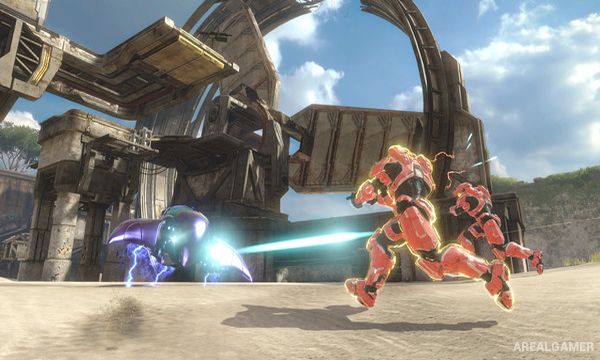
Vehicles, turrets, melee attacks, grenades, and heavy weapons appear throughout larger encounters. The campaign switches between Master Chief and the Arbiter at predetermined points, while multiplayer provides competitive arena battles across classic and remastered maps.
Main Gameplay Features
Master Chief and Arbiter campaigns
Human-Covenant war storyline
First-person sci-fi combat
Dual-wielding weapons
Rechargeable shields
UNSC and Covenant arsenals
Ground and aerial vehicles
Large enemy encounters
Cooperative campaign
Classic multiplayer
Remastered multiplayer maps
Anniversary PC presentation
Screenshots:
Minimum System Requirements:
OS: Windows 7 and higher (x64)
CPU: AMD Phenom II X4 960T / Intel i3 550
RAM: 8 GB
Video Card: AMD HD 6850 / NVIDIA GeForce GTS 450, DirectX 11
Space Required: 50 GB
DirectX: 11
How to Install:
Extract the game using Winrar or 7zip.
Open “Halo 2” folder.
Double click on “mcclauncher.exe” icon to play the game. Enjoy!
Click the Below Button to Proceed to Download Page
File Password: arealgamer