
Lord of the Rings: Conquest

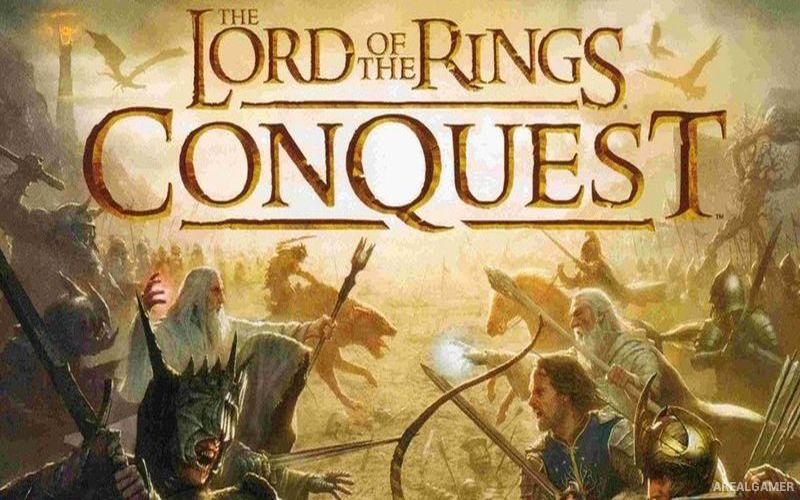
The Lord of the Rings: Conquest – Free Download – PC Game
Game Info:
Size: 3.89 GB
Genre: Action
Release Date: January 9, 2009
Developer: Pandemic Studios
Publisher: Electronic Arts
About This Game:
The Lord of the Rings: Conquest is a large-scale action game that allows players to participate directly in battles inspired by Peter Jackson’s Lord of the Rings films. Instead of controlling only famous heroes, players can fight as ordinary soldiers from several combat classes while armies clash across recognizable locations from Middle-earth.
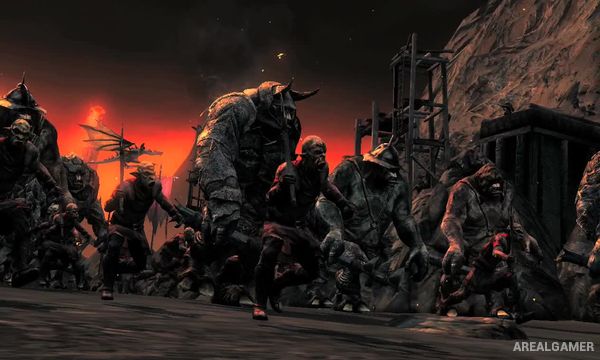
The game includes a campaign for the forces of Good as well as an alternate Evil campaign that explores what could happen if Sauron’s armies succeeded. Heroes and villains can appear during major battles, giving players temporary control of powerful characters from the story.
How the Gameplay Works
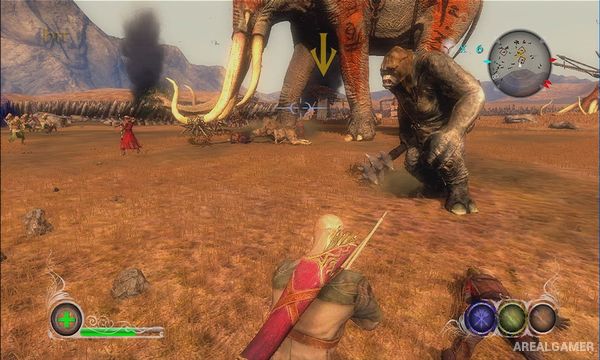
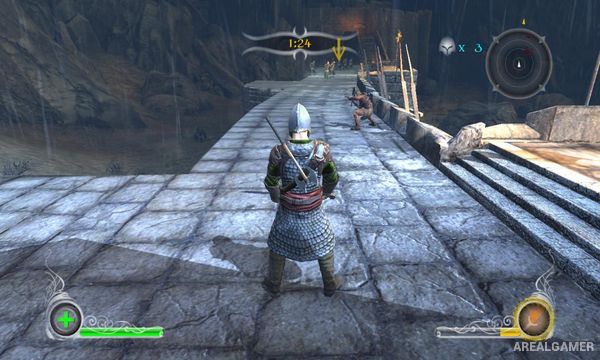
Players select classes such as Warrior, Archer, Scout, and Mage, each offering different weapons and abilities. Warriors specialize in close combat, Archers attack from range, Scouts use stealth and assassination, while Mages provide magical attacks and support.
Battles involve capturing positions, defending objectives, defeating enemy forces, and confronting important characters. Certain missions allow players to become heroes such as Aragorn or villains from Sauron’s forces, dramatically increasing their combat power.
Main Gameplay Features
Large Middle-earth battles
Good campaign
Alternate Evil campaign
Warrior class
Archer class
Scout class
Mage class
Playable heroes and villains
Melee and ranged combat
Objective-based battlefields
Famous Lord of the Rings locations
Single-player and multiplayer modes
Screenshots:
Minimum System Requirements:
OS: Windows XP/Vista/7/8/10
CPU: Intel Core 2 Duo @ 2.4 GHz
RAM: 1 GB
Video Card: 256 MB, nVidia GeForce 7800
Space Required: 6 GB
DirectX: 9.0c
How to Install:
Extract the game using Winrar or 7zip.
Open “Lord of the Rings: Conquest” folder, double click on “Setup” and proceed install.
After installation complete, go to the “Installed Game” location.
Double click on “Conquest” icon to play the game. Enjoy!
Click the Below Button to Proceed to Download Page
File Password: arealgamer