
Mundaun

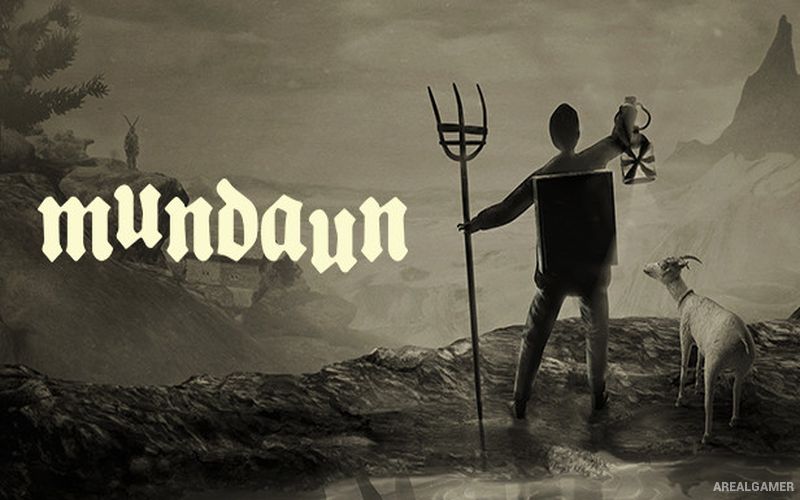
Mundaun – Free Download – PC Game
Game Info:
Size: 1.84 GB
Genre: Adventure, Horror
Release Date: March 16, 2021
Developer: Hidden Fields
Publisher: Annapurna Interactive
About This Game:
Mundaun is a first-person horror adventure set in a remote Alpine valley and presented with a distinctive hand-drawn pencil style. Players control Curdin, who returns to his childhood home after learning about the mysterious death of his grandfather and begins investigating the unsettling circumstances surrounding it.
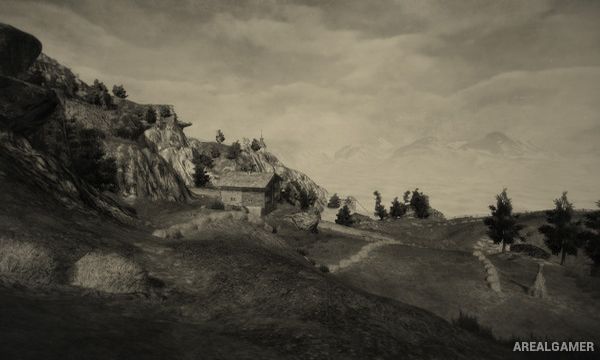
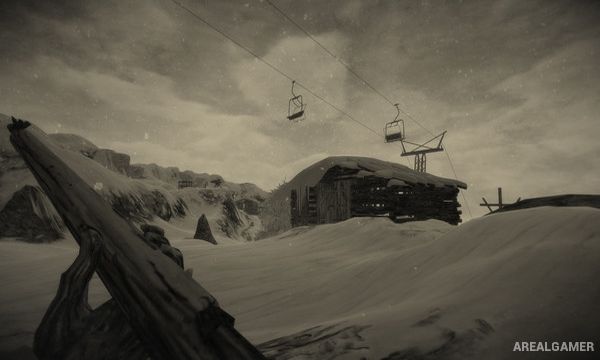
The isolated mountain community hides disturbing secrets involving local traditions, supernatural forces, and events from the past. Ordinary farms, mountain paths, barns, and snowy landscapes gradually become increasingly threatening as Curdin moves higher into the valley.
How the Gameplay Works
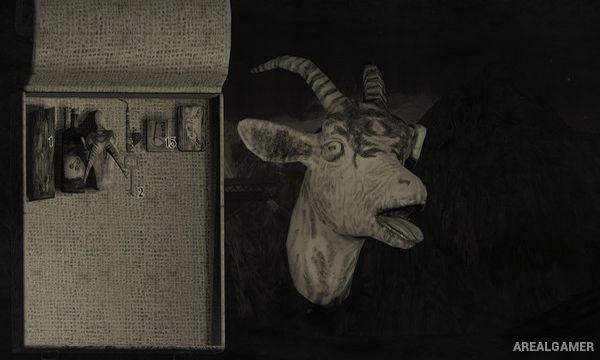
Players explore from a first-person perspective while collecting objects, reading documents, speaking with characters, and solving environmental puzzles. Inventory items and clues found in one area are often needed to open routes or understand events elsewhere.
Hostile creatures and supernatural encounters create moments of danger, but the game does not revolve around constant combat. Travel through the valley, including the use of vehicles in certain sections, connects the different locations involved in Curdin’s investigation.
Main Gameplay Features
First-person psychological horror
Hand-drawn pencil visual style
Swiss Alpine setting
Playable protagonist Curdin
Mystery surrounding a grandfather’s death
Environmental exploration
Inventory puzzles
Supernatural creatures
Local folklore influences
Vehicle sections
Atmospheric sound design
Story-driven campaign
Screenshots:
Minimum System Requirements:
OS: Windows 7/8/10, 64-bits
CPU: Intel Core i3-6100 or AMD FX-6300
RAM: 8 GB
Video Card: NVIDIA GeForce GTX 650 or AMD Radeon HD 6850
Space Required: 5 GB
DirectX: 11
How to Install:
Extract the game using Winrar or 7zip.
Open “Mundaun” folder, double click on “Setup” and proceed install.
After installation complete, go to the “Installed Game” location.
Double click on “Game” icon to play the game. Enjoy!
Click the Below Button to Proceed to Download Page
File Password: arealgamer