
Mount & Blade: Warband

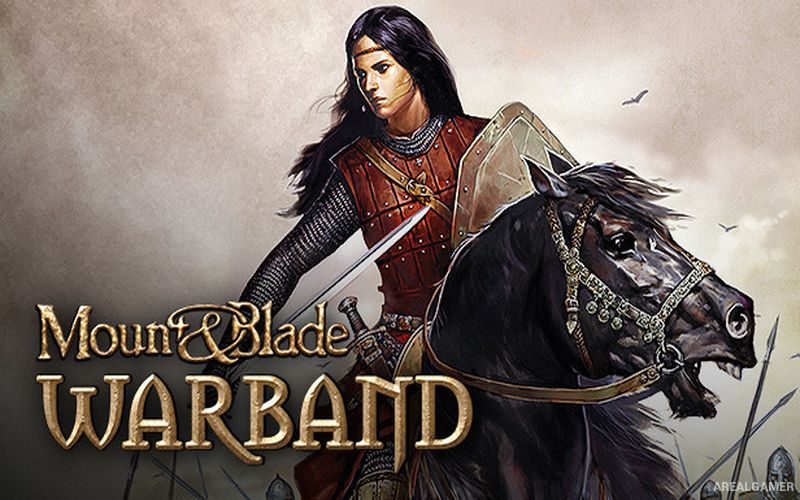
Mount & Blade: Warband – With All DLC’s – Free Download – PC Game
Game Info:
Size: 3.30 GB
Genre: Action, RPG
Release Date: March 31, 2010
Developer: TaleWorlds Entertainment
Publisher: TaleWorlds Entertainment
About This Game:
Mount & Blade: Warband is an open-ended medieval sandbox RPG where players create their own character and enter the divided land of Calradia. There is no fixed role to follow, allowing the player to become a mercenary, trader, bandit hunter, noble, warlord, or ruler depending on the alliances and ambitions pursued.
Several factions compete for territory across the world, and their wars continue as armies raid villages, besiege castles, and capture towns. The player can recruit soldiers, build relationships with nobles, gain land, and eventually establish an independent kingdom.
How the Gameplay Works
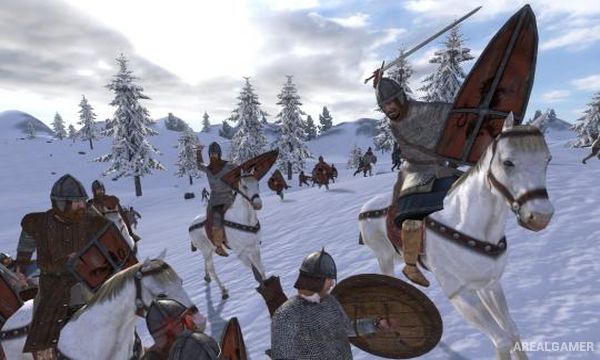
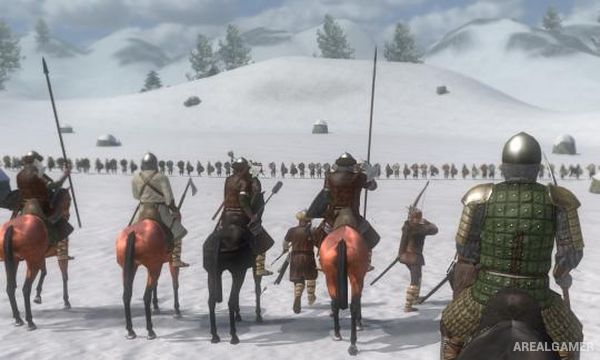
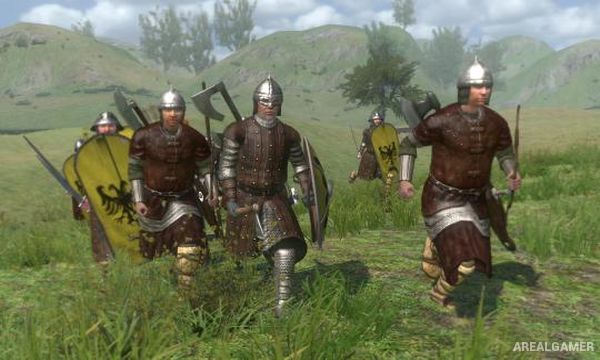
Players travel across a strategic world map with an army before entering real-time battles when hostile forces are encountered. Combat can be fought on foot or horseback using swords, spears, bows, crossbows, shields, and other medieval weapons.
Troops gain experience and can be upgraded into stronger unit types, while castles and towns can be besieged using large armies. Political relationships, marriage, reputation, trade, quests, and faction allegiance provide additional ways to shape a long campaign.
Main Gameplay Features
Open-ended medieval sandbox RPG
Large world of Calradia
Real-time melee combat
Horseback fighting
Large army battles
Recruit and upgrade troops
Multiple competing factions
Castle and town sieges
Trade and quests
Noble relationships
Create your own kingdom
Single-player and multiplayer modes
Screenshots:
Minimum System Requirements:
OS: Windows XP/Vista/7/8/10
CPU: 2.0 GHz
RAM: 1 GB
Video Card: 128 MB graphics card compatible with DirectX 9
Space Required: 5 GB
DirectX: 9.0c
How to Install:
Extract the game using Winrar or 7zip.
Open “GTA IV” folder, double click on “Setup” and proceed install.
After installation complete, go to the “Installed Game” location.
Double click on “Game” icon to play the game. Enjoy!
Click the Below Button to Proceed to Download Page
File Password: arealgamer