
Baldur’s Gate: Dark Alliance 2

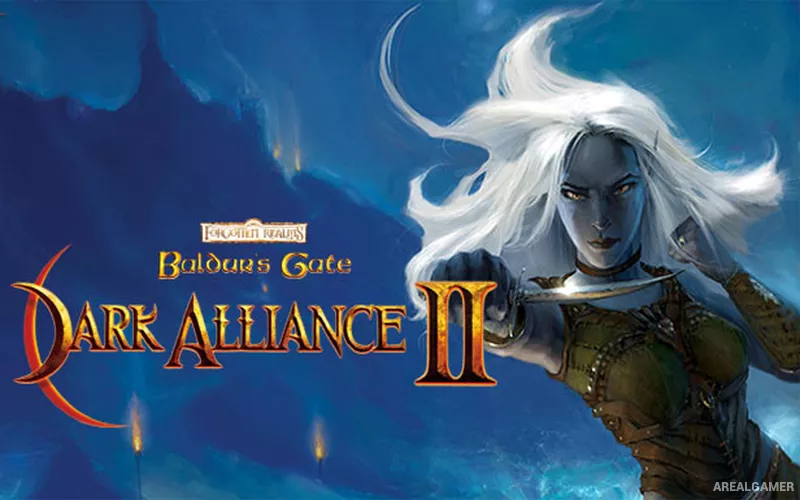
Baldur’s Gate: Dark Alliance 2 – Free Download – PC Game
Game Info:
Size: 3.37 GB
Genre: RPG
Release Date: 20 Jul, 2022
Developer: Square One Games Inc., Black Isle Studios
Publisher: Interplay Entertainment Corp.
About This Game:
Baldur’s Gate: Dark Alliance II is an action RPG set in the Forgotten Realms, continuing after the events of the first Dark Alliance. A new group of adventurers arrives in Baldur’s Gate and becomes involved in conflicts surrounding powerful artifacts, criminal organizations, and dangerous supernatural forces.
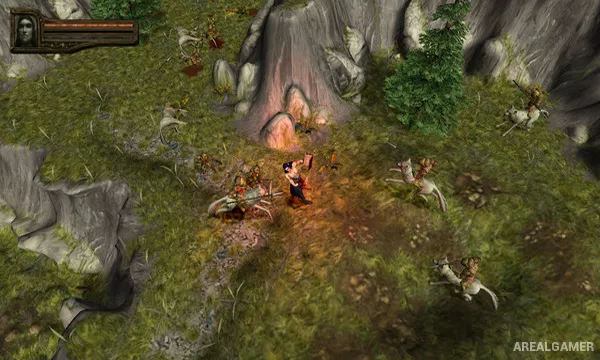
Unlike the traditional party-based Baldur’s Gate games, Dark Alliance II emphasizes real-time hack-and-slash combat. Multiple playable heroes provide different approaches through melee fighting, ranged attacks, spellcasting, and summoned assistance.
How the Gameplay Works
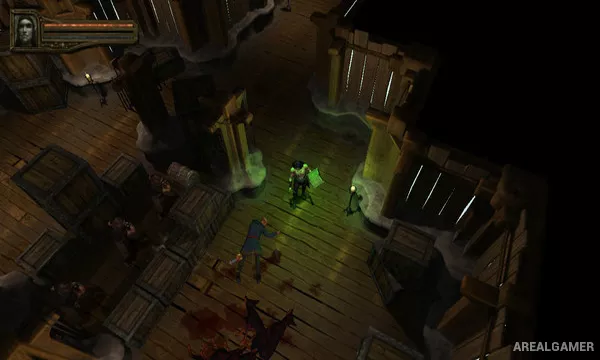
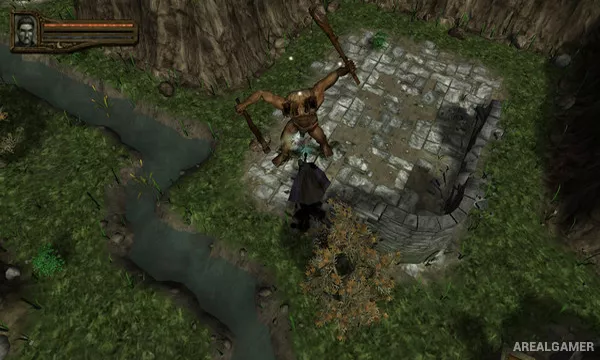
Players explore dungeons and outdoor areas from an overhead perspective while defeating enemies, opening containers, collecting equipment, and completing quests. Experience points increase character levels and unlock additional active and passive abilities.
Weapons and armor can be improved through a crafting system using gems and runestones. Two players can adventure together locally, combining complementary character abilities throughout the campaign.
Main Gameplay Features
Real-time action RPG combat
Multiple playable character classes
Character skill progression
Weapons, armor, and loot
Item crafting and enhancement
Forgotten Realms locations
Large dungeon environments
Two-player local cooperative play
Screenshots:
Minimum System Requirements:
OS: Windows 7/8/10, 64-bits
CPU: Pentium 4 2Ghz / AMD AthlonXP 2400
RAM: 1 GB
Video Card: GeForce FX5700 or better / ATI Radeon 9600 or better
Space Required: 6 GB
DirectX: 9.0c
How to Install:
Extract the game using Winrar or 7zip.
Open “Baldur’s Gate Dark Alliance 2” folder, double click on “Setup” and proceed install.
After installation complete, go to the “Installed Game” location.
Double click on “Game” icon to play the game. Enjoy!
Click the Below Button to Proceed to Download Page
File Password: arealgamer