
Beholder 3

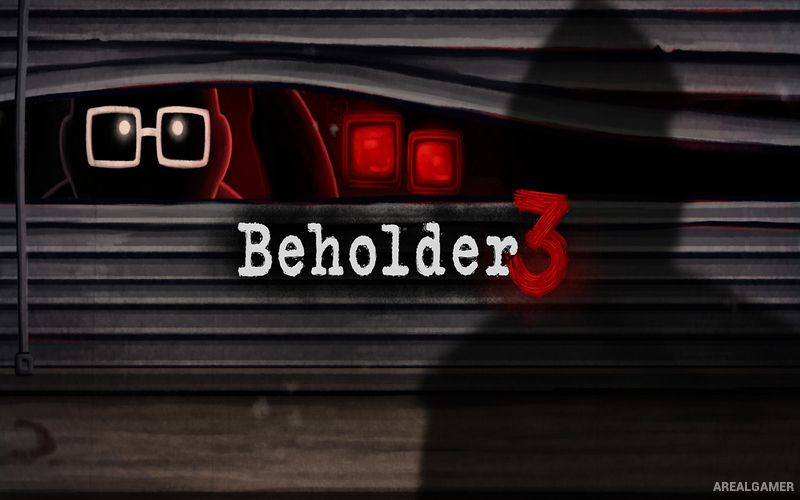
Beholder 3 – Free Download – PC Game
Game Info:
Size: 1.33 GB
Genre: Strategy
Release Date: March 3, 2022
Developer: Paintbucket Games
Publisher: Alawar Entertainment
About This Game:
Beholder 3 is a narrative strategy adventure set inside a totalitarian state where privacy has almost completely disappeared. Players control Frank Schwarz, a man who loses his position and is forced into working for the government while managing an apartment building and secretly gathering information about the people living around him.
Frank becomes caught between competing government departments, suspicious tenants, family responsibilities, and officials who expect absolute obedience. Decisions can protect certain people or destroy their lives, making survival depend on understanding when to follow orders and when taking a risk might be worth the consequences.
How the Gameplay Works
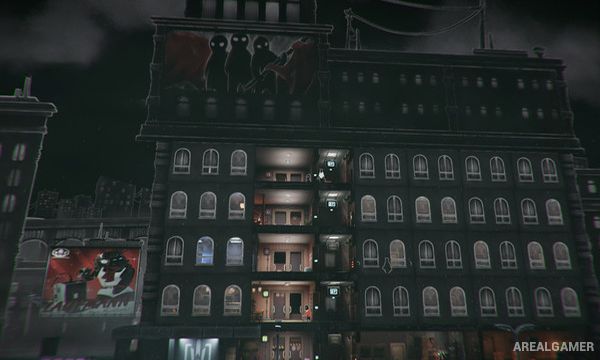
Players manage an apartment building while watching tenants, searching their belongings, installing surveillance equipment, and reporting prohibited behavior. Information discovered about residents can be used to complete official assignments or influence how individual situations develop.
Frank also works inside a government ministry where coworkers and superiors create another layer of political manipulation. Money, family needs, reputation, and personal choices all need attention as the player decides who can be trusted and how far Frank is willing to go to survive.
Main Gameplay Features
Totalitarian dystopian setting
Apartment building management
Spy on tenants
Search apartments
Install surveillance equipment
Government ministry assignments
Choice-driven storyline
Family management
Political manipulation
Multiple character relationships
Moral decisions
Different possible outcomes
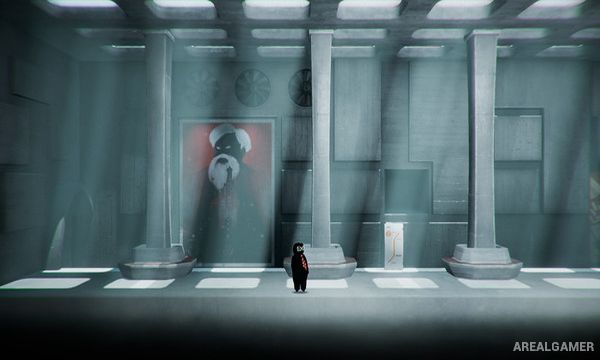
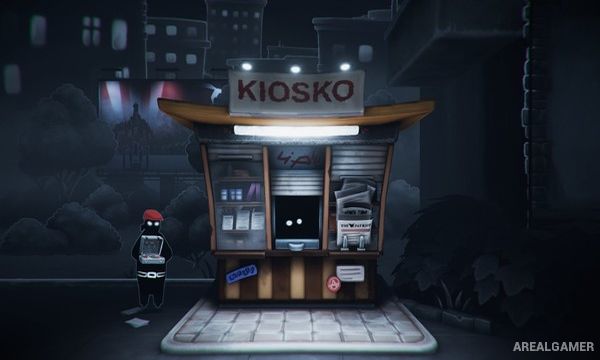
Screenshots:
Minimum System Requirements:
OS: Windows 7/8/10, 64-bits
CPU: Intel Core i5 or equivalent
RAM: 4 GB
Video Card: Nvidia GeForce GTX 960 or equivalent
Space Required: 4 GB
DirectX: 11
How to Install:
Extract the game using Winrar or 7zip.
Open “Beholder 3” folder, double click on “Setup” and proceed install.
After installation complete, go to the “Installed Game” location.
Double click on “Game” icon to play the game. Enjoy!
Click the Below Button to Proceed to Download Page
File Password: arealgamer