
Club Manager 2016


Club Manager 2016 – Free Download – PC Game
Game Info:
Size: 370 MB
Genre: Sports, Simulation
Release Date: 20 Nov, 2015
Developer: BigBlaze Games
Publisher: 2tainment GmbH
About This Game:
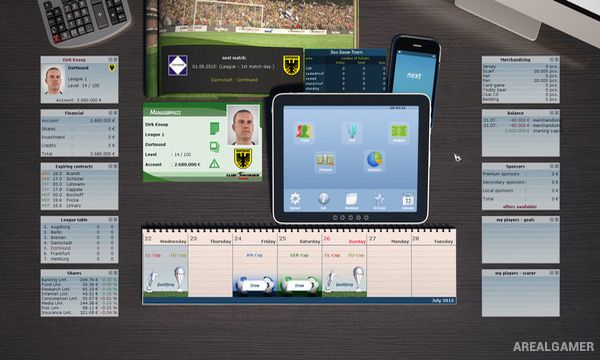
Club Manager 2016 is a football management simulation where players take responsibility for guiding a club through league competition while handling squad development, transfers, tactics, finances, and long-term progress. The 2016 edition expands on its predecessor with a redesigned interface and additional management options.
The game allows managers to influence both the business and sporting sides of their club. Promotion and relegation create longer-term objectives, while the transfer market provides opportunities to reshape the squad as stronger competition appears.
How the Gameplay Works
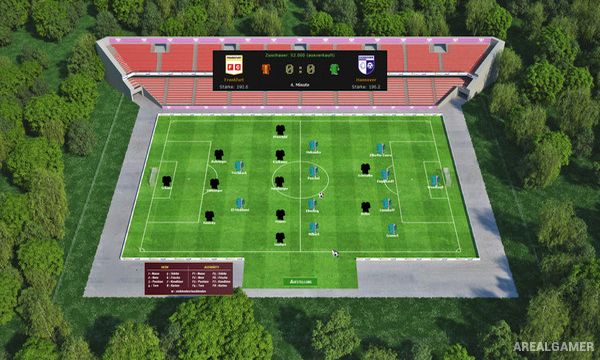
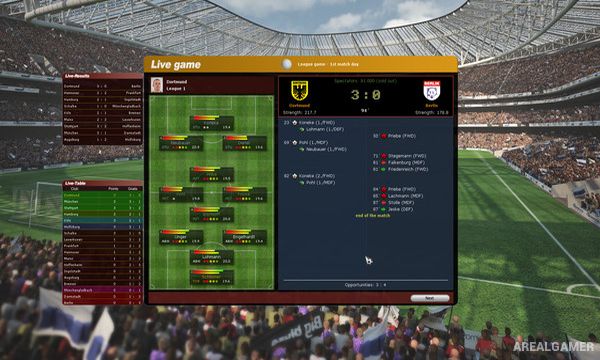
Players select formations and tactical instructions before matches and can intervene with tactical changes while games are taking place. Squad decisions involve deciding which players should start, how they should be used, and where reinforcements are needed.
Transfers and club development continue between fixtures, while different competition structures and custom tournaments provide additional objectives. Successful seasons can lead to promotion, whereas poor results may put the club at risk of moving in the opposite direction.
Main Gameplay Features
Football club management
Team tactics
Live tactical intervention
Squad selection
Transfer market
Promotion and relegation
Club finances
Multiple gameplay modes
Custom tournaments
Difficulty options
Long-term club progression
Single-player management
Screenshots:
Minimum System Requirements:
OS: Windows XP/Vista/7/8/10
CPU: 1.8 GHz
RAM: 512 MB
Video Card: 3D graphics card compatible with DirectX 9
Space Required: 2 GB
DirectX: 9.0c
How to Install:
Extract the game using Winrar or 7zip.
Open “Club Manager 2016” folder, double click on “Setup” and proceed install.
After installation complete, go to the “Installed Game” location.
Now run “Dupefiles.bat” to add game pieces.
Double click on “Club Manager” icon to play the game. Enjoy!
Click the Below Button to Proceed to Download Page
File Password: arealgamer