
Company of Heroes 3


Company of Heroes 3 – With All DLC – Free Download – PC Game
Game Info:
Size: 27 GB
Genre: Strategy
Release Date: 23 Feb, 2023
Developer: Relic Entertainment
Publisher: Relic Entertainment
About This Game:
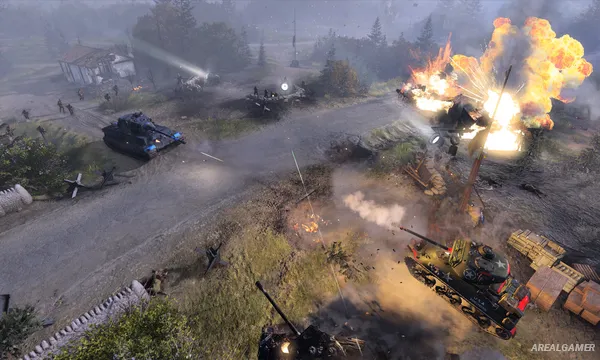
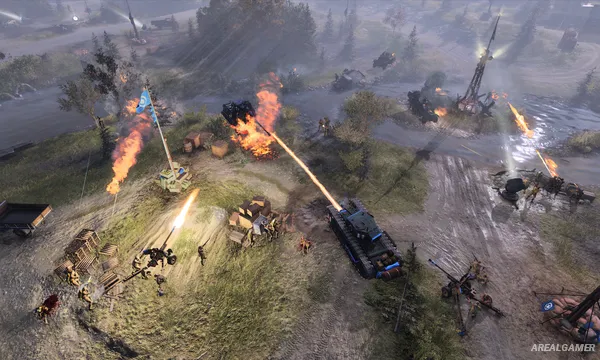
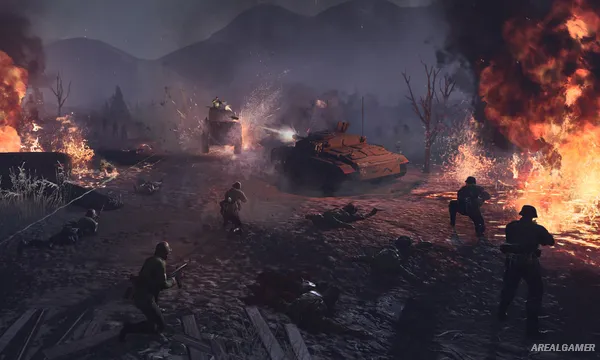
Company of Heroes 3 brings the World War II real-time strategy series to the Mediterranean, covering fighting in Italy and North Africa. The game focuses on relatively small groups of infantry, vehicles, support weapons, and armor where positioning and combined-arms tactics are often more important than simply producing the largest army.
Two campaign approaches are included: a broader strategic campaign across Italy and a more traditional narrative campaign set in North Africa. Multiplayer and skirmish modes expand the playable factions beyond those seen in each story.
How the Gameplay Works
Players capture territory to gain resources, construct units, and contest strategic points while commanding squads directly in real time. Cover, buildings, elevation, flanking routes, suppression, artillery, and vehicle positioning can completely change the outcome of an engagement.
The Italian campaign adds a larger turn-based strategic layer between tactical battles, while Full Tactical Pause in supported single-player modes allows orders to be queued while the action is stopped.
Main Gameplay Features
World War II real-time strategy
Italian and North African theatres
Squad-based infantry combat
Tank and vehicle warfare
Cover and suppression mechanics
Destructible battlefields
Territory and resource capture
Artillery and air support
Dynamic Italian campaign
North African story campaign
Full Tactical Pause
Multiplayer and skirmish modes
Multiple playable factions
Screenshots:
Minimum System Requirements:
OS: Windows 10, 64-bit
CPU: Intel i5 6th-gen or AMD Ryzen desktop processor with 4 cores @3GHz, or equivalent performance
RAM: 8 GB
Video Card: NVIDIA GeForce GTX 950, AMD Radeon R9 370, or equivalent performance
Space Required: 40 GB
DirectX: 12
How to Install:
Extract the game using Winrar or 7zip.
Open “Company of Heroes 3” folder, double click on “Setup” and proceed install.
After installation complete, open “RUNE” folder.
Copy all files and paste it where you “Installed the Game”.
Double click on “Game” icon to play the game. Enjoy!
Click the Below Button to Proceed to Download Page
File Password: arealgamer