
Europa Universalis 2


Europa Universalis 2 – Free Download – PC Game
Game Info:
Size: 295 MB
Genre: Strategy
Release Date: Dec 11, 2001
Developer: Paradox Development Studio
Publisher: Paradox Interactive
About This Game:
Europa Universalis 2 expands the historical grand strategy formula with a much wider time span, more playable nations, and deeper political and economic systems. Players guide a country from the late Middle Ages through centuries of exploration, religious conflict, empire building, and technological change.
The large campaign can produce outcomes very different from real history, but scripted events and national circumstances provide recognizable historical pressures. Small states can survive through diplomacy while major powers can collapse through poor management.
How the Gameplay Works
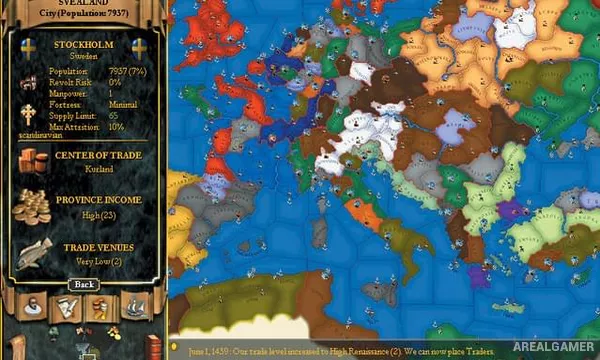
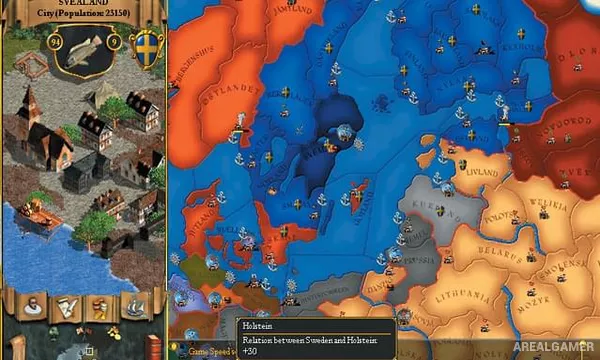
Players control taxation, research, armies, fleets, diplomacy, trade, religion, colonization, and provincial development in real time with pause. War exhaustion and stability make extended conflicts costly even when armies are winning.
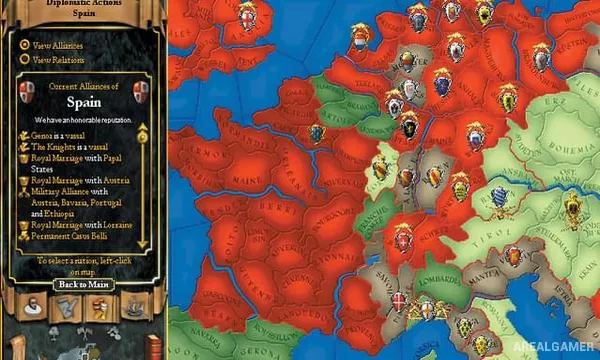
Merchants compete in centers of trade, explorers open new parts of the map, and missionaries or colonists can reshape overseas territories. Alliances, royal marriages, peace deals, and reputation affect how other nations respond to expansion.
Main Gameplay Features
Expanded grand strategy campaign
Large number of playable nations
Real-time gameplay with pause
Trade and merchant competition
Exploration and colonial expansion
Religion, stability, and war exhaustion
Diplomacy and royal marriages
Historical events across several centuries
Screenshots:
Minimum System Requirements:
OS: Windows XP/Vista/7/8/10
CPU: 1.8 GHz
RAM: 1 GB
Video Card: 128 MB graphics card compatible with DirectX 9
Space Required: 500 MB
DirectX: 9.0c
How to Install:
Extract the game using Winrar or 7zip.
Open “Europa Universalis 2” folder, double click on “Setup” and proceed install.
After installation complete, go to the “Installed Game” location.
Double click on “Game” icon to play the game. Enjoy!
Click the Below Button to Proceed to Download Page
File Password: arealgamer