
F1 2015


F1 2015 – Free Download – PC Game
Game Info:
Size: 7.16 GB
Genre: Racing, Sports
Release Date: 10 July 2015
Developer: Codemasters
Publisher: Codemasters
About This Game:
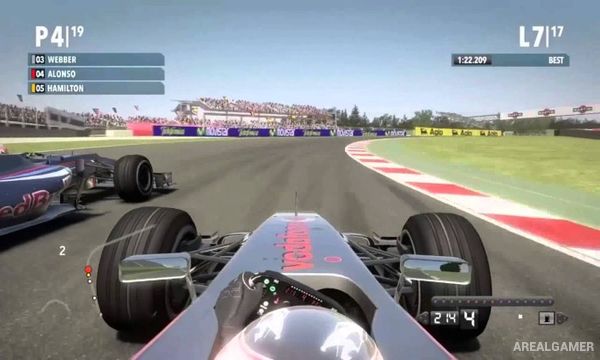
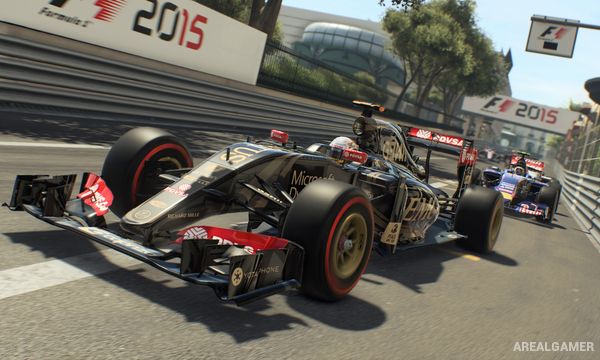
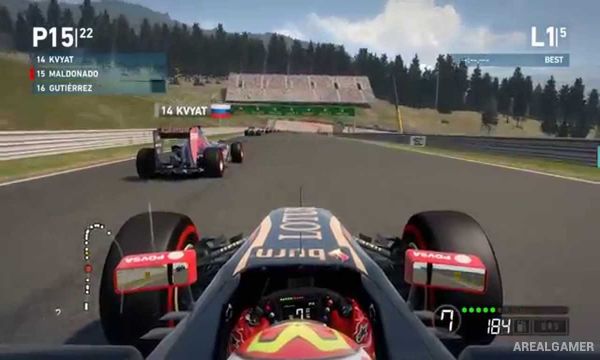
F1 2015 moves Codemasters’ Formula One series onto a newer game engine with updated graphics, handling, weather effects, and race presentation. It features the official 2015 championship while also including content based on the 2014 season, giving players two recent Formula One lineups to race.
The game places greater emphasis on recreating a televised race weekend, with recognizable teams, drivers, circuits, garages, podium sequences, and commentary-style presentation. Improved handling aims to make acceleration, braking, tire grip, and changing weather more noticeable behind the wheel.
How the Gameplay Works
Players compete through practice, qualifying, and races while adjusting driving assists and difficulty to suit their experience. Tire condition, weather, car setup, pit strategy, and track position become especially important during longer events.
Championship Season allows players to take the place of an official driver and compete across the calendar, while Pro Season removes many assists and increases the challenge. Quick races and multiplayer provide alternatives for players who do not want to complete a full championship.
Main Gameplay Features
Official 2015 Formula One season
Additional 2014 season content
Newer game engine
Updated car handling
Dynamic weather
Practice sessions
Qualifying
Full race weekends
Championship Season
Pro Season difficulty
Pit stops
Tire and fuel considerations
Official circuits
Licensed drivers and teams
Online multiplayer
Broadcast-style presentation
Screenshots:
Minimum System Requirements:
OS: Windows 7/8/10, 64-bits
CPU: Intel Core 2 Quad @ 3.0GHz or AMD Phenom II X4
RAM: 4 GB
Video Card: Intel 4th Gen Iris Graphics or AMD HD5770 or NVIDIA GTS450
Space Required: 20 GB
DirectX: 11
How to Install:
Extract the game using Winrar or 7zip.
Open “F1 2015″ folder, double click on “Setup” and proceed install.
After installation complete, go to the “Installed Game” location.
Double click on “F1_2015” icon to play the game. Enjoy!
Click the Below Button to Proceed to Download Page
File Password: arealgamer