
Final Fantasy VIII Remastered

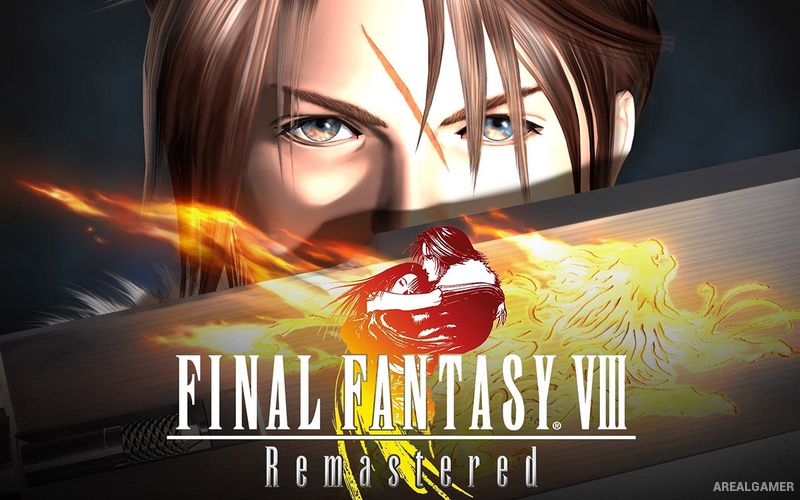
Final Fantasy VIII Remastered – Free Download – PC Game
Game Info:
Size: 2.31 GB
Genre: RPG
Release Date: 3 Sep, 2019
Developer: Square Enix
Publisher: Square Enix
About This Game:
Final Fantasy VIII Remastered is an updated version of the turn-based RPG following Squall Leonhart, a student mercenary drawn into a conflict involving rival nations, sorceresses, and events that stretch far beyond his academy life. The story combines military missions, romance, political conflict, and science-fantasy ideas.
The remaster improves character presentation and adds convenience features while preserving the original Junction system. Rather than learning most magic permanently, characters draw spells from enemies or locations and attach them to statistics.
How the Gameplay Works
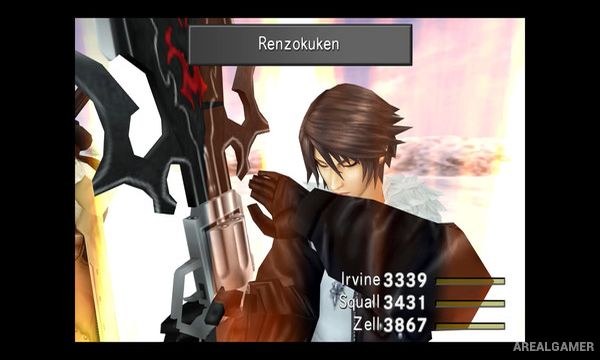
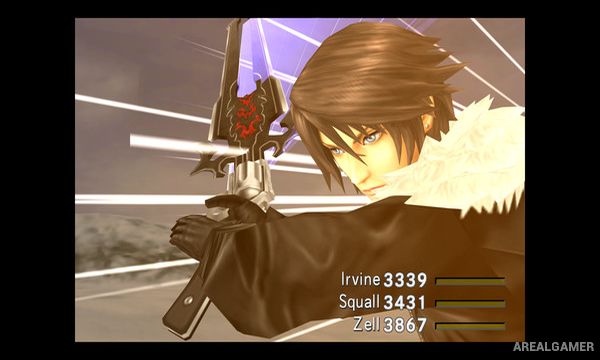
Battles use the Active Time Battle system, with commands becoming available as gauges fill. Guardian Forces can be summoned and junctioned to characters, unlocking abilities and allowing stored magic to improve attributes such as Strength, HP, or defense.
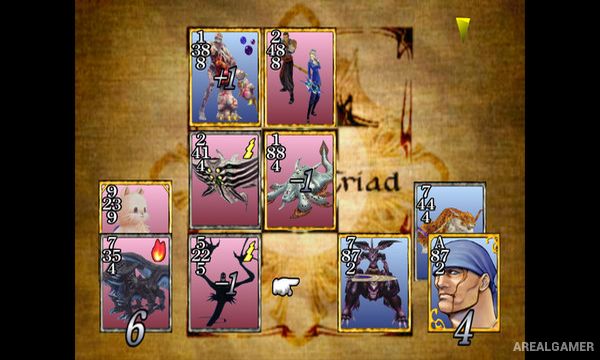
Enemies scale with party levels, making smart junction setups more important than simply grinding experience. Triple Triad provides a large collectible card game, while weapon upgrades, Limit Breaks, side quests, and optional Guardian Forces expand progression.
Main Gameplay Features
Active Time Battle combat
Junction system for magic and statistics
Guardian Force summons
Magic drawn from enemies and draw points
Character-specific Limit Breaks
Triple Triad card game
Weapon upgrading
Remastered visuals and convenience features
Screenshots:
Minimum System Requirements:
OS: Windows 7/8/10
CPU: AMD A-Seiries 2.2GHz / Intel Core i3 2.2GHz
RAM: 2 GB
Video Card: AMD Radeon R7 240 / NVIDIA GeForce GT 730
Space Required: 5 GB
DirectX: 10
How to Install:
Extract the game using Winrar or 7zip.
Open “Final Fantasy VIII Remastered” folder, double click on “Setup” and proceed install.
After installation complete, open “HOODLUM” folder.
Copy all files and paste it where you “Installed the Game”.
Double click on “FFVIII” icon to play the game. Enjoy!
Click the Below Button to Proceed to Download Page
File Password: arealgamer