
Garden Simulator

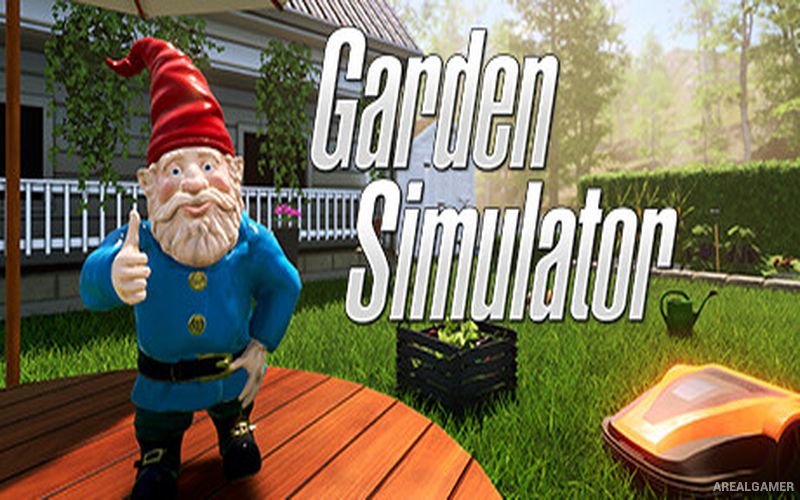
Garden Simulator – Free Download – PC Game
Game Info:
Size: 2.56 GB
Genre: Casual, Simulation
Release Date: 8 Sep, 2022
Developer: PRODUKTIVKELLER Studios
Publisher: SunDust
About This Game:
Garden Simulator is a relaxing first-person gardening game focused on turning an empty outdoor space into a personalized garden. Players plant flowers, vegetables, shrubs, and other vegetation while decorating the area with paths, furniture, fences, ornaments, and practical gardening equipment.
Plants require regular care before they can mature, creating a gentle routine of watering, maintaining, harvesting, and reorganizing the garden. Money earned through gardening provides access to additional seeds, tools, and decorative options.
How the Gameplay Works
Players prepare soil, plant seeds, water growing plants, remove unwanted growth, and harvest crops when they are ready. Different tools make individual tasks easier as the garden becomes larger and more complicated.
Harvested produce and completed activities generate resources that can be spent on new plants and decorative objects. Furniture and landscaping pieces can be positioned freely, allowing the garden to develop according to the player’s preferred layout rather than a fixed design.
Main Gameplay Features
First-person gardening simulation
Flowers, vegetables, and other plants
Planting, watering, and harvesting
Gardening tools and equipment
Custom garden layouts
Furniture and outdoor decorations
Paths, fences, and landscaping objects
Garden economy and progression
Relaxed open-ended gameplay
Screenshots:
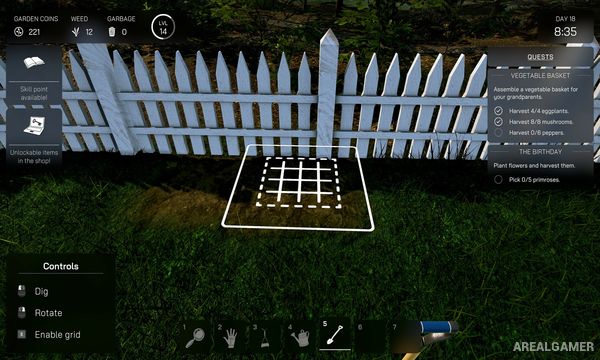
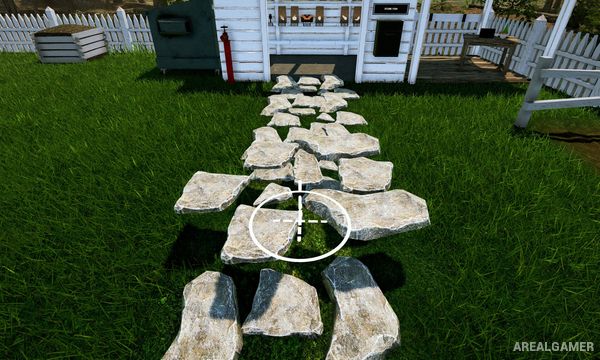

Minimum System Requirements:
OS: Windows 7/8/10, 64-bits
CPU: Intel i5-series Quadcore, AMD Ryzen-series
RAM: 4 GB
Video Card: NVIDIA GeForce GTX 1060, AMD RX 590
Space Required: 4 GB
DirectX: 11
How to Install:
Extract the game using Winrar or 7zip.
Open “Garden Simulator” folder, double click on “Setup” and proceed install.
After installation complete, go to the “Installed Game” location.
Double click on “Game” icon to play the game. Enjoy!
Click the Below Button to Proceed to Download Page
File Password: arealgamer