
L.A. Noire


L.A. Noire – Free Download – PC Game
Game Info:
Size: 12.29 GB
Genre: Action, Adventure, Open World
Release Date: 8 Nov, 2011
Developer: Team Bondi, Rockstar Leeds
Publisher: Rockstar Games
About This Game:
L.A. Noire is a detective adventure set in 1947 Los Angeles, following police officer Cole Phelps as he moves through several departments and investigates crimes ranging from traffic cases to homicide and organized vice. The game combines open-city travel with detailed crime scenes, interviews, evidence analysis, and action sequences.
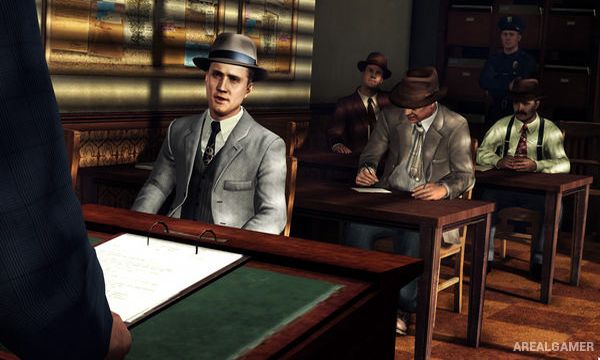
Its investigations are built around observing small details and deciding whether witness statements fit the evidence. Facial animation plays an important role during interviews, encouraging players to watch expressions and compare testimony with clues collected earlier.
How the Gameplay Works
At crime scenes, players search rooms and outdoor areas for objects that can be examined, rotated, and added to the notebook as evidence. Interviews present response choices that allow Phelps to accept, challenge, or accuse a person depending on what the player believes and which evidence is available.
Cases also include driving, foot chases, gunfights, and occasional fistfights. The city can be explored between objectives, and optional street crimes provide shorter police incidents outside the main cases. Case ratings reflect how accurately evidence and interviews were handled.
Main Gameplay Features
Detective cases across multiple LAPD desks
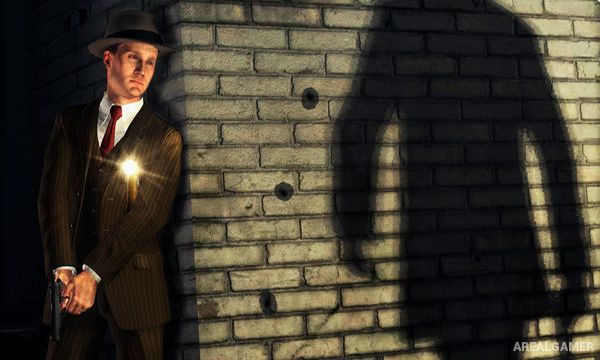
Detailed crime-scene investigation
Evidence collection and notebook tracking
Witness and suspect interrogation system
Facial-performance-based clue reading
Driving, foot chases, shooting, and fistfights
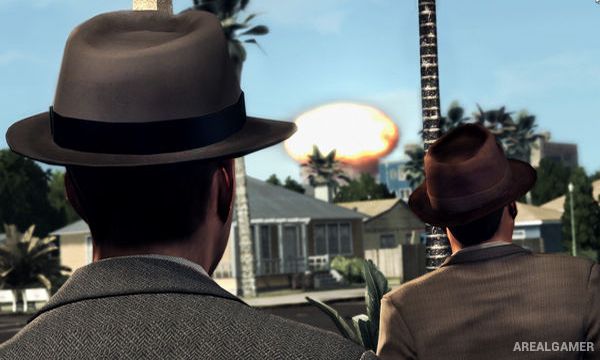
Open recreation of 1947 Los Angeles
Optional street crime incidents and case ratings
Screenshots:
Minimum System Requirements:
OS: Windows 7/8/10, 64-bits
CPU: 2GB to 8GB
RAM: 4 GB
Video Card: NVIDIA GeForce 8600 GT 512 MB to NVIDIA GeForce GTX 580 1536 MB
Space Required: 16 GB
DirectX: 10
How to Install:
Extract the game using Winrar or 7zip.
Open “L.A. Noire” folder, double click on “L.A. Noire – DVD1” and proceed install.
When they ask for CD2 mount “L.A. Noire – DVD2” and click OK.
Then again when they ask for CD3, mount “L.A. Noire – DVD3” and click OK.
After installation complete, go to the “Installed Game” location.
Double click on “LANoire” icon to play the game. Enjoy!
Click the Below Button to Proceed to Download Page
File Password: arealgamer
Hey admin can you please add theflicher download links please for l.a. noir game