
ROUTINE

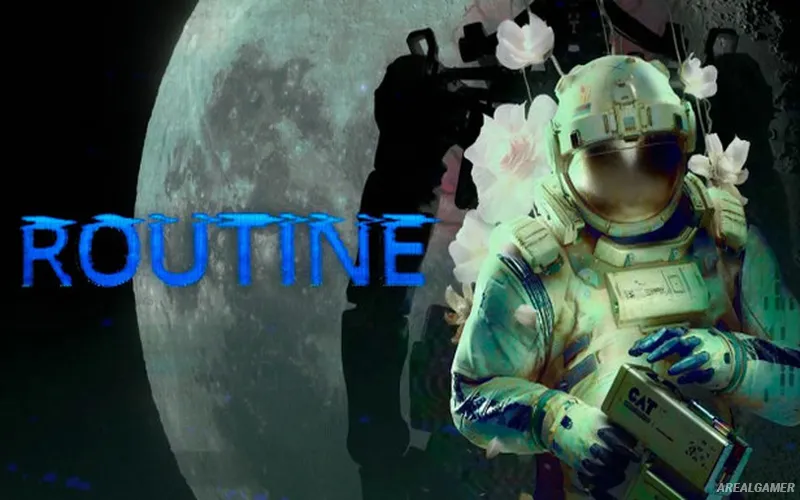
ROUTINE – Free Download – PC Game
Game Info:
Size: 9.51 GB
Genre: Adventure, Horror
Release Date: 4 Dec, 2025
Developer: Lunar Software
Publisher: Raw Fury
About This Game:
ROUTINE is a first-person science-fiction survival horror game set inside Union Plaza, a lunar facility built around an imagined 1980s vision of future technology. After emerging from isolation, the protagonist discovers that the base has fallen silent and begins searching for an explanation while realizing that something dangerous is still operating inside it.
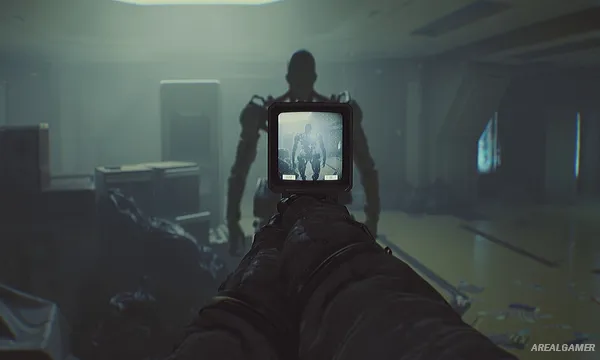
The game avoids a conventional heads-up display in favor of physical interfaces embedded into the environment. Much of the story is discovered through exploration, terminals, notes, recordings, and the abandoned spaces left behind by the facility’s former occupants.
How the Gameplay Works
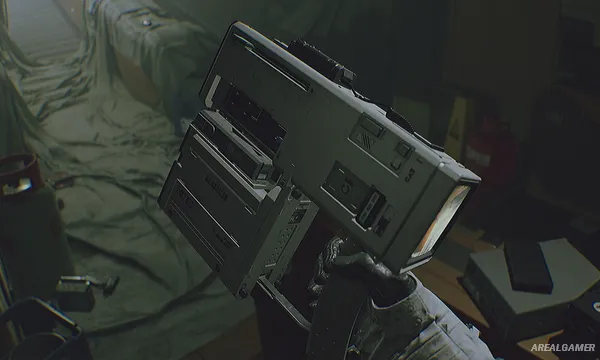
A multifunction Cosmonaut Assistance Tool, or C.A.T., is used to interact with machinery, inspect the environment, record information, and deal with certain threats. Additional modules expand what the tool can do, while batteries limit how freely some functions can be used.
Hostile machines cannot simply be treated as disposable enemies, making cautious movement and survival important. Players search for hidden areas, solve environmental problems, and piece together events while navigating the interconnected lunar complex.
Main Gameplay Features
First-person survival horror
Abandoned lunar-base setting
1980s retro-futuristic technology
Multifunction C.A.T. device
Environmental interaction
Limited battery resources
Hostile robotic threats
Exploration-driven storytelling
Environmental puzzles
Hidden areas and secrets
Minimal traditional HUD
Screenshots:

Minimum System Requirements:
OS: Windows 10, 64-bit
CPU: Intel Core i5-8600 / Ryzen 5 3600
RAM: 8 GB
Video Card: Nvidia GeForce GTX 1060 / AMD Radeon RX 570
Space Required: 16 GB
DirectX: 11
How to Install:
Extract the game using Winrar or 7zip.
Open “ROUTINE” folder, double click on “Setup” and proceed install.
After installation complete, open “RUNE” folder.
Copy all files and paste it where you “Installed the Game”.
Double click on “Game” icon to play the game. Enjoy!
Click the Below Button to Proceed to Download Page
File Password: arealgamer