
Star Wars: The Force Unleashed 2


Star Wars: The Force Unleashed 2 – Free Download – PC Game
Game Info:
Size: 6.1 GB
Genre: Action
Release Date: 26 Oct, 2010
Developer: Aspyr Studios
Publisher: LucasArts, Lucasfilm, Disney
About This Game:
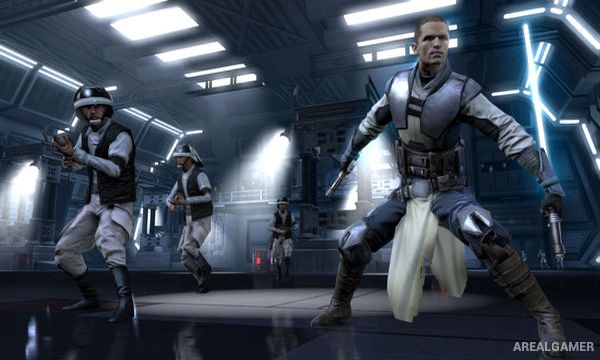
Star Wars: The Force Unleashed II continues the story of Starkiller, Darth Vader’s former secret apprentice. Haunted by memories and uncertain whether he is the original Starkiller or a clone, he escapes Imperial control and searches for answers while becoming involved again with figures connected to the growing Rebel Alliance.
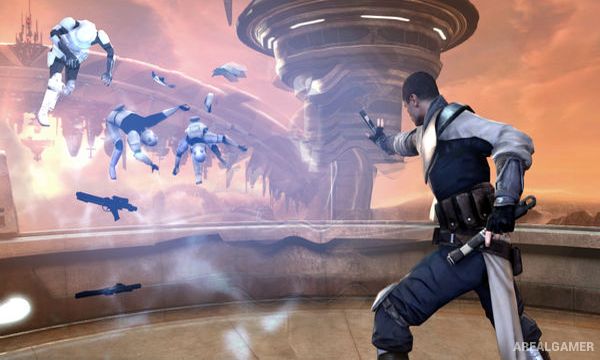
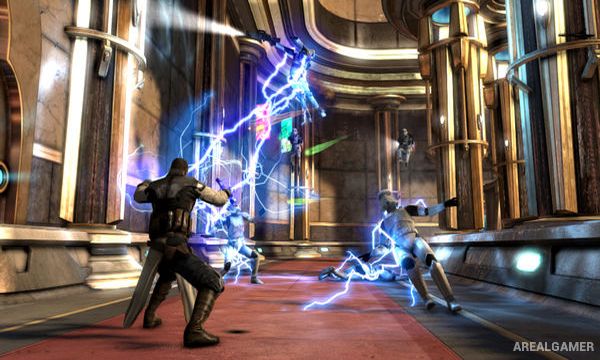
The sequel emphasizes spectacular Force powers and lightsaber combat, allowing Starkiller to throw enemies through the air, redirect projectiles, unleash lightning, and cut through groups of Imperial soldiers with dual lightsabers.
How the Gameplay Works
Players combine lightsaber strikes with Force Push, Force Grip, lightning, mind tricks, and other abilities. Powers can be chained together, such as lifting an enemy into the air before throwing them into surrounding objects or electrifying them.
Experience earned through combat upgrades Starkiller’s abilities, while lightsaber crystals provide additional customization. Larger encounters introduce walkers, creatures, and bosses that require heavier use of dodging, Force powers, and scripted finishing sequences.
Main Gameplay Features
Dual-lightsaber combat
Force Push and Force Grip
Force Lightning
Jedi Mind Trick
Combo-based melee attacks
Upgradeable Force powers
Lightsaber crystal customization
Large cinematic boss encounters
Challenge missions
Screenshots:
Minimum System Requirements:
OS: Windows XP/Vista/7/8/10
CPU: Intel Core 2 Duo 2.4 GHz or AMD Athlon X2 5200+
RAM: 2 GB
Video Card: 256 MB, ATI Radeon HD 2600 / NVIDIA GeForce 8600 GT
Space Required: 11 GB
DirectX: 9.0c
How to Install:
Extract the game using Winrar or 7zip.
Open “Star Wars TFU2″ folder, double click on “Setup” and proceed install.
After installation complete, go to the “Installed Game” location.
Double click on “SWTFU2” icon to play the game. Enjoy!
Click the Below Button to Proceed to Download Page
File Password: arealgamer