
Stronghold HD

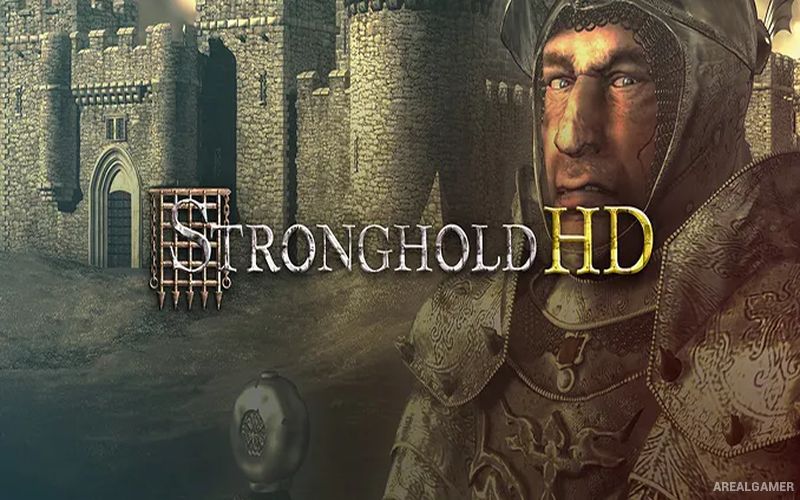
Stronghold HD – Free Download – PC Game
Game Info:
Size: 681 MB
Genre: Strategy
Release Date: 19 Oct, 2001
Developer: FireFly Studios
Publisher: FireFly Studios
About This Game:
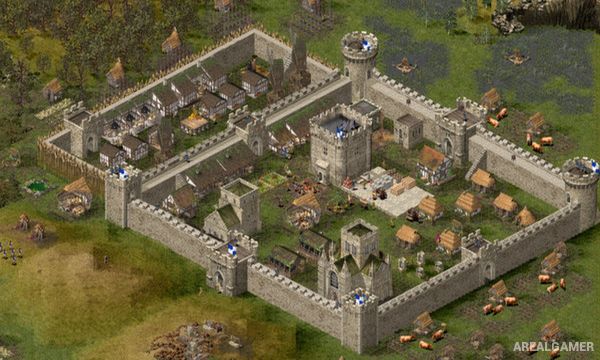
Stronghold HD is a medieval strategy game focused equally on constructing a functioning settlement and defending it from enemy attack. Players build castles from individual walls, towers, gates, and defensive structures while creating the farms, workshops, housing, and industries required to support a growing population.
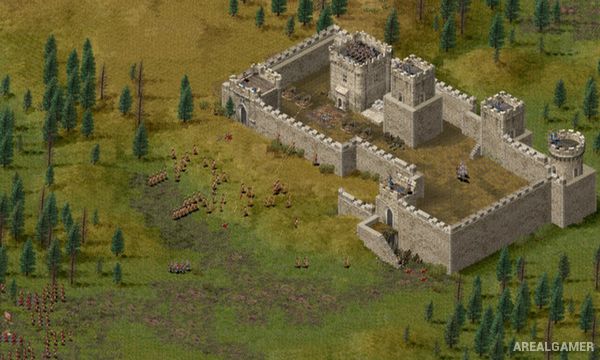
The game combines economic management with real-time military battles. Some missions emphasize maintaining a successful settlement, while others place greater pressure on castle defense and warfare. This gives players opportunities to concentrate on peaceful construction as well as large medieval sieges.
How the Gameplay Works
Workers automatically perform jobs once the required production buildings are constructed. Woodcutters gather timber, farmers grow food, stone workers supply building materials, and craftsmen produce weapons. Keeping enough food available and maintaining popularity encourages new villagers to arrive at the castle.
Military units can be recruited once weapons and other requirements are available. Archers can defend towers, infantry can protect gates, and siege equipment can be used against enemy fortifications. Players must balance spending resources on economic growth with strengthening their defenses before major enemy attacks arrive.
Main Gameplay Features
Medieval castle-building strategy
Detailed settlement economy
Resource production chains
Population and popularity management
Custom walls, towers, and gates
Archers, infantry, and siege units
Castle defense missions
Offensive siege battles
Economic campaign
Military campaign
Free building and custom scenarios
HD support for modern resolutions
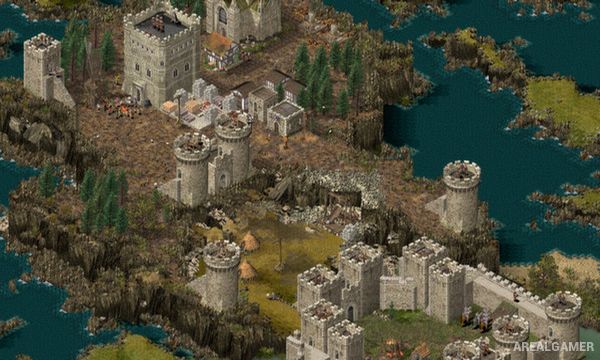
Screenshots:
Minimum System Requirements:
OS: Windows 7/8/10
CPU: 1.6GHz equivalent Intel or AMD processor
RAM: 512 MB
Video Card: 64 MB
Space Required: 2.5 GB
DirectX: 9.0c
How to Install:
Extract the game using Winrar or 7zip.
Open “Stronghold HD” folder, double click on “Setup” and proceed install.
After installation complete, go to the “Installed Game” location.
Now double click on “game” icon to play the game. Enjoy!
Click the Below Button to Proceed to Download Page
File Password: arealgamer