
Superliminal

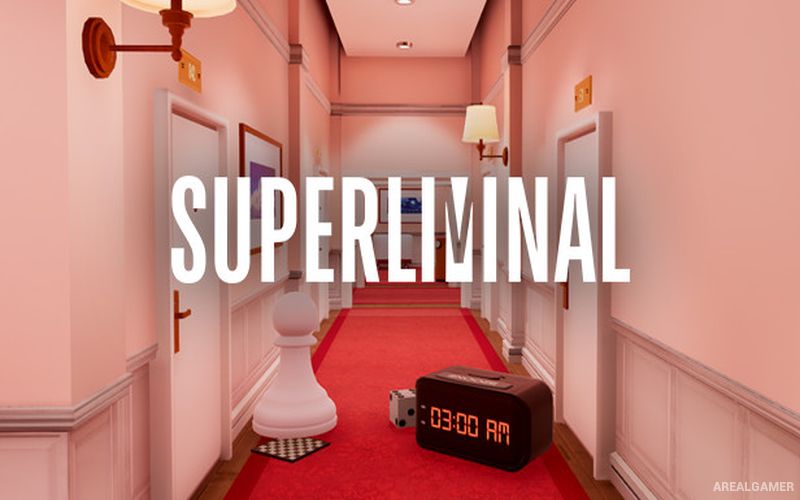
Superliminal – Free Download – PC Game
Game Info:
Size: 4.47 GB
Genre: Adventure, Puzzle
Release Date: November 5, 2020
Developer: Pillow Castle
Publisher: Pillow Castle
About This Game:
Superliminal is a first-person puzzle game built around forced perspective, optical illusions, and the idea that objects do not always behave according to their apparent size. The protagonist enters what is supposed to be a dream-therapy program but becomes trapped inside an increasingly strange sequence of environments.
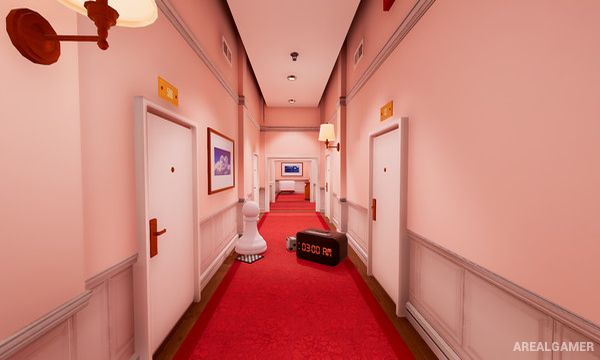
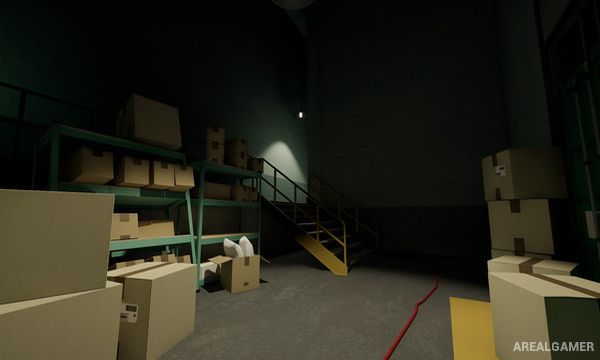
Ordinary rooms gradually give way to impossible spaces where perspective, scale, shadows, and visual assumptions form the foundation of the puzzles. Progress depends on looking at familiar objects differently rather than relying on conventional physical rules.
How the Gameplay Works
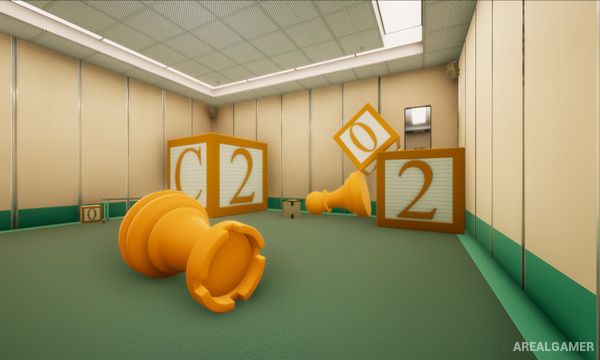
Players pick up objects and change their apparent size by moving them closer to or farther from the viewpoint before placing them back into the environment. An object that looks enormous from one angle may become physically huge when dropped, allowing it to serve as a platform or solve another obstacle.
Later puzzles use shadows, misleading architecture, repeated rooms, and visual tricks that change what the player believes is possible. Exploration remains first person throughout, with the challenge centered on changing perspective and recognizing hidden solutions.
Main Gameplay Features
First-person puzzle gameplay
Forced perspective mechanics
Change object size through viewpoint
Optical illusions
Dream-like environments
Perspective-based platform creation
Shadow puzzles
Impossible architecture
Visual misdirection
Minimal traditional combat
Narrative progression
Unconventional puzzle solutions
Screenshots:
Minimum System Requirements:
OS: Windows 7/8/10, 64-bits
CPU: 2.0GHz
RAM: 4 GB
Video Card: NVidia GTX 750
Space Required: 12 GB
DirectX: 10
How to Install:
Extract the game using Winrar or 7zip.
Open “Superliminal” folder, double click on “Setup” and proceed install.
After installation complete, go to the “Installed Game” location.
Double click on “Game” icon to play the game. Enjoy!
Click the Below Button to Proceed to Download Page
File Password: arealgamer