
Tales of Xillia Remastered


Tales of Xillia Remastered – Free Download – PC Game
Game Info:
Size: 15.1 GB
Genre: Action, RPG
Release Date: 31 Oct, 2025
Developer: DOKIDOKI GROOVEWORKS, Inc.
Publisher: Bandai Namco Entertainment
About This Game:
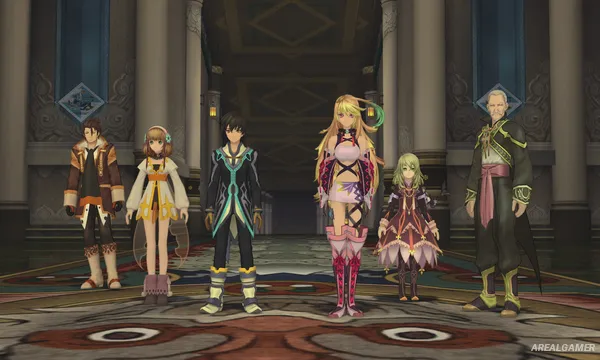
Tales of Xillia Remastered brings the action RPG back with updated presentation and quality-of-life improvements while retaining the world, characters, and battle systems of the original adventure. The story takes place in Rieze Maxia and can be experienced from the perspective of either medical student Jude Mathis or Milla Maxwell, a mysterious woman accompanied by four powerful spirits.
Choosing a protagonist provides a different perspective on portions of the journey, while both eventually become involved with a larger party and a conflict threatening the balance of their world.
How the Gameplay Works
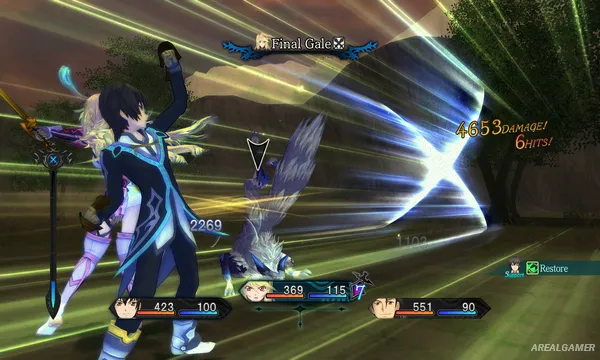
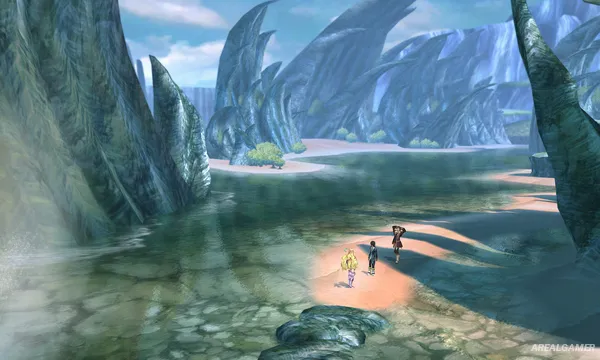
Exploration moves between towns, fields, dungeons, and story locations before shifting into real-time battles when enemies are encountered. Characters use normal attacks and Artes while moving freely around the combat space.
The Link System allows two party members to cooperate, providing support actions and powerful Linked Artes. Character development uses the Lilium Orb system, while the remaster adds conveniences such as autosaving, clearer destination markers, and additional accessibility options.
Main Gameplay Features
Real-time action RPG combat
Two selectable protagonists
Jude and Milla story perspectives
Party-based battles
Character Artes
Link System
Linked Artes
Lilium Orb character development
Town and dungeon exploration
Side quests
Autosave and improved navigation
Remastered graphics and performance
Screenshots:
Minimum System Requirements:
OS: Windows 11, 64-bit
CPU: Intel Core i3-8100 / AMD Ryzen 3 3100
RAM: 8 GB
Video Card: Nvidia GeForce GTX 550 Ti [1 GB] / AMD Radeon HD 5770 [1 GB] / Intel Arc A310 [4 GB]
Space Required: 20 GB
DirectX: 12
How to Install:
Extract the game using Winrar or 7zip.
Open “Tales of Xillia Remastered” folder, double click on “Setup” and proceed install.
After installation complete, open “RUNE” folder.
Copy all files and paste it where you “Installed the Game”.
Double click on “Game” icon to play the game. Enjoy!
Click the Below Button to Proceed to Download Page
File Password: arealgamer