
The Persistence

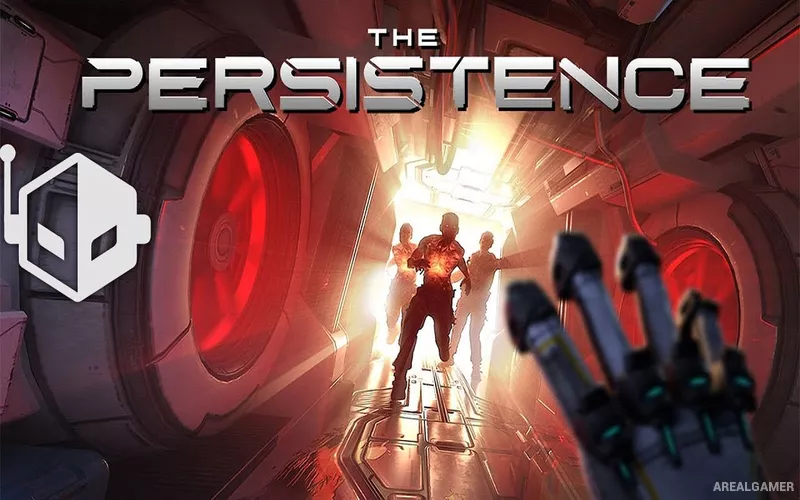
The Persistence – Free Download – PC Game
Game Info:
Size: 4.61 GB
Genre: Horror, Shooter
Release Date: 21 May, 2020
Developer: Firesprite Ltd
Publisher: Firesprite Ltd
About This Game:
The Persistence is a science-fiction survival horror game set aboard a colony ship stranded near a black hole. After a disastrous malfunction, the ship’s cloning system begins producing violent mutated versions of the crew, leaving the player to repeatedly enter dangerous sections of the vessel in an attempt to restore critical systems and escape.
Its spaceship changes between attempts, combining roguelike structure with horror exploration. Darkness, limited supplies, unpredictable layouts, and powerful enemies encourage players to avoid unnecessary fights and use stealth whenever possible.
How the Gameplay Works
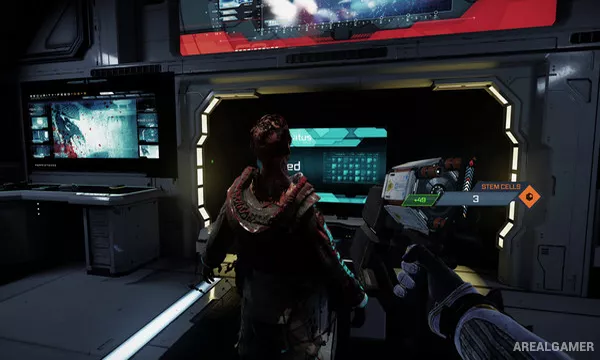
Players explore procedurally rearranged decks from a first-person perspective while searching rooms for weapons, upgrades, currency, and resources. Enemies can be distracted, avoided, attacked from stealth, or fought directly with melee tools and firearms.
Death does not erase all progress because collected resources can provide permanent improvements for later attempts. Completing objectives restores sections of the ship and gradually moves the campaign toward its final escape plan.
Main Gameplay Features
First-person sci-fi survival horror
Procedurally changing spaceship layouts
Stealth and direct combat options
Melee and ranged weapons
Resource scavenging
Permanent character upgrades
Enemy distraction mechanics
Roguelike death-and-retry structure
Screenshots:


Minimum System Requirements:
OS: Windows 10, 64-bits
CPU: Intel i5 4570
RAM: 8 GB
Video Card: NVIDIA GeForce GTX 750 ti
Space Required: 5 GB
DirectX: 12
How to Install:
Extract the game using Winrar or 7zip.
Open “The Persistence” folder, double click on “Setup” and proceed install.
After installation complete, open “CODEX” folder.
Copy all files and paste it where you “Installed the Game”.
Double click on “Game” icon to play the game. Enjoy!
Click the Below Button to Proceed to Download Page
File Password: arealgamer