
Tunguska: The Visitation

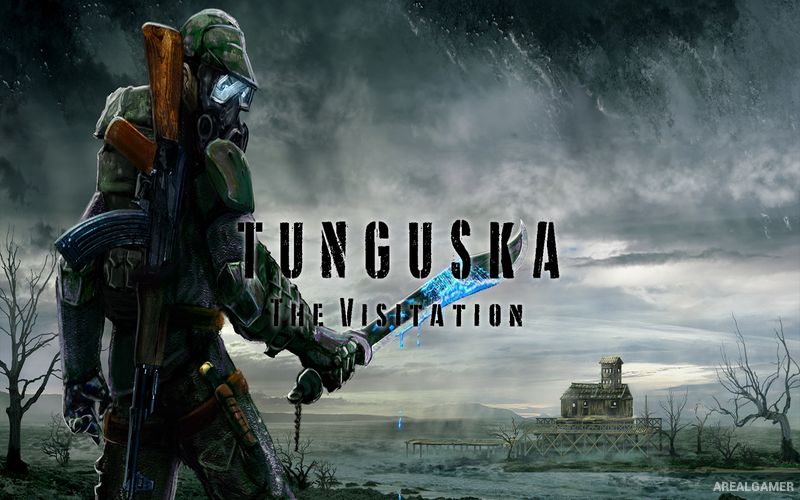
Tunguska: The Visitation – Free Download – PC Game
Game Info:
Size: 1.55 GB
Genre: Action, Adventure, Open World
Release Date: June 4, 2021
Developer: Rotorist Workshop
Publisher: Rotorist Workshop
About This Game:
Tunguska: The Visitation is a top-down survival action RPG set around an alternative version of the Tunguska region in the Soviet Union. Players enter a dangerous exclusion zone filled with armed groups, mutated creatures, supernatural anomalies, abandoned facilities, and mysteries connected to the area’s strange history.
The game combines survival systems with exploration and gunfights, encouraging players to prepare carefully before traveling deeper into hostile territory. Supplies, equipment, weapons, and information gathered from local characters help uncover what is really happening inside the zone.
How the Gameplay Works
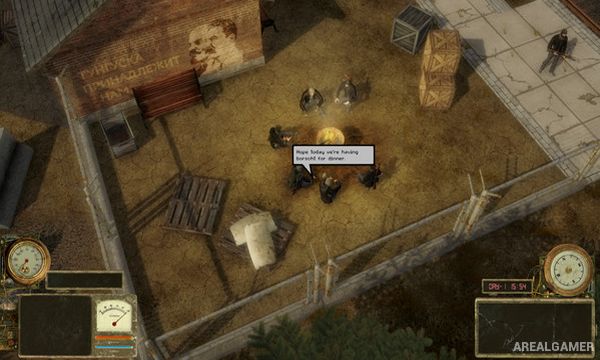
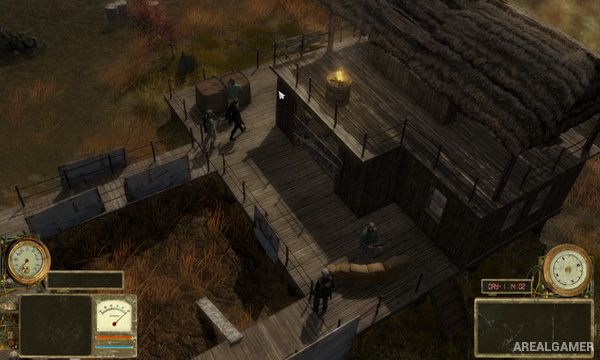
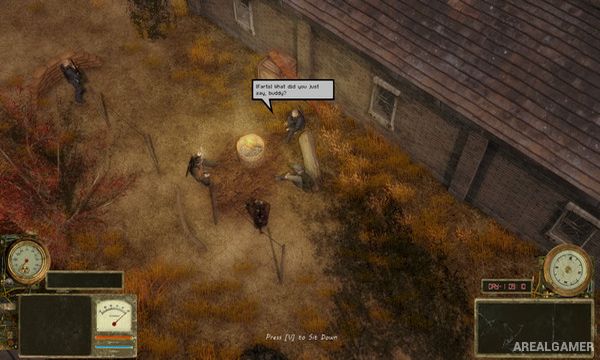
Players explore from an overhead perspective while using firearms and other equipment against mutants and hostile humans. Weapons, ammunition, medical supplies, protective gear, and useful resources can be collected, purchased, or recovered from dangerous locations.
Survival requires managing injuries and exposure to environmental dangers while completing quests for different characters. Stealth can sometimes help avoid unnecessary fights, while cooking, crafting, trading, and equipment upgrades provide additional preparation for longer expeditions.
Main Gameplay Features
Top-down survival action RPG
Soviet exclusion-zone setting
Firearm combat
Mutated creatures
Hostile human factions
Environmental anomalies
Stealth options
Loot and equipment
Crafting and cooking
Trading
Quest-driven exploration
Atmospheric open environments
Screenshots:
Minimum System Requirements:
OS: Windows 7/8/10
CPU: Intel Core i7
RAM: 4 GB
Video Card: GeForce GT 1030
Space Required: 5 GB
DirectX: 9.0c
How to Install:
Extract the game using Winrar or 7zip.
Open “Tunguska: The Visitation” folder, double click on “Setup” and proceed install.
After installation complete, go to the “Installed Game” location.
Double click on “Game” icon to play the game. Enjoy!
Click the Below Button to Proceed to Download Page
File Password: arealgamer