
Vampire: The Masquerade – Redemption


Vampire: The Masquerade – Redemption – Free Download – PC Game
Game Info:
Size: 843 MB
Genre: Action, RPG
Release Date: 7 Jun, 2000
Developer: Nihilistic Software
Publisher: Activision
About This Game:
Vampire: The Masquerade – Redemption is an action RPG based on the World of Darkness tabletop setting. Its story follows Christof Romuald, a medieval crusader whose life changes after he becomes a vampire and is pulled into conflicts between rival undead factions.
The campaign stretches across very different historical periods, combining gothic medieval locations with a later modern setting while continuing Christof’s struggle with his vampiric nature and personal loyalties.
How the Gameplay Works
Players command Christof and a party of companions through real-time combat against vampires, monsters, and other enemies. Characters use conventional weapons alongside supernatural Disciplines that provide offensive, defensive, and utility powers.
Blood functions as an important resource for vampiric abilities and survival. Equipment, character attributes, and powers improve over time, while story decisions can influence Christof’s humanity and the direction of the ending.
Main Gameplay Features
Story-driven vampire action RPG
World of Darkness setting
Party-based real-time combat
Vampire Disciplines and supernatural abilities
Blood resource management
Medieval and modern environments
Weapons, armor, and equipment
Character progression
Humanity-related decisions
Multiple possible endings
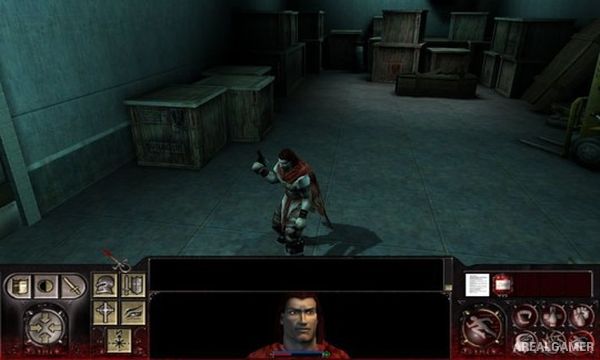
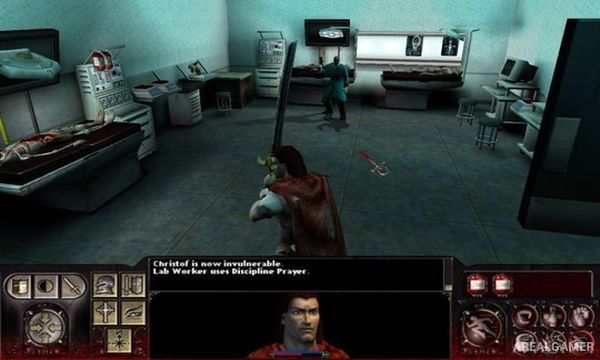
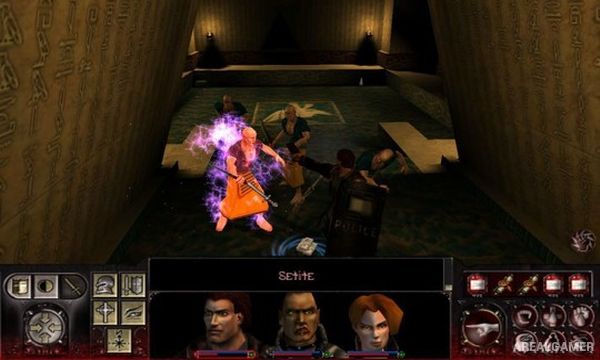
Screenshots:
Minimum System Requirements:
OS: Windows XP/Vista/7/8/10
CPU: 1.8 GHz
RAM: 512 MB
Video Card: 3D graphics card compatible with DirectX 9
Space Required: 2 GB
DirectX: 9.0c
How to Install:
Extract the game using Winrar or 7zip.
Open “Vampire: The Masquerade – Redemption” folder, double click on “Setup” and proceed install.
After installation complete, go to the “Installed Game” location.
Double click on “Vampire” icon to play the game. Enjoy!
Click the Below Button to Proceed to Download Page
File Password: arealgamer