
Warhammer 40,000: Dawn of War – Dark Crusade

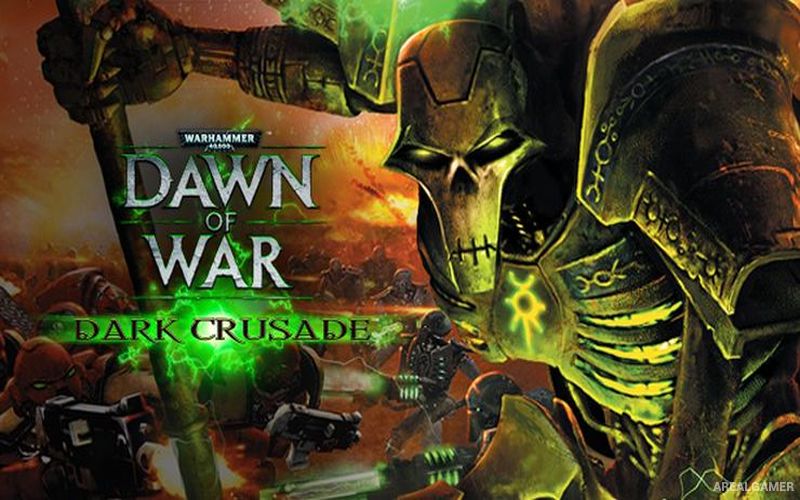
Warhammer 40,000: Dawn of War – Dark Crusade – Free Download – PC Game
Game Info:
Size: 3.43 GB
Genre: Strategy
Release Date: 9 Oct, 2006
Developer: Relic Entertainment
Publisher: SEGA
About This Game:
Warhammer 40,000: Dawn of War – Dark Crusade expands the real-time strategy series with a large planetary campaign fought across Kronus. Seven factions compete for control of the world, including Space Marines, Chaos, Orks, Eldar, Imperial Guard, Tau Empire, and Necrons.
Instead of following a strictly linear campaign, commanders move their faction around a strategic map and attack neighboring territories. Captured provinces provide bonuses and additional resources, while each enemy faction has a heavily defended stronghold that must eventually be conquered.
How the Gameplay Works
Real-time battles revolve around capturing Strategic Points and generating resources used to construct bases, reinforce squads, research upgrades, and field stronger units. Infantry squads can often receive additional members and weapons while remaining active on the battlefield.
The campaign map allows players to choose where to attack next, and surviving commander equipment can carry between battles. Conquering important territories grants advantages, while defeating enemy strongholds gradually removes rival factions from the planetary war.
Main Gameplay Features
Seven playable factions
Nonlinear planetary campaign
Strategic territory map
Space Marines
Chaos
Orks
Eldar
Imperial Guard
Tau Empire
Necrons
Real-time base building
Squad reinforcement
Strategic Point capture
Persistent commander upgrades
Faction strongholds
Skirmish and multiplayer battles
Screenshots:
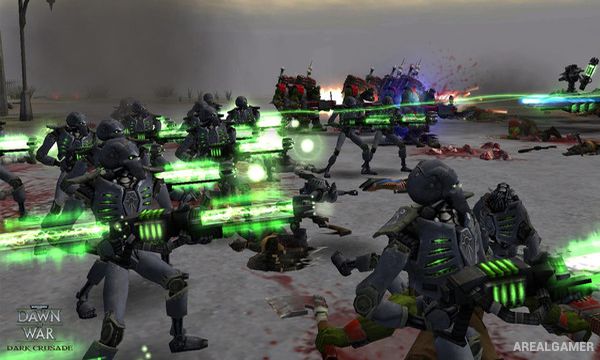
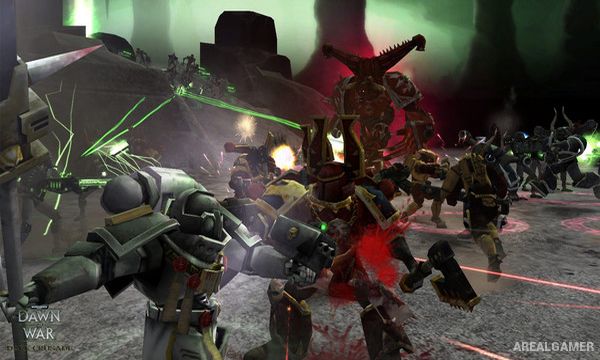
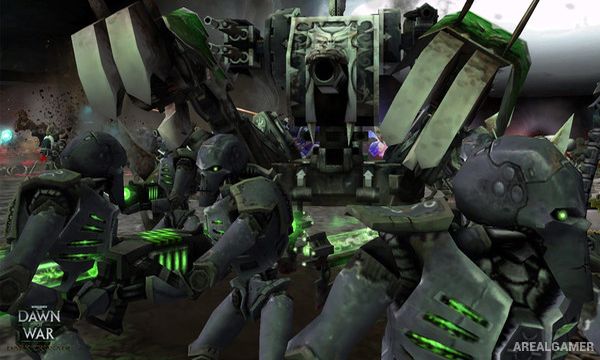
Minimum System Requirements:
OS: Windows XP/Vista/7
CPU: 1.8 GHz
RAM: 512 MB
Video Card: 3D graphics card compatible with DirectX 9
Space Required: 5 GB
DirectX: 9.0c
How to Install:
Extract the game using Winrar or 7zip.
Open “Dawn of War – Dark Crusade” folder, double click on “Setup” and proceed install.
After installation complete, go to the “Installed Game” location.
Double click on “DarkCrusade” icon to play the game. Enjoy!
Click the Below Button to Proceed to Download Page
File Password: arealgamer
this one worked, THX u so much