
XCOM: Enemy Unknown


XCOM: Enemy Unknown – Free Download – PC Game
Game Info:
Size: 11.92 GB
Genre: Strategy
Release Date: 12 Oct, 2012
Developer: Firaxis Games
Publisher: 2K
About This Game:
XCOM: Enemy Unknown is a turn-based tactical strategy game about leading an international organization against a global alien invasion. The player manages XCOM’s headquarters between missions and commands small squads during battles where every soldier can be permanently lost.
The campaign mixes tactical combat with long-term research, engineering, finances, satellite coverage, and panic management. Decisions made at headquarters determine what equipment and support will be available when squads are deployed.
How the Gameplay Works
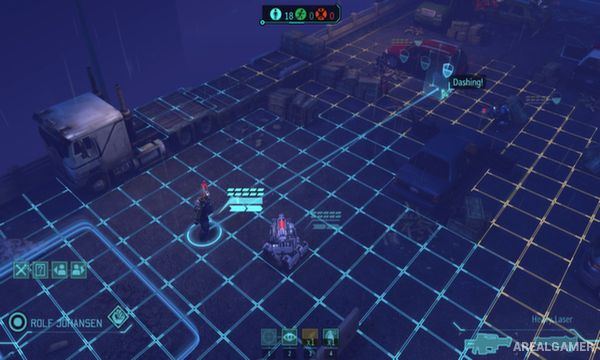
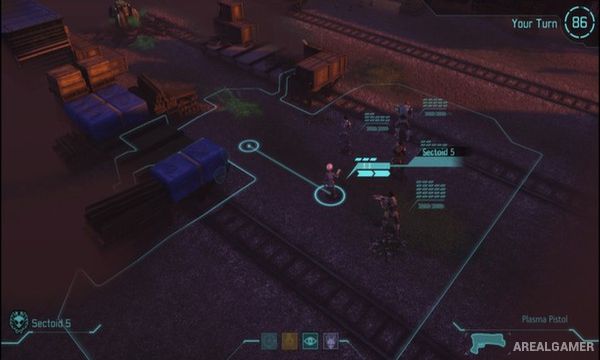
During missions, soldiers move using a two-action turn system and use cover, firearms, grenades, overwatch, suppression, class abilities, and specialized equipment. Enemy positions are initially hidden, so advancing too aggressively can reveal multiple alien groups at once.
Surviving soldiers gain ranks and unlock class skills, making veterans increasingly valuable. Back at base, alien corpses and technology can be researched, new weapons and armor can be built, and satellites can be launched to keep member nations from withdrawing support.
Main Gameplay Features
Turn-based squad tactical combat
Permanent soldier death
Cover, overwatch, suppression, and flanking
Four main soldier classes with ability progression
Alien research and equipment development
Base construction and facility management
Satellite coverage and global panic system
Procedurally varied tactical missions
Screenshots:

Minimum System Requirements:
OS: Windows Vista/7/8/10
CPU: 2 GHz Dual Core
RAM: 2 GB
Video Card: NVIDIA GeForce 8600 GT / ATI Radeon HD 2600 XT or greater
Space Required: 20 GB
DirectX: 9.0c
How to Install:
Extract the game using Winrar or 7zip.
Open “XCOM: Enemy Unknown” folder, double click on “Setup” and proceed install.
After installation complete, go to the “Installed Game” location.
Go to “Binaries” >> “Win32” folder, Double click on “XComGame” icon to play the game. Enjoy!
Click the Below Button to Proceed to Download Page
File Password: arealgamer