
Age of Empires III: Complete Collection

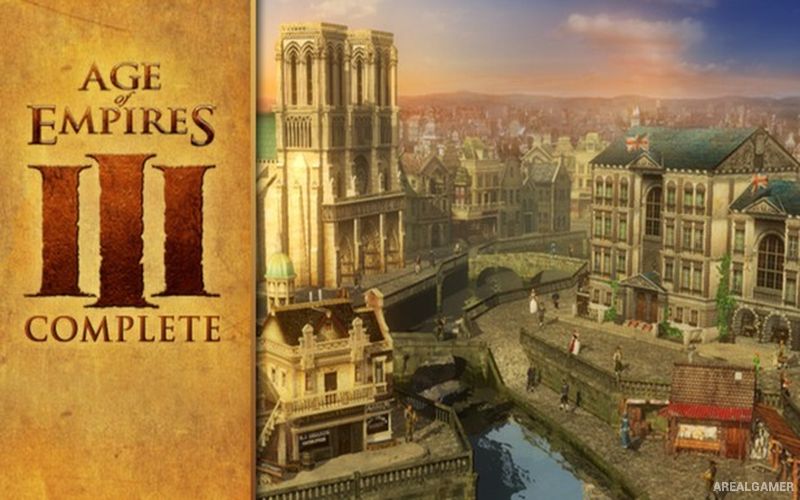
Age of Empires III: Complete Collection – Free Download – PC Game
Game Info:
Size: 5.67 GB
Genre: Strategy
Release Date: October 18, 2005
Developer: Ensemble Studios
Publisher: Microsoft Game Studios
About This Game:
Age of Empires III: Complete Collection brings together the original Age of Empires III and its major expansions, The WarChiefs and The Asian Dynasties. The game moves the series into the early modern period, with European powers and additional civilizations competing across colonies, trade routes, settlements, and battlefields around the world.
A distinctive Home City system allows players to receive shipments of units, resources, technologies, and other bonuses during matches. The expansions broaden the civilization selection and introduce additional campaigns, units, buildings, and mechanics inspired by Native American and Asian powers.
How the Gameplay Works
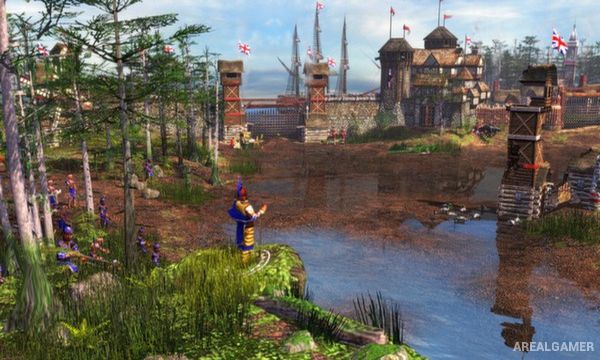
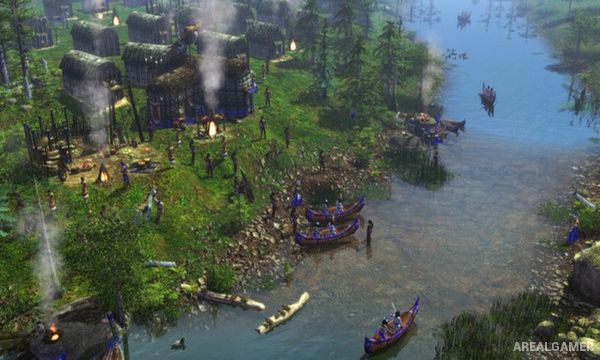
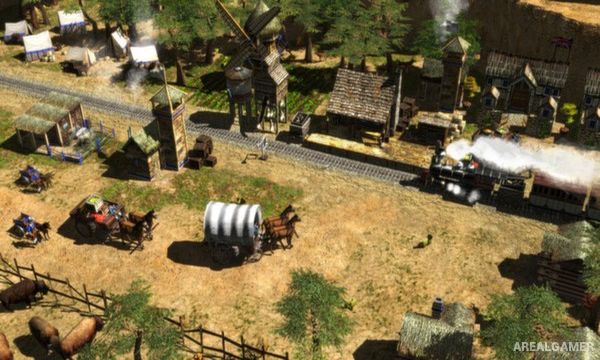
Players gather resources, construct settlements, train military forces, and progress through technological ages. Settlers maintain the economy while infantry, cavalry, artillery, ships, and specialized units are used to defend territory or attack rival colonies.
Experience earned during a match unlocks Home City shipments that can provide reinforcements or economic advantages. Trading posts and map control create additional sources of experience and resources, while each civilization has unique bonuses and unit options that influence its preferred strategy.
Main Gameplay Features
Complete Age of Empires III package
The WarChiefs expansion
The Asian Dynasties expansion
Multiple European civilizations
Native American civilizations
Asian civilizations
Home City shipment system
Resource gathering and settlement building
Infantry, cavalry, and artillery
Naval warfare
Historical campaigns
Single-player and multiplayer battles
Screenshots:
Minimum System Requirements:
OS: Windows XP
CPU: Intel Core 2 Duo 2.2 GHz or AMD Athlon 64 X2 2.0 GHz
RAM: 2 GB
Video Card: 64 MB NVIDIA GeForce 6800 or ATI Radeon X1300
Space Required: 12 GB
DirectX: 9.0c
How to Install:
Extract the game using Winrar or 7zip.
Open “Age of Empires III: Complete Collection” folder, double click on “Setup” and proceed install.
After installation complete, open “PROPHET” folder.
Copy all files and paste it where you “Installed the Game”.
Double click on “age3” icon to play the game. Enjoy!
Click the Below Button to Proceed to Download Page
File Password: arealgamer