
Age of Empires: Definitive Edition

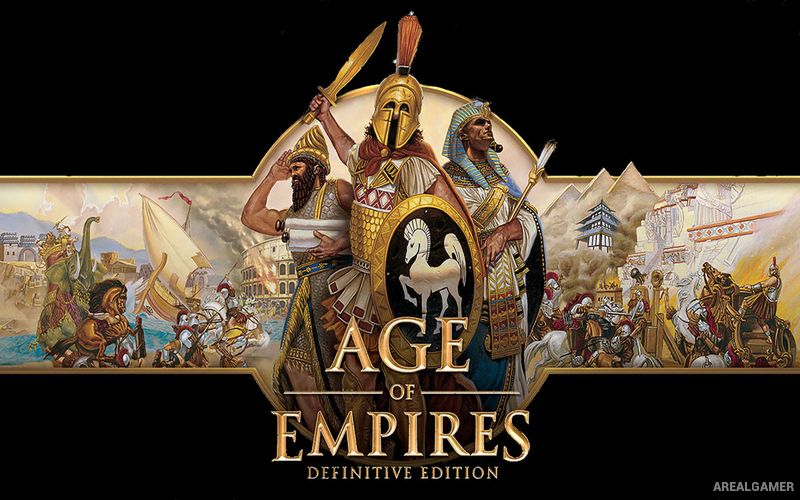
Age of Empires: Definitive Edition – Free Download – PC Game
Game Info:
Size: 9.71 GB
Genre: Strategy
Release Date: 19 Aug, 2019
Developer: Forgotten Empires, Tantalus
Publisher: Xbox Game Studios
About This Game:
Age of Empires: Definitive Edition modernizes the original real-time strategy game while retaining its focus on the civilizations and warfare of the ancient world. Players guide early settlements through several technological ages, developing economies and armies capable of competing with neighboring civilizations.
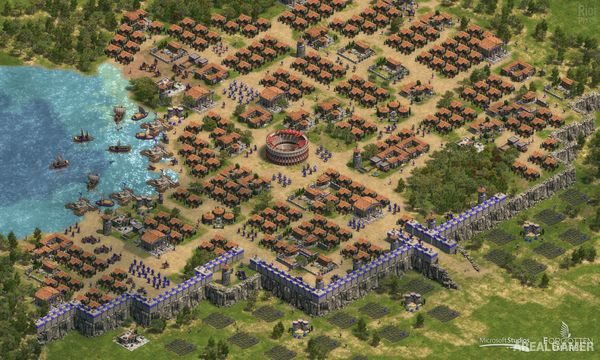
The Definitive Edition updates the presentation with redesigned visuals, improved interface elements, remastered audio, and additional quality-of-life improvements. Campaigns and civilizations from the original game and Rise of Rome content provide a large selection of historical scenarios and skirmish possibilities.
How the Gameplay Works
Villagers gather food, wood, stone, and gold before using those resources to construct buildings and produce units. Advancing into later ages unlocks improved military forces, stronger technology, and additional structures, making economic development essential for long matches.
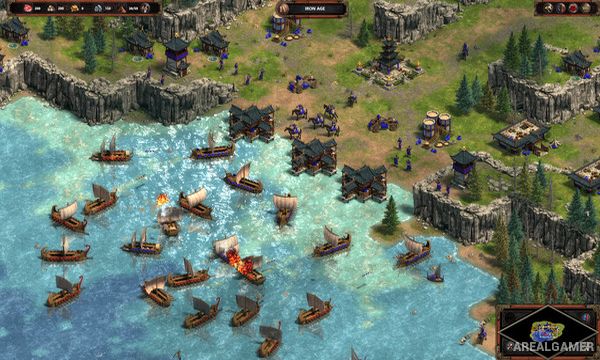
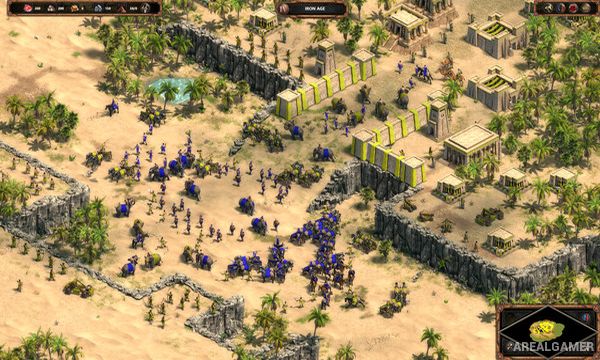
Armies can contain infantry, archers, cavalry, siege weapons, priests, and ships. Players explore the map, secure resources, expand settlements, and attack rival civilizations while adapting to different terrain and unit combinations.
Main Gameplay Features
Remastered classic real-time strategy
Ancient historical civilizations
Updated high-resolution visuals
Remastered soundtrack
Resource gathering
Settlement development
Technology and age progression
Infantry, cavalry, and ranged units
Siege weapons
Priests and unit conversion
Naval warfare
Campaign, skirmish, and multiplayer modes
Screenshots:
Minimum System Requirements:
OS: Windows 10, 64-bits
CPU: 1.8 Ghz+ Dual Core or greater i5 or AMD equivalent
RAM: 4 GB
Video Card: DirectX 11.0 compatible card with Direct3D Feature Level 11_0 or higher support and 1GB of free memory
Space Required: 20 GB
DirectX: 11
How to Install:
Extract the game using Winrar or 7zip.
Open “Age of Empires: Definitive Edition” folder, double click on “Setup” and proceed install.
After installation complete, open “CODEX” folder.
Copy all files and paste it where you “Installed the Game”.
Double click on “Game” icon to play the game. Enjoy!
Click the Below Button to Proceed to Download Page
File Password: arealgamer
Awesome rework! Links are still working and up.