
Aliens Versus Predator Classic 2000

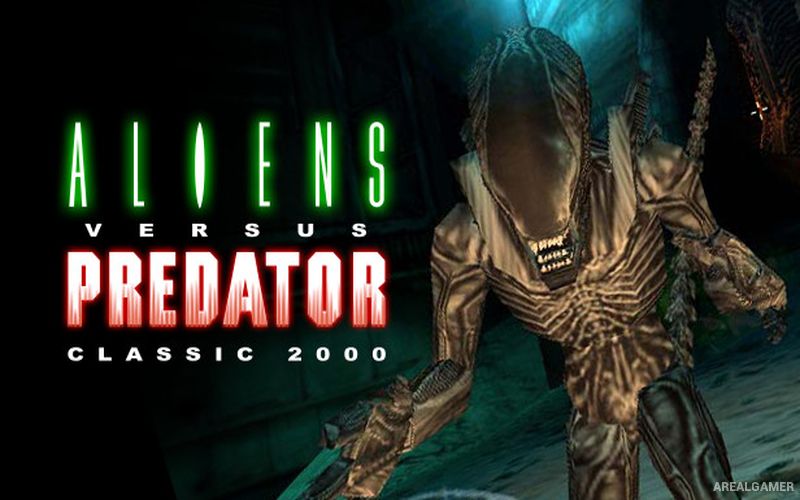
Aliens Versus Predator Classic 2000 – Free Download – PC Game
Game Info:
Size: 415.3 MB
Genre: Action, Shooter
Release Date: 28 Mar, 2000
Developer: Rebellion
Publisher: Rebellion
About This Game:
Aliens Versus Predator Classic 2000 brings together three iconic science-fiction factions in a fast first-person action game. Separate Marine, Predator, and Alien campaigns offer completely different ways to survive and fight across colonies, military installations, spacecraft, and other dangerous environments.
The Marine campaign emphasizes fear and vulnerability, the Predator relies on technology and hunting abilities, and the Alien moves with extreme speed across floors, walls, and ceilings. This creates three experiences that share locations and enemies but feel very different to control.
How the Gameplay Works
Marines use firearms, flares, image intensifiers, and a motion tracker to detect threats. Predators rely on cloaking, multiple vision modes, wrist blades, and advanced ranged weapons.
Aliens attack with claws, tail strikes, and close-range bites while freely climbing walls and ceilings. Completing campaigns opens additional challenge content, while multiplayer allows different species to fight directly against each other.
Main Gameplay Features
Marine campaign
Predator campaign
Alien campaign
First-person action
Motion tracker
Pulse rifle and smartgun
Predator cloaking
Predator vision modes
Wrist blades
Alien wall crawling
Fast Alien movement
Dark horror environments
Bonus missions
Competitive multiplayer
Three distinct playstyles
Screenshots:
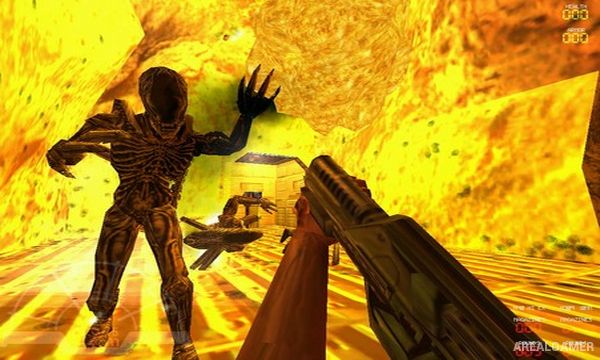
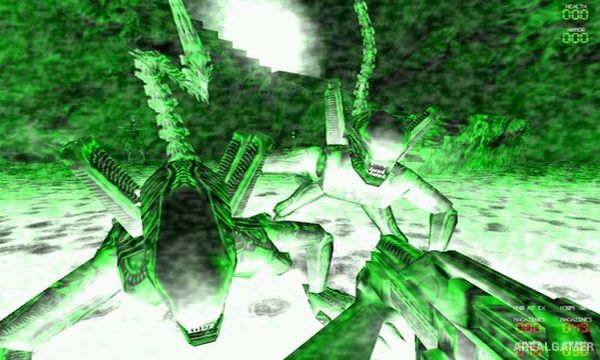
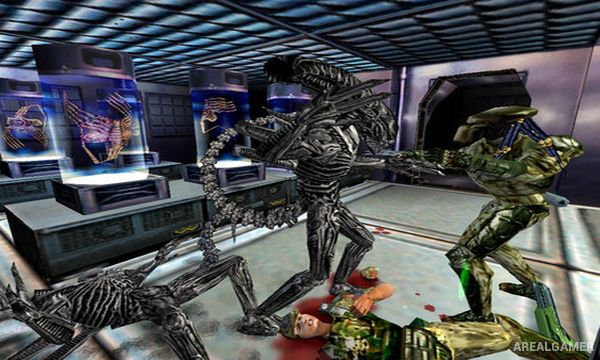
Minimum System Requirements:
OS: Windows 98/2000/XP/Vista/7
CPU: 1.8 GHz
RAM: 512 MB
Video Card: 3D graphics card compatible with DirectX 9
Space Required: 1 GB
DirectX: 9.0c
How to Install:
Extract the game using Winrar or 7zip.
Open “Aliens Versus Predator Classic 2000” folder, double click on “Setup” and proceed install.
After installation complete, open “Crack” folder.
Copy all files and paste it where you “Installed the Game”.
Double click on “AvP_Classic” icon to play the game. Enjoy!
Click the Below Button to Proceed to Download Page
File Password: arealgamer