
Arabian Nights


Arabian Nights – Free Download – PC Game
Game Info:
Size: 343 MB
Genre: Action, Adventure
Release Date: Jun 21, 2001
Developer: Silmarils
Publisher: Silmarils
About This Game:
Arabian Nights is a third-person action-adventure inspired by stories and imagery associated with One Thousand and One Nights. The game follows a young hero through a fantasy Arabian setting filled with palaces, deserts, magical creatures, traps, puzzles, and sword-fighting encounters.
The adventure combines platforming, exploration, combat, and magical elements rather than focusing on a single gameplay style. Progress moves through a sequence of story locations where environmental hazards and enemies are mixed with switches, keys, and puzzle interactions.
How the Gameplay Works
Players run, jump, climb, fight enemies with melee attacks, and use available magical or special abilities when the situation requires them. Platforming sections demand careful movement across ledges and traps, while combat usually takes place at close range against human or supernatural opponents.
Levels are structured around reaching new parts of the story, finding important items, and overcoming area-specific challenges. The fantasy setting provides a variety of environments and enemy types as the journey moves between cities, interiors, ruins, and magical locations.
Main Gameplay Features
Third-person fantasy action-adventure
Arabian Nights-inspired setting
Sword-based melee combat
Platforming and environmental traversal
Magic and supernatural encounters
Traps, switches, keys, and puzzle elements
Story-driven progression through varied locations
Screenshots:
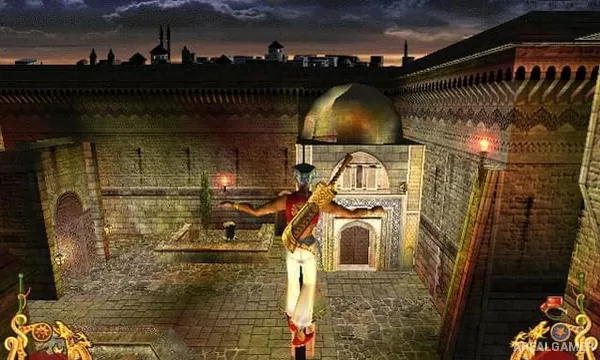
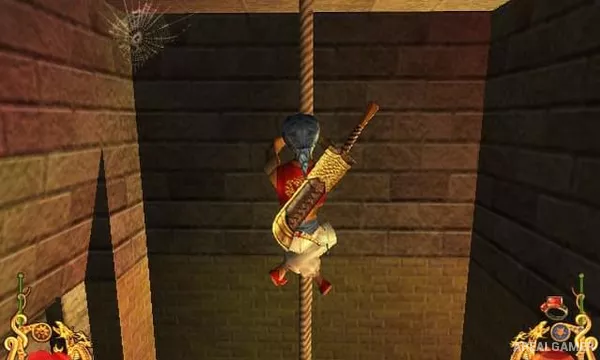
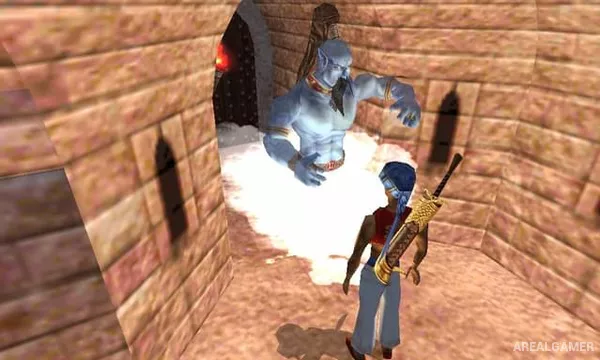
Minimum System Requirements:
OS: Windows XP/Vista/7/8/10
CPU: 1.8 GHz
RAM: 512 MB
Video Card: 3D graphics card compatible with DirectX 9
Space Required: 1 GB
DirectX: 9.0c
How to Install:
Extract the game using Winrar or 7zip.
Open “Arabian Nights” folder, double click on “Setup” and proceed install.
After installation complete, go to the “Installed Game” location.
Double click on “Game” icon to play the game. Enjoy!
Click the Below Button to Proceed to Download Page
File Password: arealgamer