
Armored Brigade


Armored Brigade – Free Download – PC Game
Game Info:
Size: 525 MB
Genre: Strategy
Release Date: November 15, 2018
Developer: Veitikka Studios
Publisher: Slitherine Ltd.
About This Game:
Armored Brigade is a real-time tactical wargame built around a fictional Cold War conflict where tensions between NATO and the Warsaw Pact finally turn into open warfare. Players command combined-arms formations across European battlefields using historically inspired units and military equipment.
The game emphasizes realism without requiring players to control every soldier individually. Reconnaissance, terrain, line of sight, unit morale, command delays, artillery, infantry, and armored vehicles all contribute to how battles develop.
How the Gameplay Works
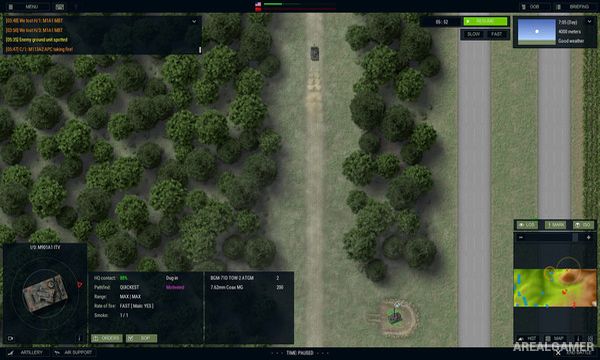
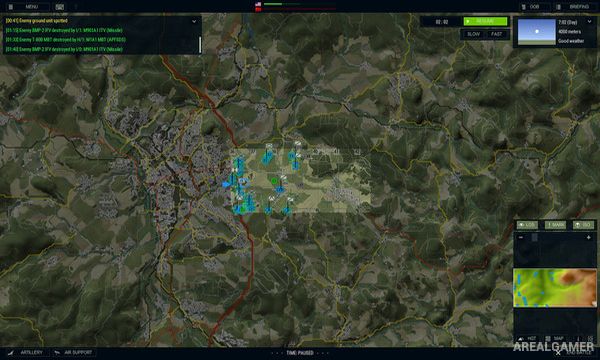
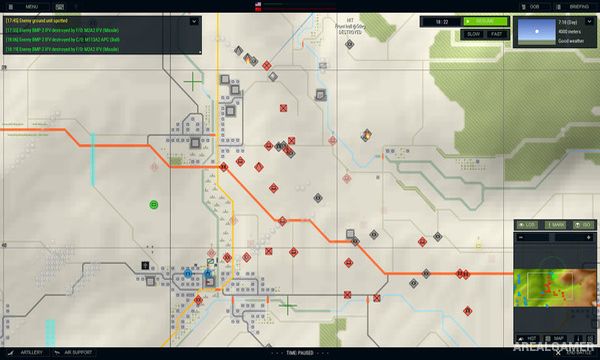
Players issue orders from a tactical overhead map while units move and fight in real time. Infantry can use terrain for concealment, armored vehicles provide mobile firepower, and reconnaissance units help discover enemy positions before larger forces are committed.
Artillery and support weapons can influence areas that are difficult to attack directly, while poor visibility or terrain can prevent units from seeing threats until they are dangerously close. A battle generator allows forces, locations, and conditions to be configured for additional scenarios.
Main Gameplay Features
Real-time tactical wargaming
Cold War turned hot setting
NATO and Warsaw Pact forces
Infantry and armored vehicles
Combined-arms warfare
Artillery support
Reconnaissance
Line-of-sight mechanics
Morale and command systems
Large European maps
Battle generator
Historically inspired equipment
Screenshots:
Minimum System Requirements:
OS: Windows 7/8/10
CPU: 1.8 GHz
RAM: 1 GB
Video Card: 512 MB
Space Required: 1 GB
DirectX: 9.0c
How to Install:
Extract the game using Winrar or 7zip.
Open “Armored Brigade” folder, double click on “Setup” and proceed install.
After installation complete, go to the “Installed Game” location.
Double click on “Game” icon to play the game. Enjoy!
Click the Below Button to Proceed to Download Page
File Password: arealgamer