
Batman – The Telltale Series


Batman – The Telltale Series – Free Download – PC Game
Game Info:
Size: 18.7 GB
Genre: Adventure
Release Date: 2 Aug, 2016
Developer: Telltale
Publisher: Telltale
About This Game:
Batman – The Telltale Series is an episodic narrative adventure that explores Bruce Wayne and Batman as two sides of the same character. The story places Bruce in political and personal conflicts involving Gotham’s elite while Batman investigates crimes and confronts a new group of enemies.
Player choices influence relationships, public perception, conversations, and the way certain situations unfold. Some decisions are made as Bruce Wayne rather than Batman, forcing the player to consider which identity is better suited to a problem.
How the Gameplay Works
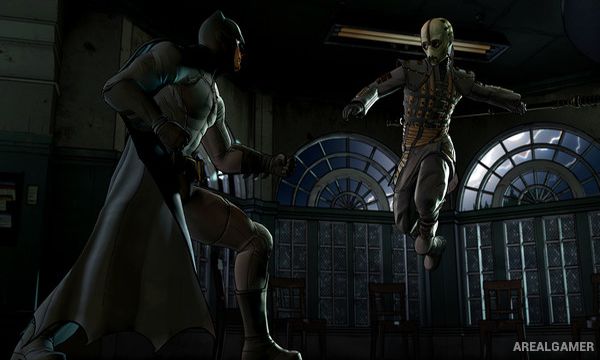
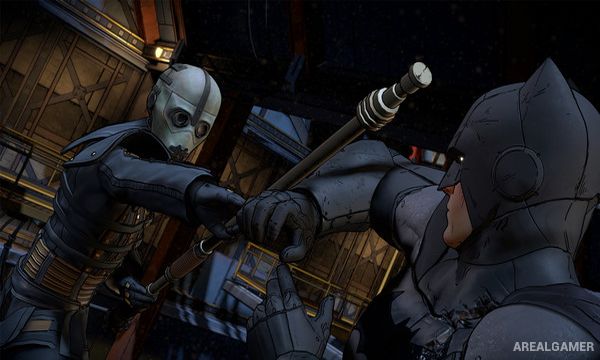
Gameplay alternates between dialogue choices, environmental investigation, quick-time action scenes, and planned attacks. Crime scenes allow Batman to examine evidence and link clues together to reconstruct what happened.
Before certain combat encounters, Batman can survey enemies and choose how to use nearby objects or gadgets during a coordinated takedown. Decisions carry across episodes, changing later dialogue and character behavior.
Main Gameplay Features
Five-episode choice-driven Batman story
Playable Bruce Wayne and Batman
Dialogue decisions with lasting consequences
Crime-scene investigation
Evidence-linking detective system
Planned multi-target takedowns
Quick-time combat sequences
Relationships shaped across episodes
Screenshots:

Minimum System Requirements:
OS: Windows 7/8/10, 64-bits
CPU: Intel Core 2 Duo 2.4GHz
RAM: 3 GB
Video Card: Nvidia GTS 450+ with 1024MB+ VRAM (excluding GT) – LATEST DRIVERS REQUIRED
Space Required: 25 GB
DirectX: 11
How to Install:
Extract the game using Winrar or 7zip.
Open “Batman – The Telltale Series” folder, double click on “Setup” and proceed install.
After installation complete, go to the “Installed Game” location.
Double click on “Game” icon to play the game. Enjoy!
Click the Below Button to Proceed to Download Page
File Password: arealgamer