
Battlestar Galactica Deadlock

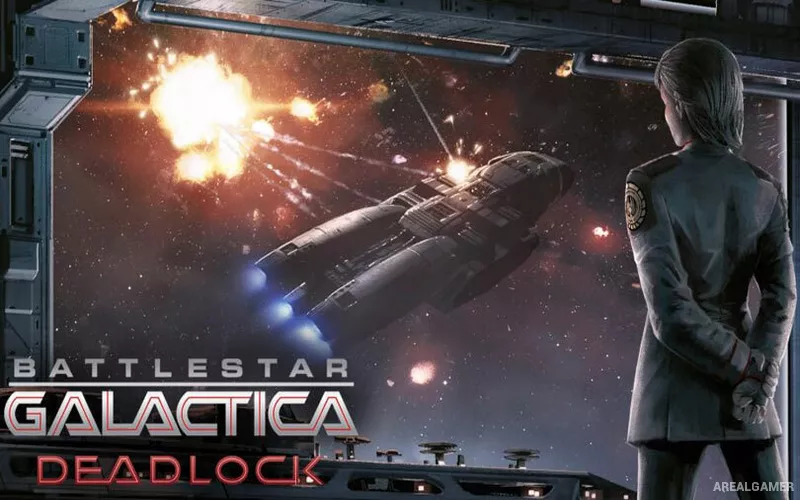
Battlestar Galactica Deadlock – Free Download – PC Game
Game Info:
Size: 4.42 GB
Genre: Strategy
Release Date: 31 Aug, 2017
Developer: Black Lab Games
Publisher: Slitherine Ltd.
About This Game:
Battlestar Galactica Deadlock is a tactical strategy game set during the First Cylon War. Players take command of Colonial fleets and attempt to protect the Twelve Colonies while building ships, managing resources, and responding to Cylon attacks across the strategic map.
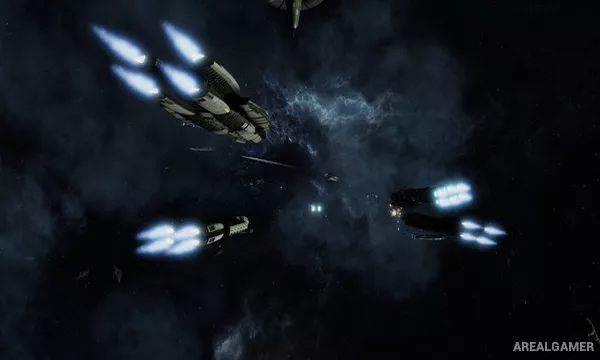
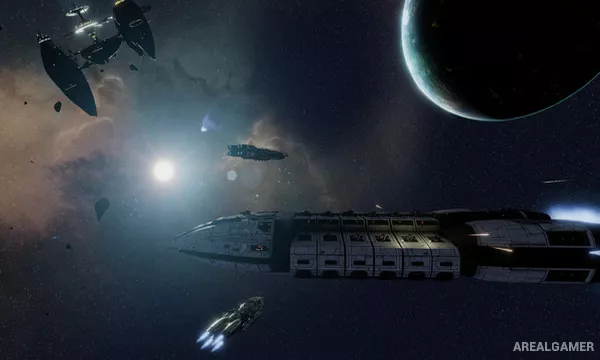
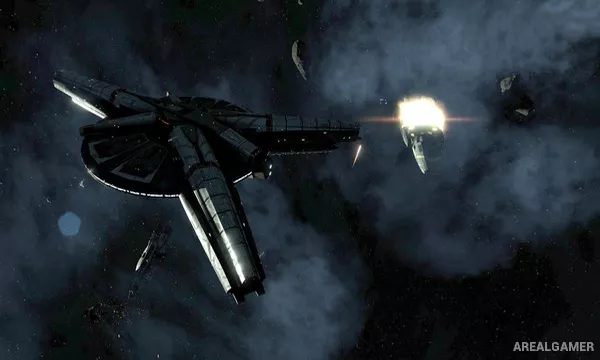
Its battles use a simultaneous-turn system that allows careful planning while still presenting the resulting engagements with the movement and spectacle of real-time space combat.
How the Gameplay Works
During each tactical turn, players set movement, altitude, facing, targets, squadron orders, and abilities for their ships. Once orders are confirmed, both sides execute their actions simultaneously before the game pauses for the next planning phase.
Ship positioning determines weapon coverage and defensive exposure, while fighters and missiles add additional tactical choices. The campaign also involves constructing fleets, assigning officers, and deciding where limited Colonial forces are most urgently needed.
Main Gameplay Features
Simultaneous-turn tactical space combat
Colonial and Cylon warships
Three-dimensional fleet positioning
Fighter squadron management
Missiles and capital-ship weapon systems
Fleet construction and officer assignment
Strategic Twelve Colonies campaign
Cinematic battle replay system
Screenshots:
Minimum System Requirements:
OS: Windows 7/8/10
CPU: 2.0 GHz or higher
RAM: 4 GB
Video Card: 1 GB NVIDIA Geforce 460/ATI Radeon HD 5770 or better
Space Required: 10 GB
DirectX: 11
How to Install:
Extract the game using Winrar or 7zip.
Open “Battlestar Galactica Deadlock” folder, double click on “Setup” and proceed install.
After installation complete, open “SKIDROW” folder.
Copy all files and paste it where you “Installed the Game”.
Double click on “Game” icon to play the game. Enjoy!
Click the Below Button to Proceed to Download Page
File Password: arealgamer