
Beyblade: Let it Rip


Beyblade: Let it Rip – Free Download – PC Game
Game Info:
Size: 211 MB
Genre: Fighting
Release Date: August 22, 2003
Developer: Crave
Publisher: Crave
About This Game:
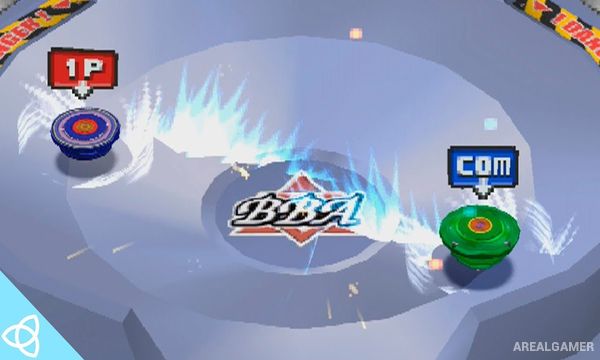
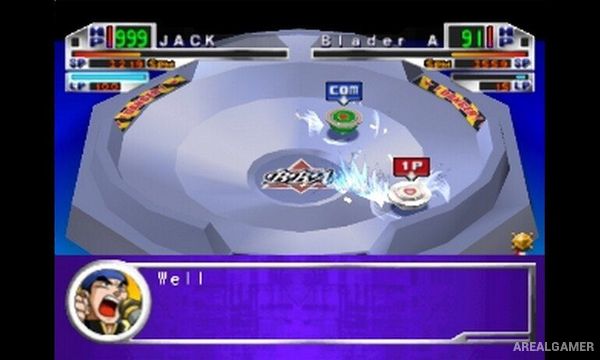
Beyblade: Let it Rip is a spinning-top battle game based on the Beyblade anime series and toy line. Players select Beyblades and launch them into arenas where they collide with opponents until one stops spinning, is knocked away, or otherwise loses the battle.
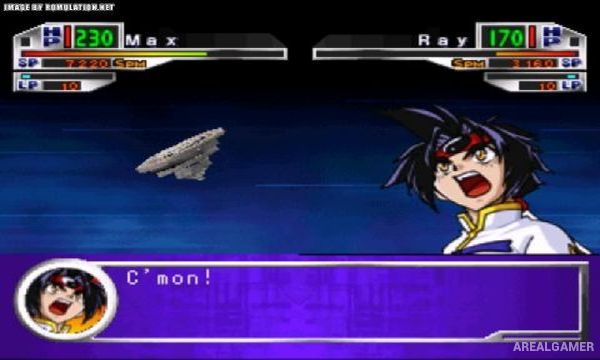
Characters and Beyblades inspired by the series give the game a familiar presentation for fans, while customization allows players to experiment with different parts and configurations. Choosing a suitable setup can influence attributes such as attack strength, endurance, and defensive performance.
How the Gameplay Works
Before a match, players prepare their Beyblade and select available components. Battles begin with a launch into the stadium, where movement and collisions gradually reduce each Beyblade’s ability to continue spinning. Launch timing and preparation can influence how strongly a Beyblade enters the arena.
Players can use different strategies depending on the selected Beyblade, with aggressive builds attempting to knock opponents out quickly while endurance-focused setups try to remain spinning for longer. Progression provides additional opportunities to battle familiar characters and experiment with different configurations.
Main Gameplay Features
Beyblade arena battles
Characters inspired by the anime
Customizable Beyblade parts
Attack-focused configurations
Defense-focused configurations
Endurance-based setups
Launch timing mechanics
One-on-one battles
Different battle arenas
Character progression
Multiple Beyblade combinations
Single-player and multiplayer competition
Screenshots:
Minimum System Requirements:
OS: Windows XP, 98, ME, 2000
CPU: Pentium 2 450 MHz
RAM: 128 MB
Video Card: 16 MB
Space Required: 400 MB
DirectX: Any
How to Install:
Extract the game using Winrar or 7zip.
Open “Beyblade: Let it Rip” folder, double click on “Setup” and proceed install.
After installation complete, go to the “Installed Game” location.
Open folder, double click on “ePSXe”, click on “File” and Select “Run ISO”.
Then run “BEYBLADE.ISO” to play the game. Enjoy!
Click the Below Button to Proceed to Download Page
File Password: arealgamer