
Caesar 1

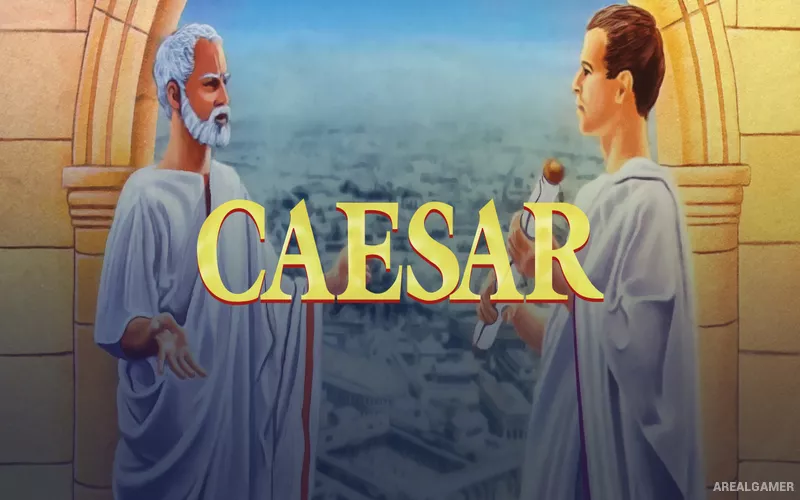
Caesar 1 – Free Download – PC Game
Game Info:
Size: 14 MB
Genre: Strategy
Release Date: Jan 1, 1993
Developer: Impressions Games
Publisher: Activision
About This Game:
Caesar is an early Roman city-building strategy game that puts players in the role of a provincial governor. The objective is to establish functioning settlements, maintain economic activity, satisfy citizens, and defend Roman territory while advancing through increasingly important assignments.
It established many ideas that later became central to the Caesar series, including road planning, housing, taxation, public services, and balancing city growth with Imperial responsibilities.
How the Gameplay Works
Players construct roads and buildings, encourage residential growth, provide essential services, and generate income through taxation. The surrounding province must also be considered, particularly when managing trade routes and military security.
As cities become larger, the challenge shifts from simple expansion to maintaining stable services and finances. Successful governors progress through the Roman hierarchy and receive responsibility for more demanding regions.
Main Gameplay Features
Early Roman city-building gameplay
Road and housing development
Taxation and city finances
Public-service management
Provincial administration
Military defense
Career-based campaign progression
Screenshots:


Minimum System Requirements:
OS: Windows XP/Vista/7/8/10
CPU: 1.8 GHz
RAM: 512 MB
Video Card: 3D graphics card compatible with DirectX 9
Space Required: 100 MB
DirectX: 9.0c
How to Install:
Extract the game using Winrar or 7zip.
Open “Caesar 1” folder, double click on “Setup” and proceed install.
After installation complete, go to the “Installed Game” location.
Double click on “Game” icon to play the game. Enjoy!
Click the Below Button to Proceed to Download Page
File Password: arealgamer