
Call of Duty: Black Ops 2

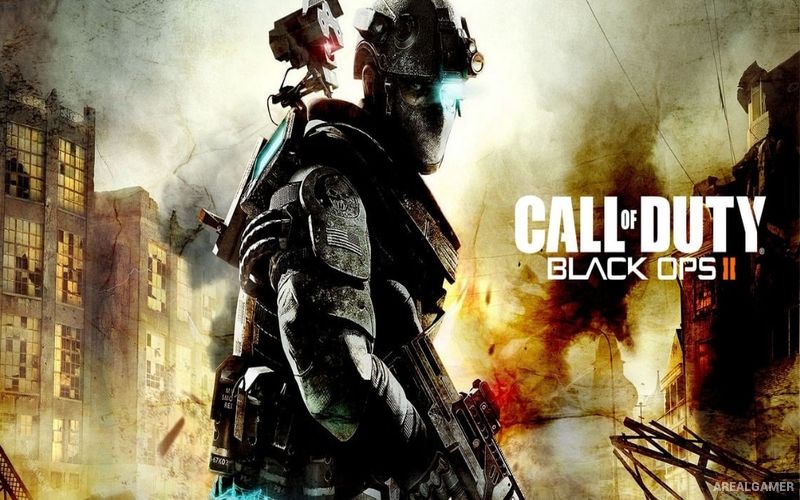
Call of Duty: Black Ops 2 – Free Download – PC Game
Game Info:
Size: 12.11 GB
Genre: Action, Shooter
Release Date: November 12, 2012
Developer: Treyarch
Publisher: Activision
About This Game:
Call of Duty: Black Ops II is a first-person shooter that connects a Cold War storyline with a near-future conflict driven by advanced military technology. The campaign moves between Alex Mason’s operations during the 1980s and missions involving his son David Mason in 2025 as terrorist leader Raul Menendez becomes the center of an international crisis.
Unlike most earlier Call of Duty campaigns, certain decisions and mission outcomes can influence later events and the ending. Alongside the story, the game includes competitive multiplayer and a Zombies mode featuring its own maps, characters, survival challenges, and cooperative gameplay.
How the Gameplay Works
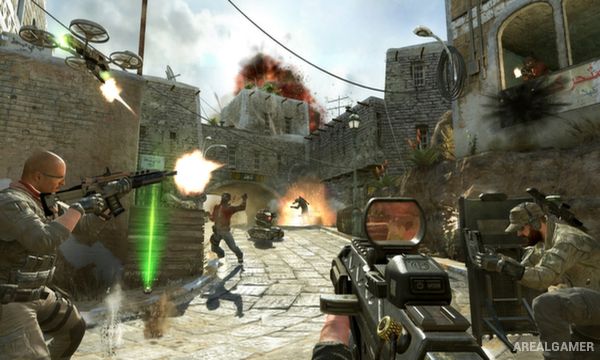
Campaign missions use assault rifles, sniper rifles, explosives, futuristic equipment, vehicles, and other weapons depending on the time period. Optional Strike Force missions allow players to command or directly control soldiers, drones, and equipment while attempting tactical objectives.
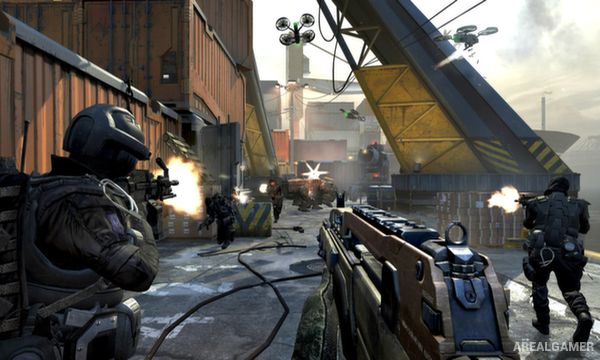
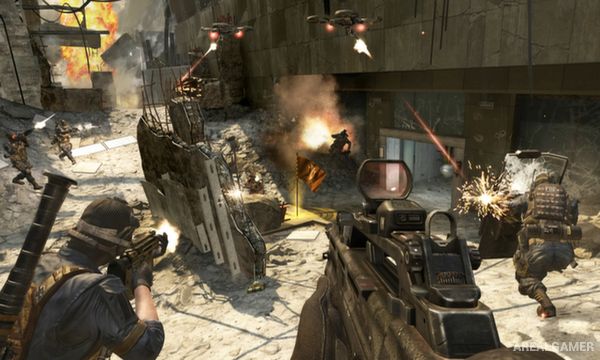
Multiplayer uses customizable loadouts, score-based rewards, and several competitive modes. Zombies places players against increasingly difficult undead waves while they purchase weapons, unlock areas, and work together to survive for as long as possible.
Main Gameplay Features
Two connected campaign time periods
Cold War and near-future warfare
Branching campaign decisions
Multiple possible story outcomes
First-person shooting
Futuristic weapons and equipment
Strike Force missions
Competitive multiplayer
Custom multiplayer loadouts
Scorestreak rewards
Cooperative Zombies mode
Multiple Zombies maps and challenges
Screenshots:
Minimum System Requirements:
OS: Windows Vista SP2/7
CPU: INTEL Core 2 Duo 2.66 GHz
RAM: 3 GB
Video Card: 512 MB, NVIDIA GeForce 8800GT or ATI Radeon HD 3870
Space Required: 15 GB
DirectX: 11
How to Install:
Extract the game using Winrar or 7zip.
Open “Call of Duty: Black Ops 2″ folder, double click on “Setup” and proceed install.
After installation complete, go to the “Installed Game” location.
Double click on “Game” icon to play the game. Enjoy!
Click the Below Button to Proceed to Download Page
File Password: arealgamer