
Combat: Task Force 121

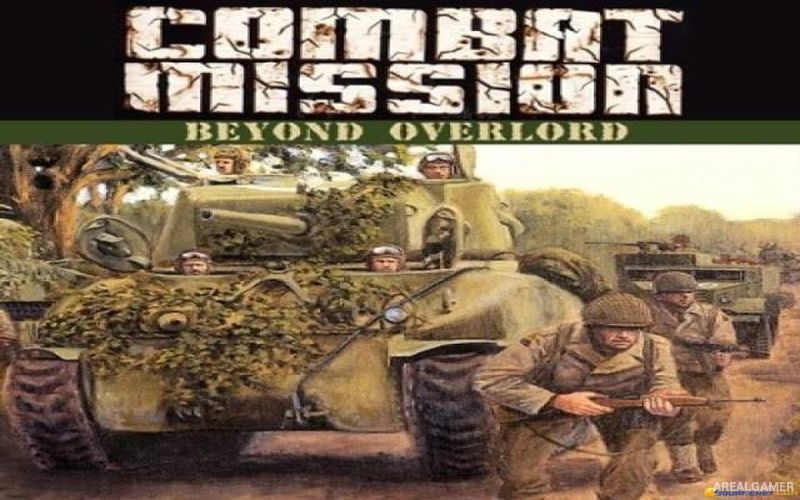
Combat: Task Force 121 – Free Download – PC Game
Game Info:
Size: 479 MB
Genre: Action, Shooter
Release Date: March 22, 2005
Developer: Direct Action Games
Publisher: Groove Games
About This Game:
Combat: Task Force 121 is a military first-person shooter that places players with a special-operations unit sent on missions against heavily armed hostile forces. The campaign moves through combat locations where the team must complete military objectives involving infiltration, direct assaults, and clearing enemy-controlled areas.
The game follows the straightforward military shooter style of its era, concentrating on firearm combat and mission progression rather than open-world exploration. Players work alongside allied soldiers while moving through indoor and outdoor environments filled with enemy troops.
How the Gameplay Works
Players use assault rifles, submachine guns, shotguns, pistols, grenades, and other military equipment while progressing through objective-based missions. Enemy soldiers occupy buildings, defensive positions, and open areas, requiring players to use available cover while advancing.
Weapons can be collected or changed during missions, allowing the player to adapt to close-range and longer-distance engagements. The campaign remains largely linear, with objectives guiding the squad from one combat encounter to the next.
Main Gameplay Features
Military first-person shooting
Special-operations setting
Mission-based campaign
Modern firearms
Grenades and combat equipment
Indoor and outdoor environments
AI-controlled allied soldiers
Enemy infantry encounters
Weapon pickups
Objective-driven missions
Single-player campaign
Multiplayer support
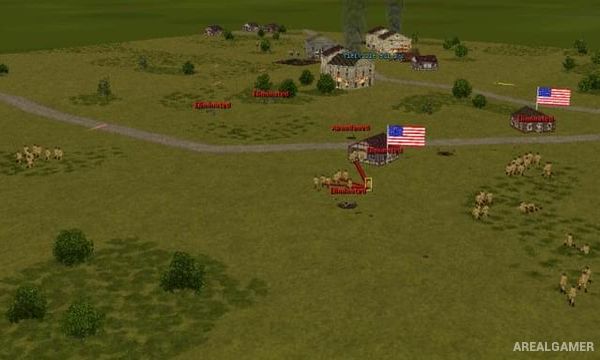
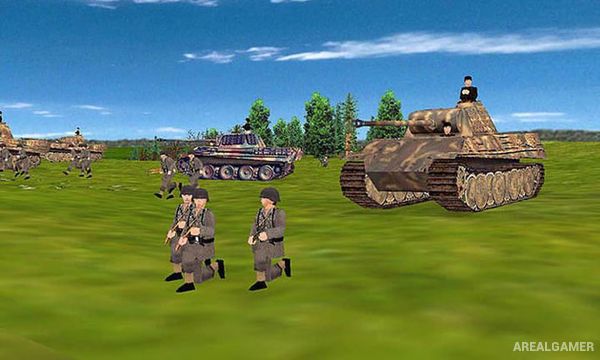
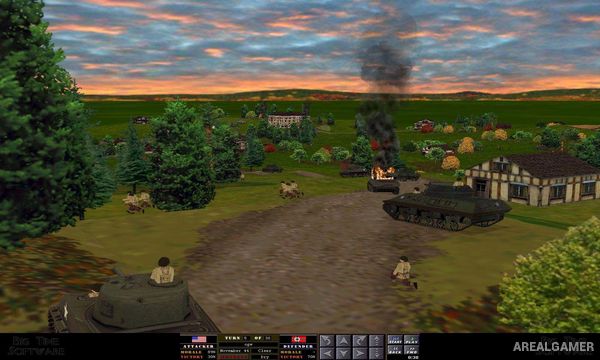
Screenshots:
Minimum System Requirements:
OS: Windows 98/ME/2000/XP
CPU: Pentium 3 @ 1 GHz Processor
RAM: 256 MB
Video Card: 32 MB
Space Required: 800 MB
DirectX: 8.0c
How to Install:
Extract the game using Winrar or 7zip.
Open “Combat – Task Force 121″ folder, double click on “Setup” and proceed install.
After installation complete, go to the “Installed Game” location.
Open “system” folder, double click on “Combat” icon to play the game. Enjoy!
Click the Below Button to Proceed to Download Page
File Password: arealgamer