
Crisol: Theater of Idols

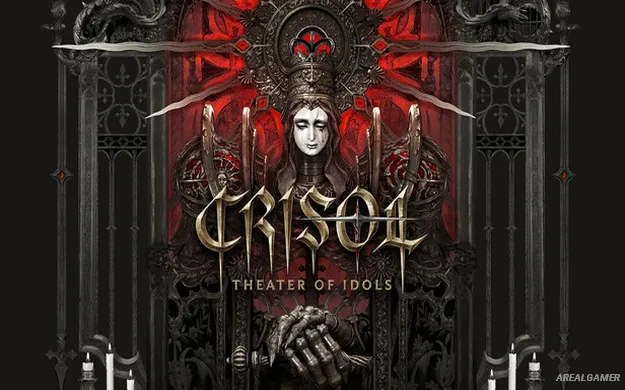
Crisol: Theater of Idols – Free Download – PC Game
Game Info:
Size: 15.3 GB
Genre: Action, Horror, Shooter
Release Date: 10 Feb, 2026
Developer: Vermila Studios
Publisher: Blumhouse Games
About This Game:
Crisol: Theater of Idols is a first-person survival horror adventure set on Tormentosa, a cursed island inspired by a distorted interpretation of Spanish history and folklore. Its world mixes religious imagery, unsettling traditions, and grotesque creatures into a journey where even using a weapon carries a dangerous cost.
The central mechanic connects ammunition directly to the protagonist’s own blood. Shooting can save you from an immediate threat, but using too much leaves your character dangerously weakened, turning every violent encounter into a decision about how much life you can afford to spend.
How the Gameplay Works:
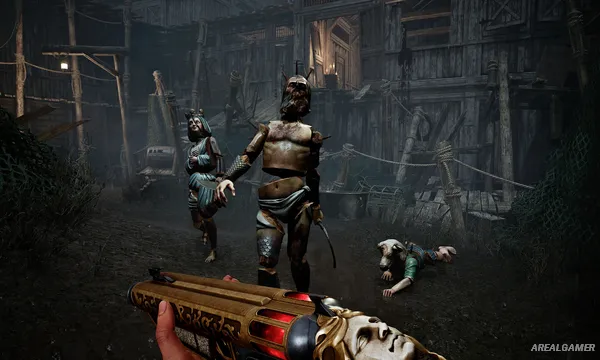
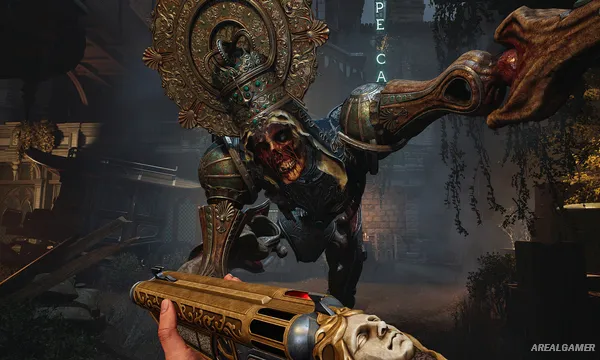
Players explore abandoned and hostile locations from a first-person perspective, searching for supplies, solving environmental puzzles, and dealing with enemies that may block the path forward. Weapons consume blood rather than ordinary ammunition, forcing health management into the center of combat.
Careful exploration can reveal resources and information about Tormentosa, while knowing when to fight and when to preserve blood becomes increasingly important. The combination of shooting, puzzles, and limited resources keeps the experience rooted in survival horror rather than straightforward action.
Main Gameplay Features:
- First-person survival horror adventure
- Blood used directly as weapon ammunition
- Twisted Spanish-inspired setting
- Exploration and environmental puzzles
- Resource and health management
- Story built around the mysteries of Tormentosa
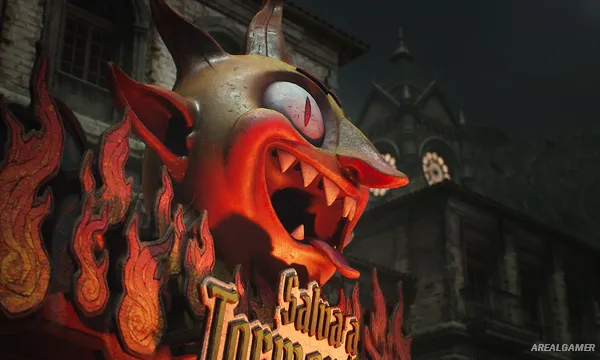
Screenshots:
Minimum System Requirements:
OS: Windows 10, 64-bit
CPU: Intel Core i7-8700K | AMD Ryzen 5 3600X
RAM: 16 GB
Video Card: NVIDIA® GeForce® RTX 2060 or AMD Radeon™ RX 6600
Space Required: 18 GB
DirectX: 12
How to Install:
Extract the game using Winrar or 7zip.
Open “Crisol: Theater of Idols” folder, double click on “Setup” and proceed install.
After installation complete, open “RUNE” folder.
Copy all files and paste it where you “Installed the Game”.
Double click on “Game” icon to play the game. Enjoy!
Click the Below Button to Proceed to Download Page
File Password: arealgamer