
Do Not Feed the Monkeys 2099

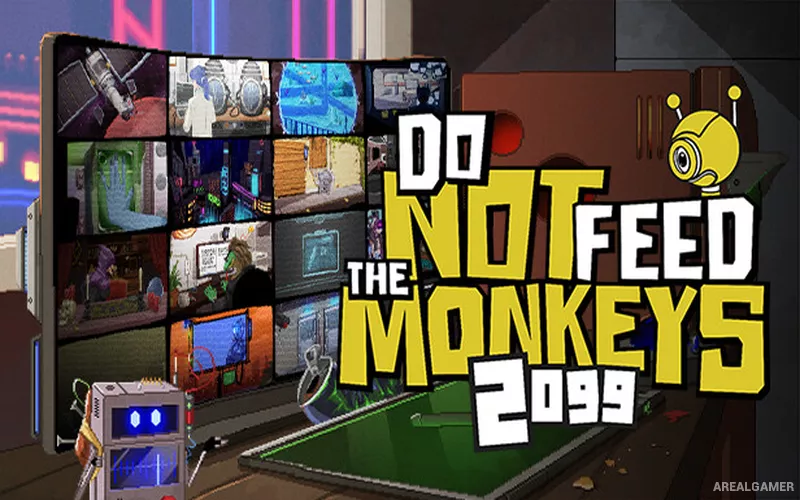
Do Not Feed the Monkeys 2099 – Free Download – PC Game
Game Info:
Size: 1.03 GB
Genre: Simulation, Strategy
Release Date: 25 May, 2023
Developer: Fictiorama Studios
Publisher: Joystick Ventures
About This Game:
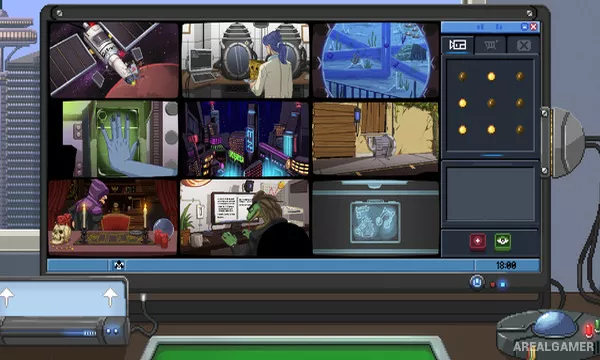
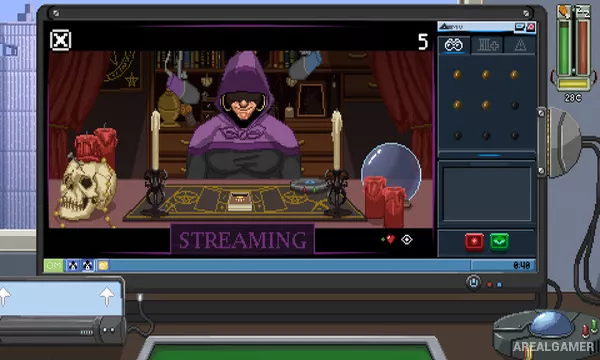
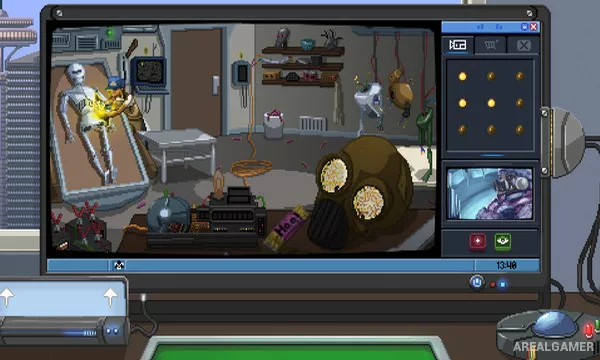
Do Not Feed the Monkeys 2099 is a voyeuristic management and investigation game set in a strange future. After joining a secret organization, players gain access to surveillance feeds known as cages and observe the lives of people, robots, aliens, and other subjects without supposedly interfering.
Information gathered from broadcasts and online research can reveal identities and secrets, creating opportunities to either obey the club’s rules or become personally involved.
How the Gameplay Works
Players watch several surveillance feeds while noting important names, locations, objects, and events. Keywords can be researched through an in-game network to connect clues and reveal more information about each monitored subject.
Time continues to pass, so players must balance surveillance with food, rent, health, work, and sleep. Interacting with subjects can change their situations in unexpected ways and lead to different outcomes for individual stories.
Main Gameplay Features
Multi-camera surveillance gameplay
Clue gathering and online investigation
Numerous independent subject stories
Time and daily-needs management
Optional interference with monitored subjects
Futuristic social satire
Branching outcomes
Procedurally varied surveillance cages
Screenshots:
Minimum System Requirements:
OS: Windows 8/10
CPU: 2 GHz Dual Core CPU
RAM: 4 GB
Video Card: Nvidia GeForce GT 610 (1GB) or equivalent
Space Required: 2 GB
DirectX: 9.0c
How to Install:
Extract the game using Winrar or 7zip.
Open “Do Not Feed the Monkeys 2099” folder, double click on “Setup” and proceed install.
After installation complete, go to the “Installed Game” location.
Double click on “Game” icon to play the game. Enjoy!
Click the Below Button to Proceed to Download Page
File Password: arealgamer