
Fabular: Once Upon a Spacetime


Fabular: Once Upon a Spacetime – Free Download – PC Game
Game Info:
Size: 520 MB
Genre: Action
Release Date: 10 Nov, 2022
Developer: Spiritus Games
Publisher: Prismatika, East2West Games
About This Game:
Fabular: Once Upon a Spacetime combines medieval fantasy imagery with science-fiction space travel in an action roguelite. Knights pilot elaborate spacecraft, kingdoms stretch across the stars, and the player travels through dangerous sectors in pursuit of a powerful enemy.
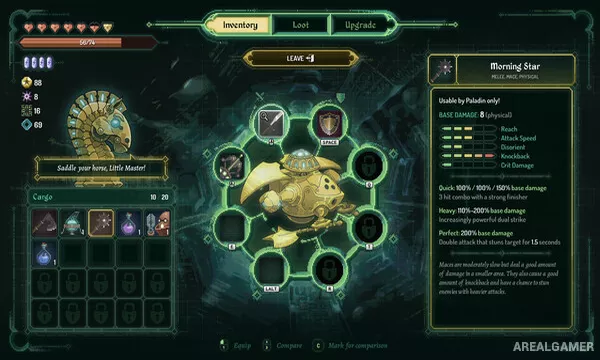
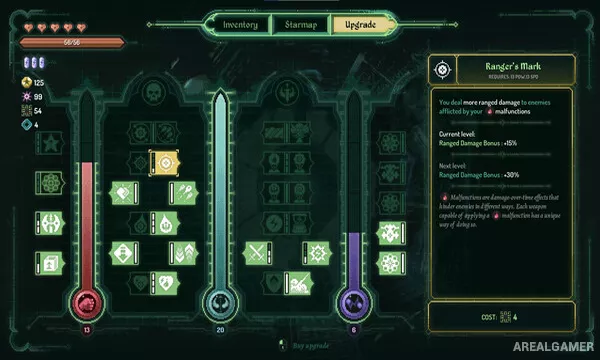
Each run presents branching routes, random encounters, equipment, upgrades, and battles. Different ships and weapons create distinct fighting styles, while the unusual setting turns traditional fantasy ideas into machinery and cosmic warfare.
How the Gameplay Works
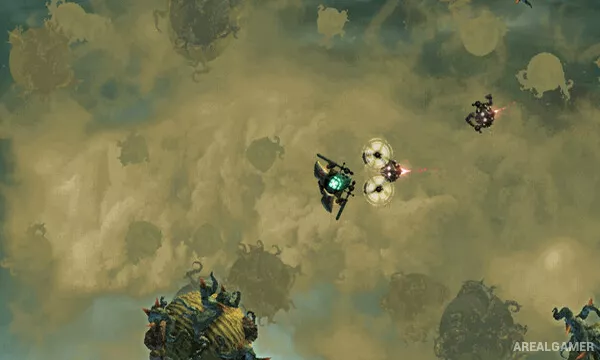
Space battles take place in real time from a top-down perspective. Players maneuver around enemy ships, use melee or ranged weapon systems, manage positioning, and avoid attacks while trying to exploit openings.
After encounters, rewards can improve the ship or provide equipment that changes a build. Branching paths allow players to choose between events, merchants, fights, and other opportunities, with death ending the current attempt but contributing to broader progression.
Main Gameplay Features
Spacefaring action roguelite
Real-time ship combat
Medieval science-fiction setting
Branching campaign routes
Random encounters
Multiple ships
Weapons and equipment upgrades
Boss battles
Persistent progression
Screenshots:
Minimum System Requirements:
OS: Windows 7 SP1
CPU: 2 GHz Intel Pentium III or AMD Athlon Processor
RAM: 2 GB
Video Card: 1280×720 minimum resolution, DirectX 11 compatible graphics card
Space Required: 500 MB
DirectX: 11
How to Install:
Extract the game using Winrar or 7zip.
Open “Fabular: Once Upon a Spacetime” folder, double click on “Setup” and proceed install.
After installation complete, go to the “Installed Game” location.
Double click on “Game” icon to play the game. Enjoy!
Click the Below Button to Proceed to Download Page
File Password: arealgamer