
Falcon Age

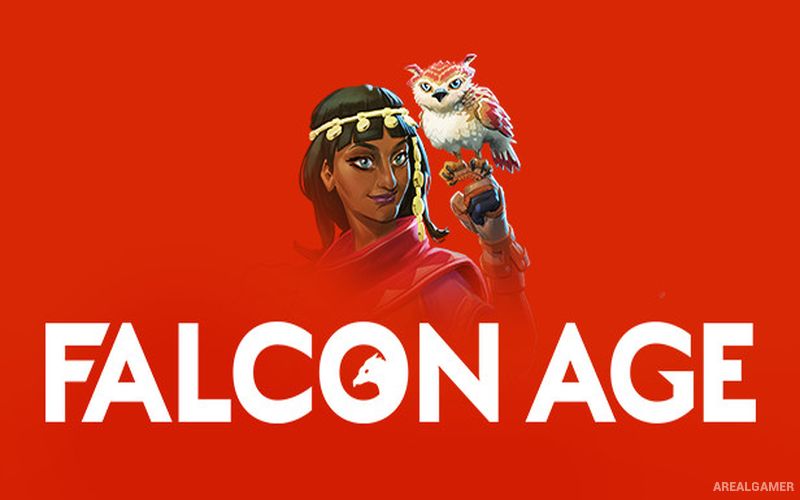
Falcon Age – Free Download – PC Game
Game Info:
Size: 2.46 GB
Genre: Adventure
Release Date: 8 Oct, 2020
Developer: Outerloop Games
Publisher: Outerloop Games
About This Game:
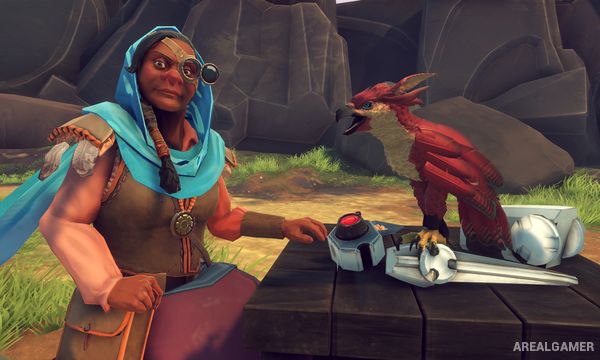
Falcon Age is a first-person adventure about Ara, a young woman resisting a robotic occupation with the help of a rescued falcon. The bond between Ara and the bird forms the center of the story as they travel across the land, assist communities, and fight machines controlling local resources.
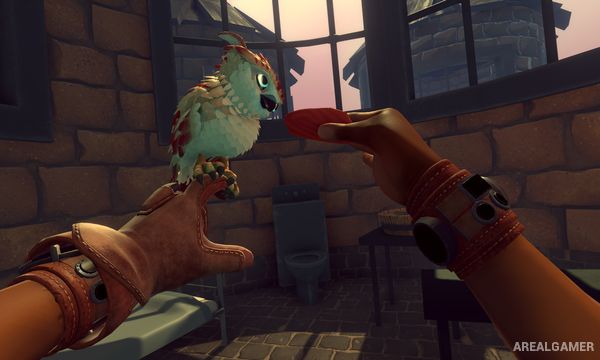
The falcon acts as both a companion and a practical gameplay tool. Players can care for it, equip accessories, hunt animals, collect materials, and use its abilities to help overcome enemies and environmental challenges.
How the Gameplay Works
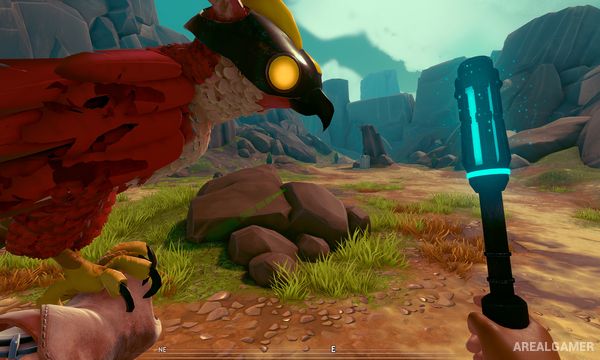
Players explore from a first-person perspective while directing the falcon toward targets, objects, or enemies. Ara can attack robotic threats herself while the bird distracts opponents, retrieves useful items, or assists during combat.
Hunting and gathering provide ingredients that can be used for crafting and cooking. Players can pet, feed, heal, and customize the falcon while progressing through story missions aimed at liberating occupied areas.
Main Gameplay Features
Falcon companion mechanics
First-person exploration
Falcon-assisted combat
Hunting and gathering
Crafting and cooking
Falcon care and customization
Story-driven resistance missions
Playable with or without VR
Screenshots:
Minimum System Requirements:
OS: Windows 10 64-bits
CPU: Intel Core i5 @ 3.5GHz or AMD FX 6 Core
RAM: 4 GB
Video Card: Nvidia GeForce GTX 970 or AMD R9 290X
Space Required: 5 GB
DirectX: 11
How to Install:
Extract the game using Winrar or 7zip.
Open “Falcon Age” folder, double click on “Setup” and proceed install.
After installation complete, open “DARKSiDERS” folder.
Copy all files and paste it where you “Installed the Game”.
Double click on “Game” icon to play the game. Enjoy!
Click the Below Button to Proceed to Download Page
File Password: arealgamer