
First Racer


First Racer – Free Download – PC Game
Game Info:
Size: 488 MB
Genre: Racing, Sports
Release Date: 5 Apr, 2023
Developer: Perfect Games
Publisher: Perfect Games
About This Game:
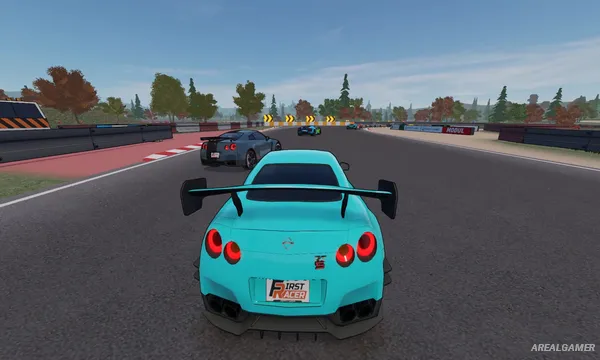
First Racer is an arcade-style driving game built around straightforward racing, car progression, and vehicle customization. Players begin with more ordinary cars and gradually work their way toward faster and more capable machines while competing across different tracks and environments.
Rather than aiming for a highly technical motorsport simulation, the game focuses on accessible controls and quick competition. Cars can be improved mechanically and changed visually, giving players room to create vehicles that better match their preferred driving style.
How the Gameplay Works
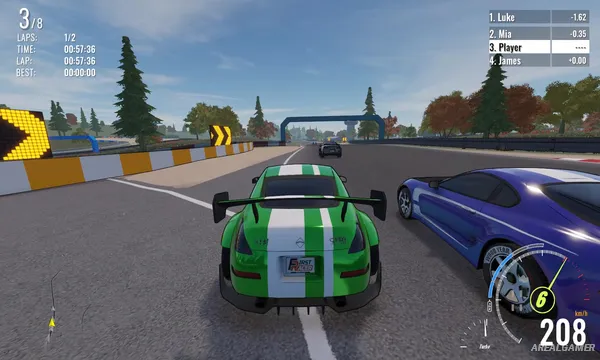
Players select a vehicle and compete in races where overtaking opponents, maintaining speed, and reaching the finish line ahead of the field are the main objectives. Different vehicles vary in their performance, while upgrades can affect qualities such as handling, acceleration, and maximum speed.
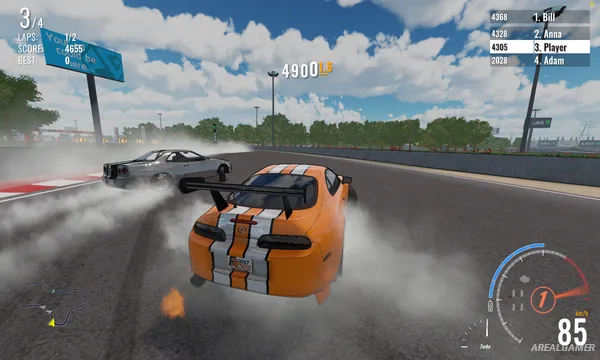
Money and progression allow additional cars and improvements to become available. Cosmetic options include colors, wheels, stickers, and other visual changes. Alongside solo racing, First Racer includes competitive multiplayer options, including online and shared-screen play.
Main Gameplay Features
Arcade-style car racing
Multiple vehicles with different performance characteristics
Car performance upgrades
Handling, acceleration, and speed tuning
Vehicle colors, wheels, stickers, and cosmetic customization
Different racing tracks and environments
Single-player racing
Online competitive multiplayer
Shared and split-screen multiplayer
Progression from regular cars to faster machines
Screenshots:
Minimum System Requirements:
OS: Windows 10, 64-bit
CPU: Intel Pentium Silver N5000
RAM: 2 GB
Video Card: NVIDIA GeForce MX150
Space Required: 1 GB
DirectX: 11
How to Install:
Extract the game using Winrar or 7zip.
Open “First Racer” folder, double click on “Setup” and proceed install.
After installation complete, go to the “Installed Game” location.
Double click on “Game” icon to play the game. Enjoy!
Click the Below Button to Proceed to Download Page
File Password: arealgamer