
Five Nights at Freddy’s 4

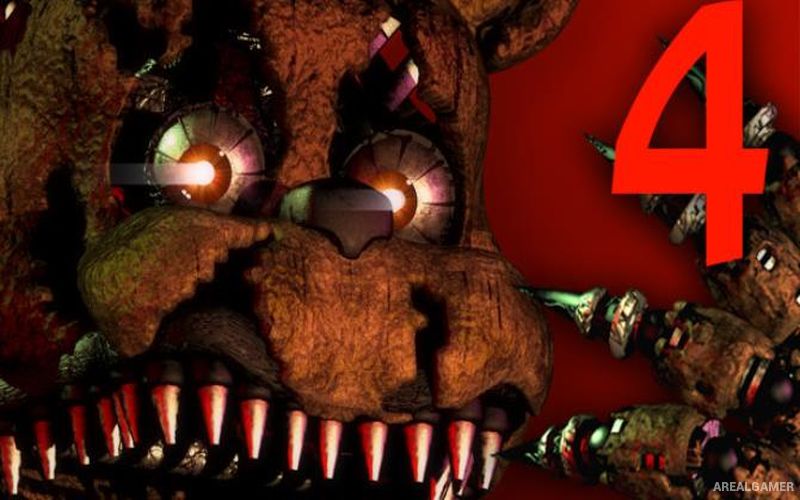
Five Nights at Freddy’s 4 – Free Download – PC Game
Game Info:
Size: 445 MB
Genre: Horror, Survival
Release Date: 24 Jul, 2015
Developer: Scott Cawthon
Publisher: Scott Cawthon
About This Game:
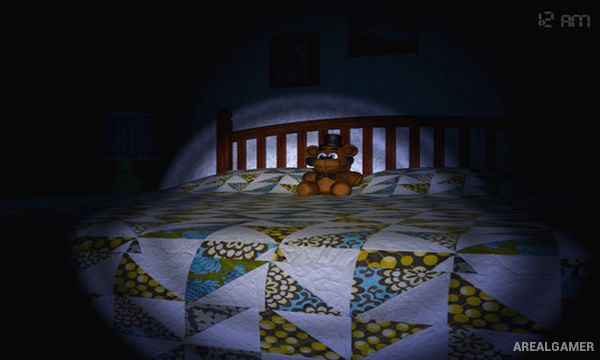
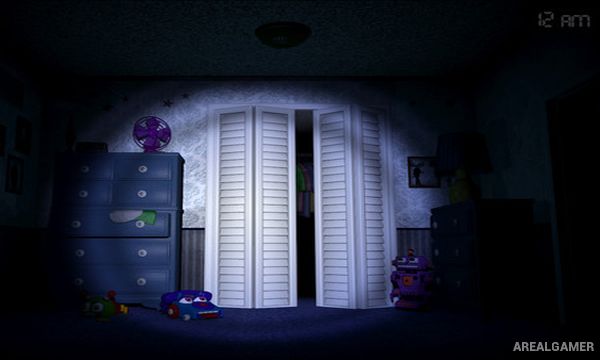
Five Nights at Freddy’s 4 moves the series away from the security office and into a child’s bedroom, where terrifying versions of familiar animatronics appear during the night. Players must survive until morning while monitoring two hallway doors, a closet, and the bed behind them.
Without security cameras or electronic doors, the game relies far more heavily on listening carefully to audio cues. Determining whether an animatronic is nearby before using the flashlight becomes essential, making headphones and careful attention particularly important.
How the Gameplay Works
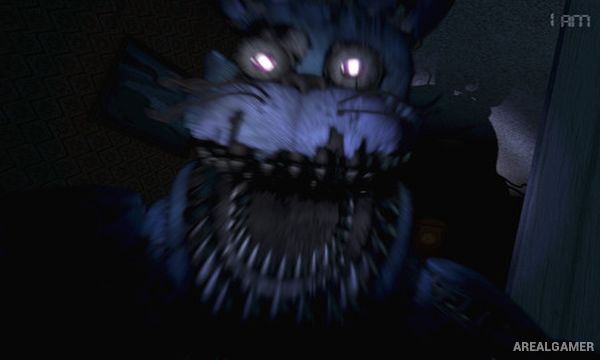
Players move between the left door, right door, closet, and bed. At each hallway entrance, listening for breathing helps determine whether an animatronic is waiting nearby. If breathing is heard, the door must be closed; if the hallway is clear, the flashlight can be used to drive approaching enemies away.
Smaller creatures can gather on the bed and must be regularly cleared using the flashlight. The closet creates another threat that requires repeated checking. Between nights, retro-style mini-games and additional challenges provide clues about the story while later nights introduce faster and more dangerous enemy behavior.
Main Gameplay Features
Bedroom-based survival horror
No traditional security cameras
Left and right hallway doors
Flashlight defense
Audio-based breathing cues
Closet monitoring
Bed threat management
Nightmare animatronics
Time-based survival
Increasing nightly difficulty
Retro story mini-games
Hidden narrative details
Jump-scare encounters
Extra challenge nights
Single-player horror gameplay
Screenshots:
Minimum System Requirements:
OS: Windows XP/Vista/7/8/10
CPU: 2 GHz Intel Pentium 4 or AMD Athlon or equivalent
RAM: 2 GB
Video Card: 1 GB
Space Required: 1 GB
How to Install:
Extract the game using Winrar or 7zip.
Open “Five Nights at Freddy’s 4″ folder, double click on “Setup” and proceed install.
After installation complete, go to the “Installed Game” location.
Double click on “Game” icon to play the game. Enjoy!
Click the Below Button to Proceed to Download Page
File Password: arealgamer