
For The King

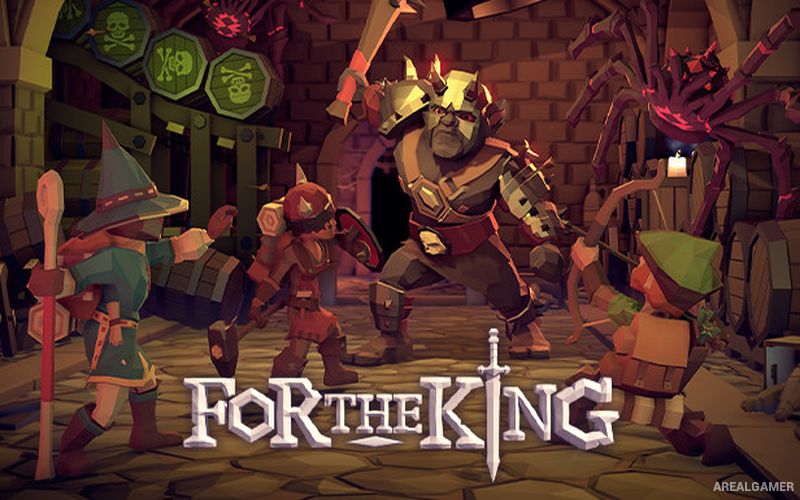
For The King – Free Download – PC Game
Game Info:
Size: 1.18 GB
Genre: RPG, Open World
Release Date: 19 Apr, 2018
Developer: IronOak Games
Publisher: Curve Games
About This Game:
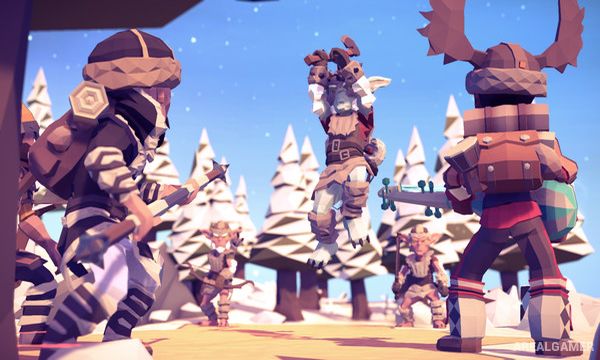
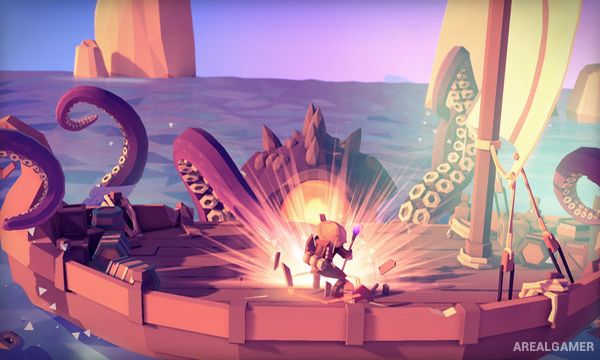
For The King is a turn-based RPG that combines tabletop-style adventuring with roguelike campaign structure. A party of heroes travels across a procedurally arranged kingdom, completing quests, fighting monsters, gathering equipment, and trying to stop a growing force of chaos.
Campaigns can be played alone or cooperatively, with individual heroes controlled by different players. Random encounters, map events, dice-like probability systems, and permanent consequences make each journey less predictable than a conventional linear RPG.
How the Gameplay Works
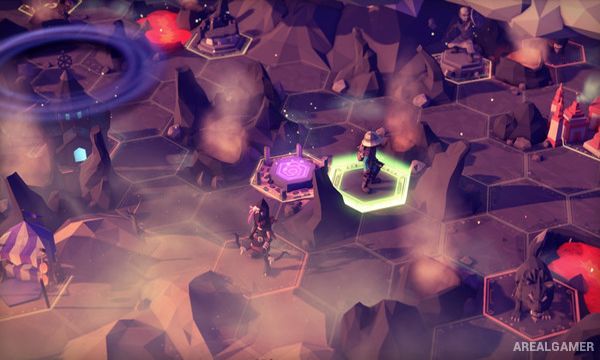
Heroes take turns moving across a hex-based overworld where towns, dungeons, enemies, merchants, and events are discovered. Combat also uses turns, with weapon statistics and character attributes affecting the chance of successfully performing attacks and abilities.
Gold and equipment must be distributed across the party, while limited healing resources make unnecessary battles risky. Failure can end an adventure, but Lore earned through play unlocks additional characters, items, encounters, and other possibilities for later campaigns.
Main Gameplay Features
Turn-based party RPG combat
Procedurally generated campaign elements
Hex-based world exploration
Single-player and cooperative play
Multiple character classes
Weapons, armor, and consumable items
Roguelike campaign structure
Persistent Lore unlocks
Screenshots:
Minimum System Requirements:
OS: Windows 7/8/10, 64-bits
CPU: Intel Core2 Duo E4300 (2 * 1800) / AMD Athlon Dual Core 4450e (2 * 2300) or equivalent
RAM: 4 GB
Video Card: GeForce 8800 GTX (768 MB) / Intel HD 4600 / Radeon HD 3850 (512 MB)
Space Required: 3 GB
DirectX: 9.0c
How to Install:
Extract the game using Winrar or 7zip.
Open “For The King” folder, double click on “Setup” and proceed install.
After installation complete, open “CODEX” folder.
Copy all files and paste it where you “Installed the Game”.
Double click on “FTK” icon to play the game. Enjoy!
Click the Below Button to Proceed to Download Page
File Password: arealgamer