
Full Spectrum Warrior

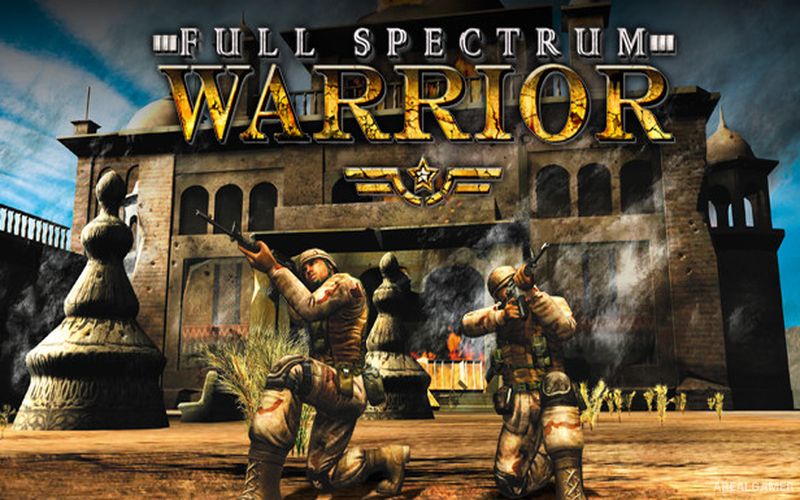
Full Spectrum Warrior – Free Download – PC Game
Game Info:
Size: 1.35 GB
Genre: Action, Strategy
Release Date: June 1, 2004
Developer: Pandemic Studios
Publisher: THQ Nordic GmbH
About This Game:
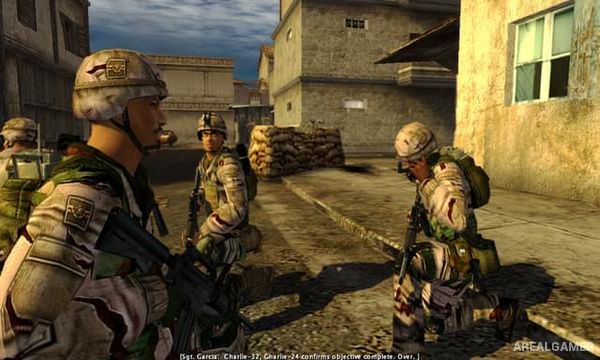
Full Spectrum Warrior is a squad-based military tactics game that places players in command of soldiers during an operation in the fictional country of Zekistan. Instead of controlling one soldier like a conventional shooter, players direct two fireteams and rely on positioning, suppression, and coordinated movement to clear hostile areas.
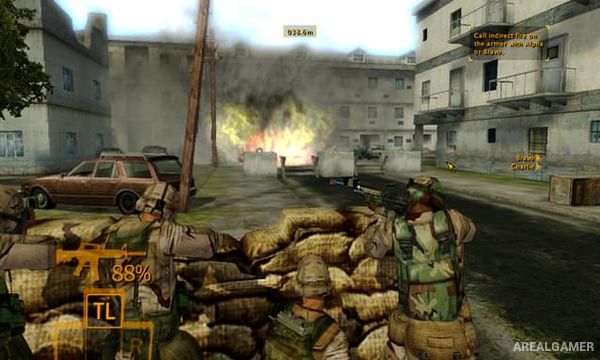
The game was designed around the idea that soldiers are most effective when working as a unit. Moving across an exposed street without covering fire can quickly lead to casualties, while properly positioned teams can pin enemies down and create opportunities for another group to advance.
How the Gameplay Works
Players command Alpha and Bravo teams by selecting destinations, firing zones, and cover positions. One squad can suppress an enemy location while the second moves to a flanking position, creating a tactical rhythm where both groups continually support each other.
Soldiers automatically handle much of the actual shooting once orders are given, keeping the player’s attention on squad placement rather than aiming every weapon personally. Grenades, reconnaissance, corner positioning, and careful movement are important when clearing streets and buildings.
Main Gameplay Features
Squad-based military tactics
Two controllable fireteams
Cover and suppression mechanics
Flanking tactics
Command-focused gameplay
Automatic soldier firing
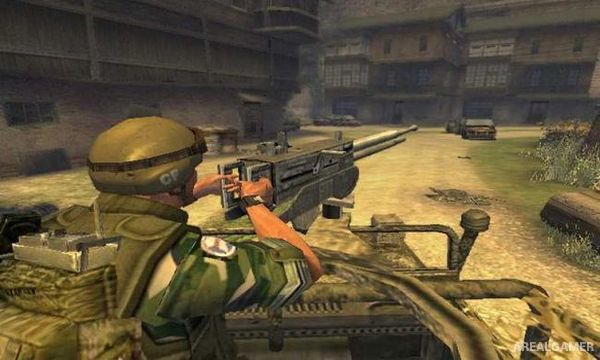
Urban combat environments
Grenades and tactical equipment
Enemy position identification
Objective-based missions
Single-player campaign
Cooperative gameplay options
Screenshots:
Minimum System Requirements:
OS: Windows 98/ME/2000/XP
CPU: Pentium @ 1 GHz Processor
RAM: 256 MB
Video Card: 64 MB
Space Required: 1.8 GB
DirectX: 9.0c
How to Install:
Extract the game using Winrar or 7zip.
Open “Full Spectrum Warrior” folder, double click on “Setup” and proceed install.
After installation complete, go to the “Installed Game” location.
Double click on “Launcher” icon to play the game. Enjoy!
Click the Below Button to Proceed to Download Page
File Password: arealgamer