
Combat Mission: Beyond Overlord

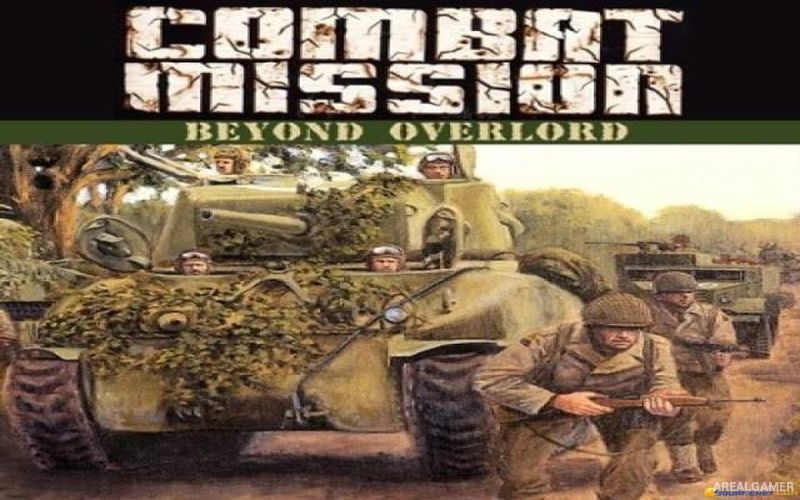
Combat Mission: Beyond Overlord – Free Download – PC Game
Game Info:
Size: 352 MB
Genre: Strategy
Release Date: January 11, 2001
Developer: Battlefront.com
Publisher: Battlefront.com
About This Game:
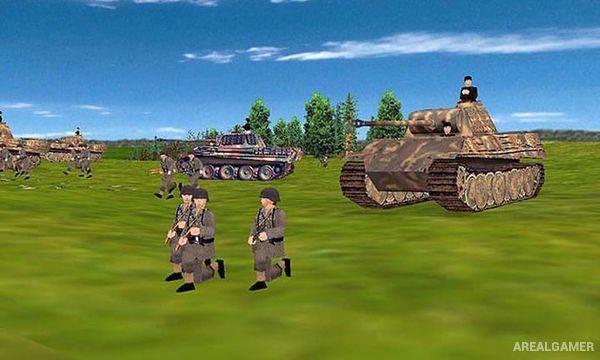
Combat Mission: Beyond Overlord is a tactical World War II strategy game focused on ground warfare in Western Europe following the Allied invasion of Normandy. Players command infantry squads, armored vehicles, artillery support, and other military units during battles involving Allied and German forces.
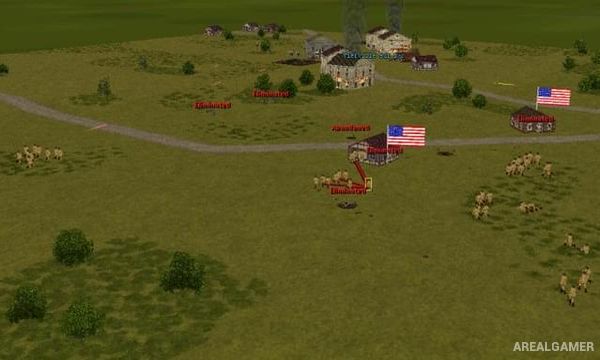
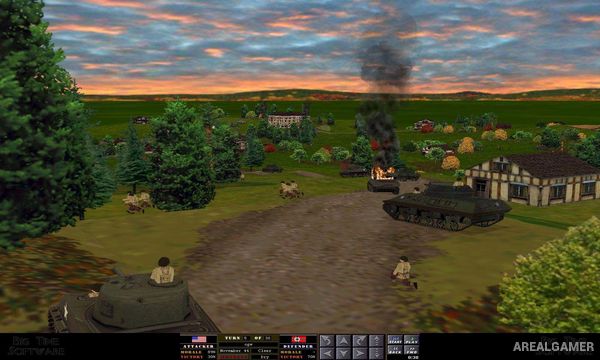
The game places considerable importance on realistic battlefield factors such as terrain, visibility, morale, weapon effectiveness, armor protection, and unit experience. Success depends on giving sensible orders before combat develops rather than rapidly clicking units during every second of the battle.
How the Gameplay Works
Battles use a simultaneous turn structure. Players first issue movement, targeting, and positioning orders while the action is paused. Once both sides have finished planning, the next portion of the battle plays out automatically as soldiers and vehicles attempt to carry out those instructions.
Terrain can conceal troops, buildings provide defensive positions, and armored vehicles must consider both weapon penetration and the direction of incoming fire. Scenario objectives vary between attacking, defending, capturing important terrain, and destroying opposing forces.
Main Gameplay Features
World War II tactical strategy
Western Front battles
Allied and German forces
Simultaneous turn execution
Detailed infantry combat
Tanks and armored vehicles
Artillery support
Morale and experience systems
Line-of-sight mechanics
Terrain and cover
Individual battle scenarios
Scenario creation tools
Screenshots:
Minimum System Requirements:
OS: Windows XP/Vista/7
CPU: 1.8 GHz
RAM: 512 MB
Video Card: 3D graphics card compatible with DirectX 9
Space Required: 1 GB
DirectX: 9.0c
How to Install:
Extract the game using Winrar or 7zip.
Open “Combat Mission – BO” folder, double click on “Setup” and proceed install.
After installation complete, go to the “Installed Game” location.
Double click on “Combat Mission” icon to play the game. Enjoy!
Click the Below Button to Proceed to Download Page
File Password: arealgamer