
Full Throttle Remastered


Full Throttle Remastered – Free Download – PC Game
Game Info:
Size: 4.31 GB
Genre: Adventure
Release Date: 18 Apr, 2017
Developer: Double Fine Productions, Shiny Shoe
Publisher: Double Fine Productions
About This Game:
Full Throttle Remastered is an updated version of LucasArts’ classic graphic adventure about Ben, the leader of the Polecats biker gang. After being framed for murder, Ben must clear his name and uncover a larger plot involving the future of the last major motorcycle manufacturer.
The remaster preserves the original story and puzzles while updating the artwork, audio, and interface for modern systems. Players can also switch between the original presentation and the remastered version.
How the Gameplay Works
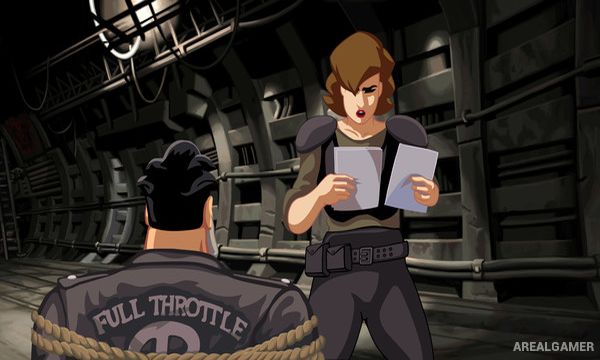
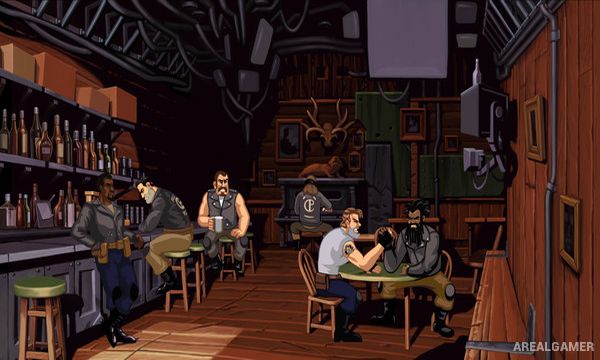
Players explore locations, speak with characters, collect objects, and use context-sensitive actions to solve puzzles. Progress often depends on learning information through conversation and figuring out how apparently unrelated inventory items can solve environmental problems.
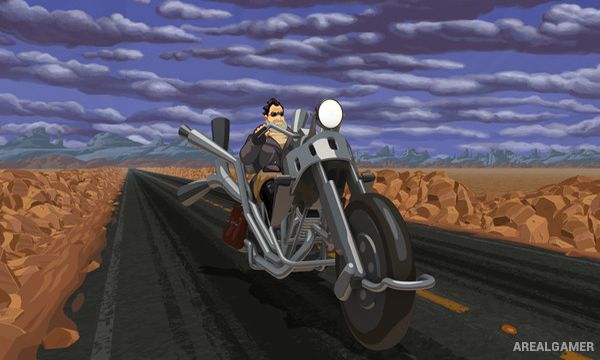
Several sequences involve motorcycle travel and road encounters, giving the adventure brief bursts of action between traditional puzzle sections. The remastered edition also includes commentary and presentation options for players interested in the game’s development.
Main Gameplay Features
Point-and-click adventure gameplay
Dialogue and inventory puzzles
Motorcycle-themed story
Remastered graphics and audio
Switchable original and remastered visuals
Road-based action sequences
Developer commentary
Screenshots:
Minimum System Requirements:
OS: Windows 7/8/10
CPU: Intel® Core 2 Duo 2.4 GHz, AMD Athlon X2 2.8 GHz, or high
RAM: 4 GB
Video Card: NVIDIA GeForce GTX 260, ATI Radeon 4870 HD / Intel HD 4000 Graphics, or equivalent
Space Required: 10 GB
DirectX: 10
How to Install:
Extract the game using Winrar or 7zip.
Open “Full Throttle Remastered” folder, double click on “Setup” and proceed install.
After installation complete, go to the “Installed Game” location.
Double click on “Throttle” icon to play the game. Enjoy!
Click the Below Button to Proceed to Download Page
File Password: arealgamer