
Gothic 3


Gothic 3 – Free Download – PC Game
Game Info:
Size: 2.8 GB
Genre: RPG
Release Date: 13 Oct, 2006
Developer: Piranha Bytes
Publisher: THQ Nordic
About This Game:
Gothic 3 continues the Nameless Hero’s journey on the mainland of Myrtana, where invading Orcs have defeated much of the human kingdom. Rather than following a tightly fixed route, players can travel between large regions and decide which factions they are willing to support.
The world includes forests, deserts, snowy mountains, occupied towns, rebel hideouts, and ancient ruins. Choices made while helping different groups influence reputation and can eventually affect the wider political situation.
How the Gameplay Works
Players travel freely between settlements, complete quests, gather resources, fight enemies, and improve combat or utility skills through trainers. Swords, shields, bows, crossbows, and several schools of magic support different character builds.
Completing objectives for a faction raises reputation and can provide access to better equipment, training, or restricted areas. Because opposing groups often have conflicting goals, helping one side may make progress with another more difficult.
Main Gameplay Features
Large open-world exploration
Multiple competing factions
Faction reputation system
Melee, ranged, and magical combat
Trainer-based skill progression
Numerous towns and wilderness regions
Player choices affecting faction relationships
Crafting and resource gathering
Screenshots:
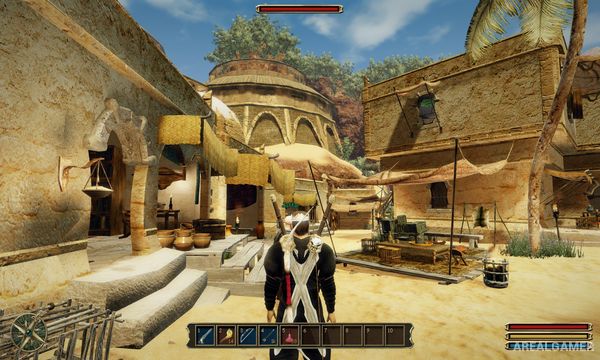
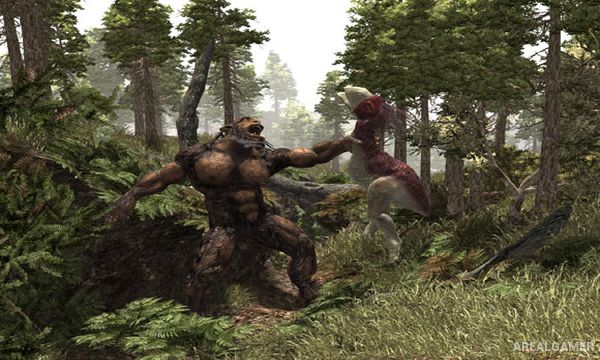
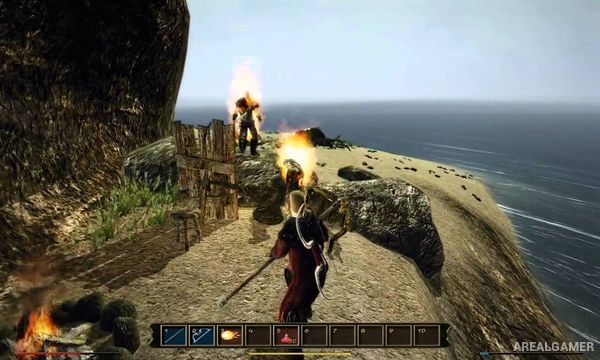
Minimum System Requirements:
OS: Windows XP/Vista/7/8/10
CPU: 1.8 GHz
RAM: 512 MB
Video Card: 3D graphics card compatible with DirectX 9
Space Required: 5 GB
DirectX: 9.0c
How to Install:
Extract the game using Winrar or 7zip.
Open “Gothic 3″ folder, double click on “Setup” and proceed install.
After installation complete, go to the “Installed Game” location.
Double click on “Gothic3” icon to play the game. Enjoy!
Click the Below Button to Proceed to Download Page
File Password: arealgamer