
Greak: Memories of Azur

Greak: Memories of Azur – Free Download – PC Game
Game Info:
Size: 1.11 GB
Genre: Action, Adventure, Puzzle
Release Date: August 17, 2021
Developer: Navegante Entertainment
Publisher: Team17 Digital LTD.
About This Game:
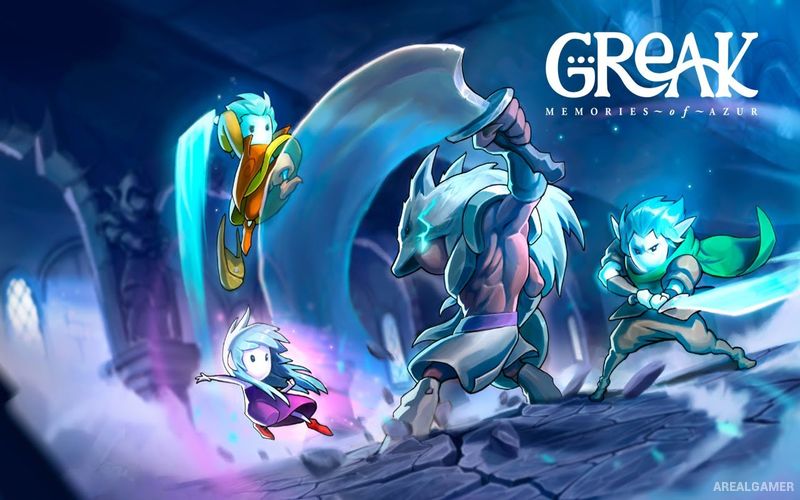
Greak: Memories of Azur is a hand-drawn side-scrolling adventure about three siblings attempting to escape their homeland during an invasion by creatures known as the Urlags. Players begin as Greak before eventually finding his sister Adara and brother Raydel, each of whom brings different abilities to the journey.
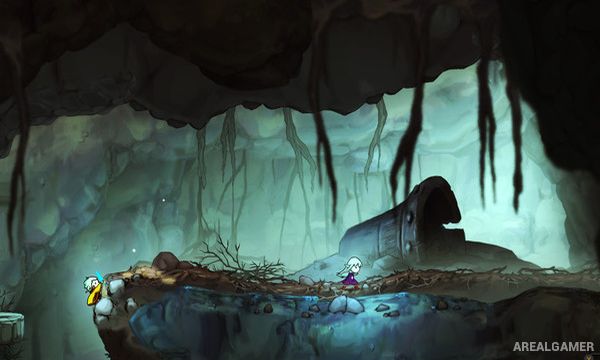
The game combines platforming, puzzle solving, exploration, and combat across forests, ruins, settlements, and other areas of Azur. Switching between the siblings becomes increasingly important as environmental challenges begin requiring cooperation.
How the Gameplay Works
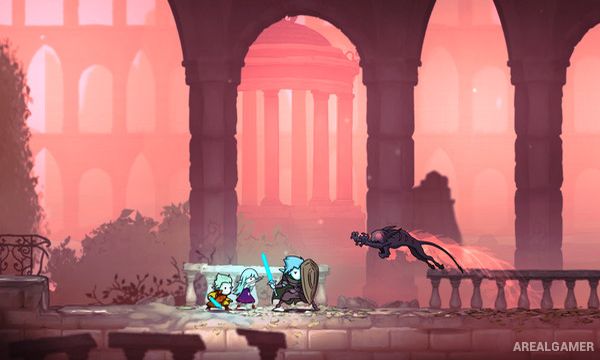
Players control one sibling at a time and can switch between available characters whenever necessary. Greak is agile and uses a sword, Adara has magical abilities, while Raydel provides greater strength and defensive capabilities.
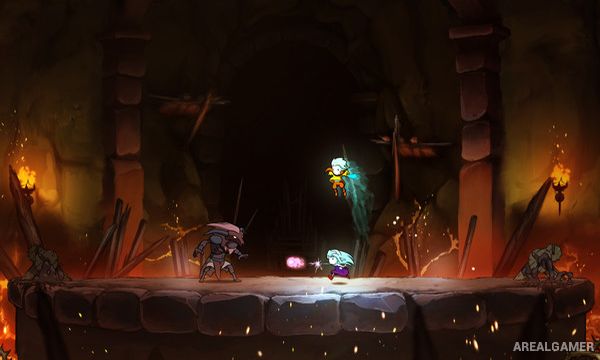
Certain puzzles require characters to stand in different places or perform separate actions, while combat may encourage switching according to the enemy being faced. Collecting resources and completing tasks helps the siblings move closer to constructing a way out of Azur.
Main Gameplay Features
Hand-drawn side-scrolling adventure
Three playable siblings
Character switching
Greak melee combat
Adara magic abilities
Raydel defensive strength
Environmental puzzles
Platforming
Combat against Urlags
Fantasy world of Azur
Beautiful animated artwork
Story-driven exploration
Screenshots:
Minimum System Requirements:
OS: Windows 10, 64-bits
CPU: Intel Core 2 Duo E6750 or AMD Athlon 64 X2 6400+
RAM: 2 GB
Video Card: NVIDIA GeForce 8800 GT, 512 GB or AMD Radeon HD 6570, 1 GB
Space Required: 2 GB
DirectX: 10
How to Install:
Extract the game using Winrar or 7zip.
Open “Greak: Memories of Azur” folder, double click on “Setup” and proceed install.
After installation complete, go to the “Installed Game” location.
Double click on “Game” icon to play the game. Enjoy!
Click the Below Button to Proceed to Download Page
File Password: arealgamer