
Call of Duty 1

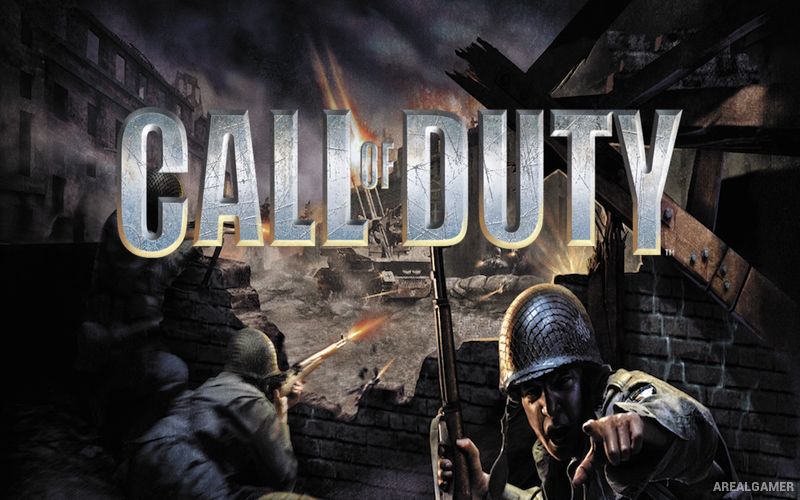
Call of Duty 1 – Free Download – PC Game
Game Info:
Size: 421 MB
Genre: Action, Shooter
Release Date: 29 Oct, 2003
Developer: Infinity Ward
Publisher: Activision
About This Game:
Call of Duty 1 is a World War II first-person shooter that presents the conflict through American, British, and Soviet campaigns. Instead of focusing on a lone super-soldier, many missions place the player inside larger battlefield operations with squads of allied troops.
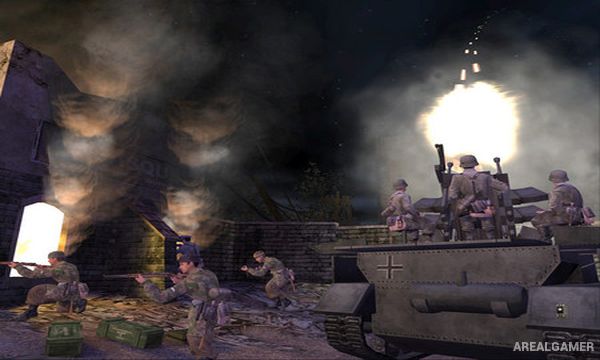
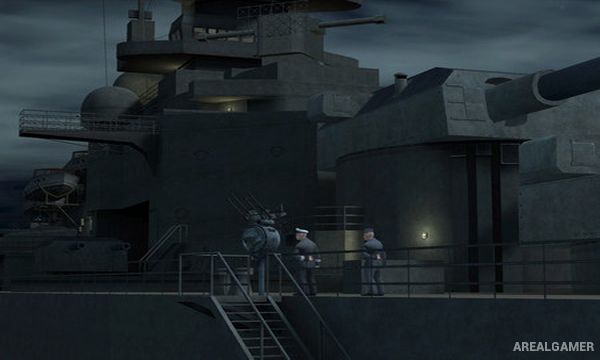
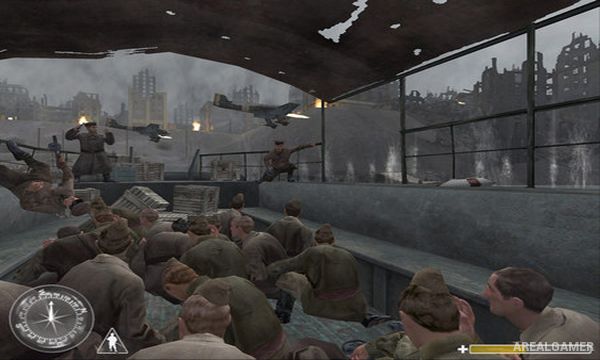
The campaigns move through airborne landings, occupied towns, bridges, industrial facilities, Stalingrad, tank battles, and other wartime locations. Scripted events create the feeling of fighting as one soldier inside a much larger conflict.
How the Gameplay Works
Players use period rifles, submachine guns, machine guns, sniper rifles, pistols, grenades, and mounted weapons while completing mission objectives. Health is restored through pickups, so taking unnecessary damage can make later sections more difficult.
Allied soldiers frequently advance, defend, and exchange fire alongside the player. Multiplayer adds competitive modes across maps inspired by the campaign settings and uses faction-specific weapon sets.
Main Gameplay Features
American, British, and Soviet campaigns
World War II first-person combat
Large battles with allied soldiers
Period rifles, SMGs, machine guns, and sniper weapons
Health-pack-based recovery
Objective-driven linear missions
Vehicle and mounted-weapon sequences
Competitive multiplayer
Screenshots:
Minimum System Requirements:
OS: Windows 98/ME/2000/XP
CPU: 1.8 GHz
RAM: 512 MB
Video Card: 3D graphics card compatible with DirectX 9
Space Required: 1.5 GB
DirectX: 9.0c
How to Install:
Extract the game using Winrar or 7zip.
Open “Call of duty” folder, double click on “unpack” and proceed install.
After installation complete, double click on “COD” icon to play the game. Enjoy!
Click the Below Button to Proceed to Download Page
File Password: arealgamer
Please help when I look at the sky at game the things around it start coping themselves…
update direct x and reinstall