
Harry Potter and the Chamber of Secrets


Harry Potter and the Chamber of Secrets – Free Download – PC Game
Game Info:
Size: 139 MB
Genre: Action, Adventure
Release Date: November 2002
Developer: KnowWonder
Publisher: EA
About This Game:
Harry Potter and the Chamber of Secrets follows Harry during his second year at Hogwarts as strange attacks begin occurring throughout the school. Rumors surrounding the legendary Chamber of Secrets grow increasingly serious, forcing Harry, Ron, and Hermione to investigate while continuing their magical education.
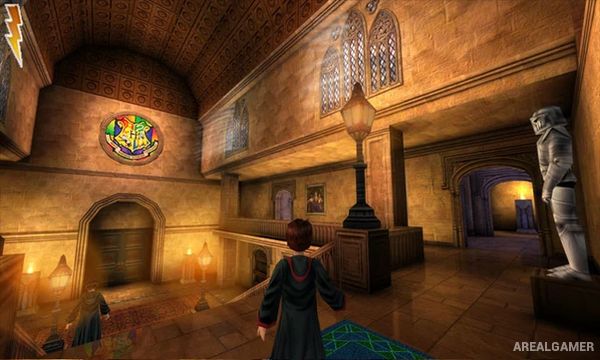
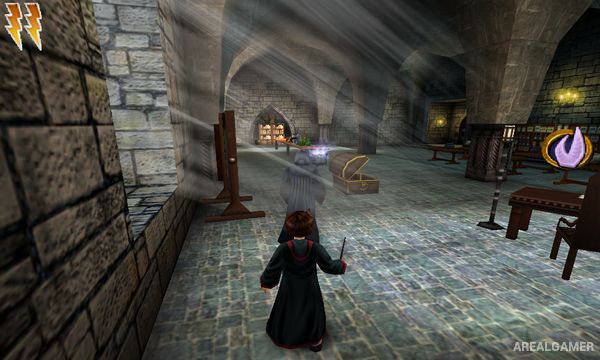
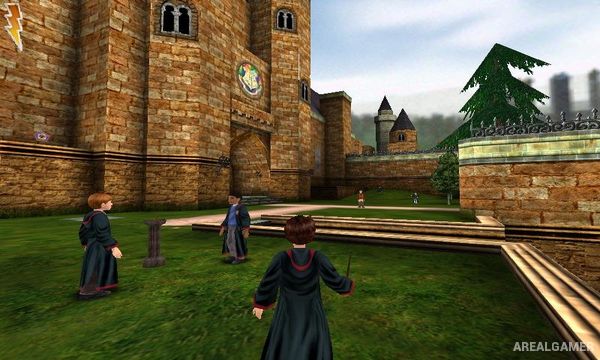
The adventure combines story events with classes and exploration around Hogwarts. Players learn new spells and use them to overcome magical challenges, open new paths, defeat creatures, and uncover collectibles hidden throughout the castle and its surrounding areas.
How the Gameplay Works
Players control Harry through third-person platforming and puzzle sections involving jumping, climbing, spell casting, and environmental interaction. New spells are introduced through lessons followed by challenges that test how each piece of magic works.
Exploring Hogwarts reveals hidden rooms, beans, cards, and other secrets, while story missions lead Harry into areas such as the Forbidden Forest and eventually toward the mystery beneath the school. Broomstick activities provide additional challenges away from normal exploration.
Main Gameplay Features
Third-person magical adventure
Explore Hogwarts
Spell-learning classes
Magic-based environmental puzzles
Platforming sections
Magical creature encounters
Broomstick flying
Hidden rooms and secrets
Collectible Bertie Bott’s Beans
Wizard Card collecting
Forbidden Forest adventure
Story of the Chamber of Secrets
Screenshots:
Minimum System Requirements:
OS: Windows 98/ME/2000/XP
CPU: 1.8 GHz
RAM: 512 MB
Video Card: 3D graphics card compatible with DirectX 9
Space Required: 1 GB
DirectX: 9.0c
How to Install:
Extract the game using Winrar or 7zip.
Open “Harry Potter – TCOS” folder, double click on “Setup” and proceed install.
After installation complete, go to the “Installed Game” location.
Double click on “system” icon to play the game. Enjoy!
Click the Below Button to Proceed to Download Page
File Password: arealgamer