
Indiana Jones and the Emperor’s Tomb


Indiana Jones and the Emperor’s Tomb – Free Download – PC Game
Game Info:
Size: 3 GB
Genre: Action, Adventure
Release Date: 24 Feb, 2003
Developer: LucasArts
Publisher: Lucasfilm, Disney
About This Game:
Indiana Jones and the Emperor’s Tomb is a third-person action adventure that sends the famous archaeologist across dangerous ruins, temples, cities, and remote locations in search of an ancient Chinese artifact. Set before the events of Temple of Doom, the story mixes archaeological exploration with supernatural threats and battles against competing treasure hunters.
The game combines hand-to-hand fighting, gunplay, whip-based actions, platforming, swimming, climbing, and environmental traps. Indiana’s signature abilities are used throughout the adventure, giving combat and exploration more variety than a straightforward shooter or platformer.
How the Gameplay Works
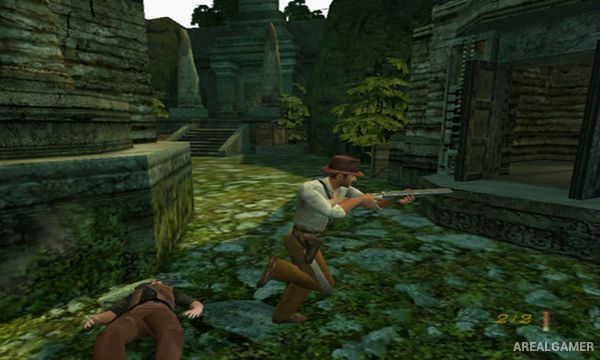
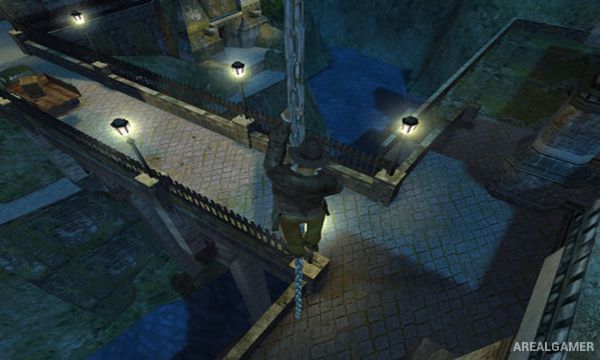
Players guide Indy through linear adventure stages containing enemies, hazards, puzzles, and traversal sections. His whip can attack opponents, swing across gaps, and interact with certain environmental objects, while climbing and jumping are required to navigate ruins and vertical areas.
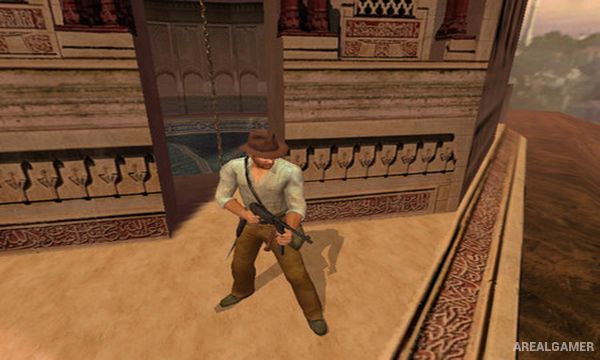
Combat includes punches, kicks, grapples, improvised weapons, firearms, and the whip. Weapons can often be taken from defeated enemies or found in the environment, while exploration rewards players who search for hidden artifacts and useful supplies away from the obvious route.
Main Gameplay Features
Third-person action adventure
Indiana Jones whip mechanics
Hand-to-hand combat
Firearms and improvised weapons
Climbing, jumping, and swimming
Ancient temples and archaeological locations
Environmental traps and puzzles
Hidden collectible artifacts
Story set before Temple of Doom
Screenshots:
Minimum System Requirements:
OS: Windows XP/Vista/7/8/10
CPU: 2.0 GHz
RAM: 1 GB
Video Card: 128 MB graphics card compatible with DirectX 9
Space Required: 5 GB
DirectX: 9.0c
How to Install:
Extract the game using Winrar or 7zip.
Open “Indiana Jones and the Emperor’s Tomb” folder, double click on “Setup” and proceed install.
After installation complete, go to the “Installed Game” location.
Go to “GameData” >> “bin” folder, Double click on “Indy” icon to play the game. Enjoy!
Click the Below Button to Proceed to Download Page
File Password: arealgamer